Leaderboard


Popular Content
Showing content with the highest reputation on 02/19/2019 in all areas
-
Hey i signed up and am definitely rusty....havent played in probably 15 yrs... but i was good in high school and college... anyone in nyc that is looking for some pre tournament warm up games im down....i dont have a sega and could use some tuning up2 points
-
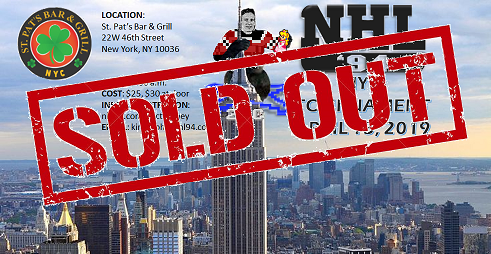
I am crying happy tears as @Lupz27 and @IceStorm70 are fully registered to play! This means in addition to some very high level '94 play, there will be lots of 2v2 after the tournament! Also, recent Classic participants @aepurniet and @kuefner have also registered! Looking forward to meeting you fine gentlemen (unless we've met before, in which I am dumb). As of this post we have reached our cap of 32, though we are holding a few spots for some special guests. People can still register for the waitlist or to just keep up on the tournament details via e-mail. Anyone can attend to be part of the crowd. Very excited about this event and we (all the organizers) are working hard to make sure it's gonna be great. Stay tuned!
 1 point