Leaderboard

Popular Content
Showing content with the highest reputation on 05/05/2020 in all areas
-
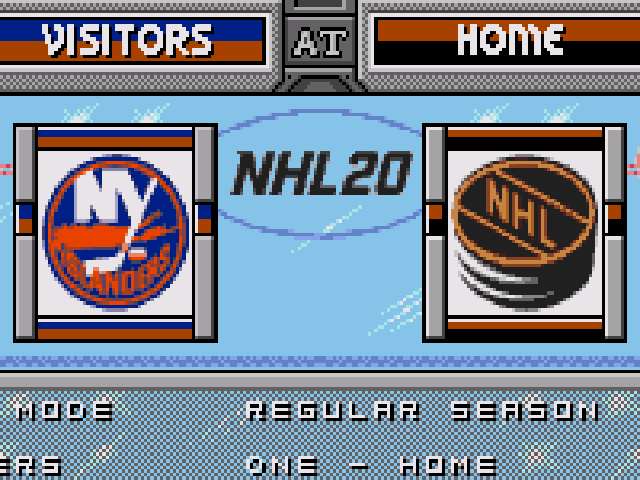
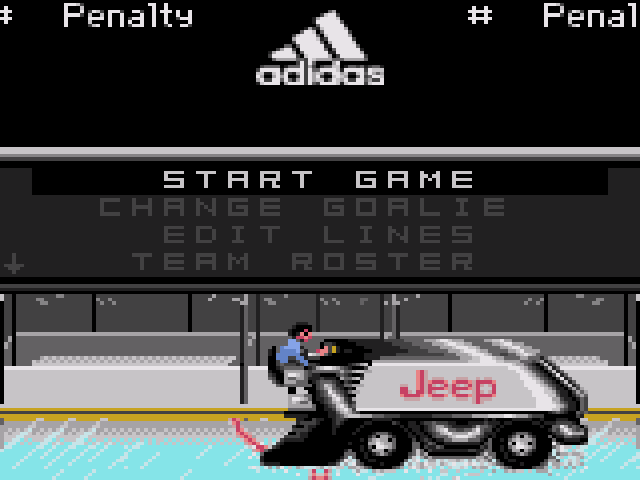
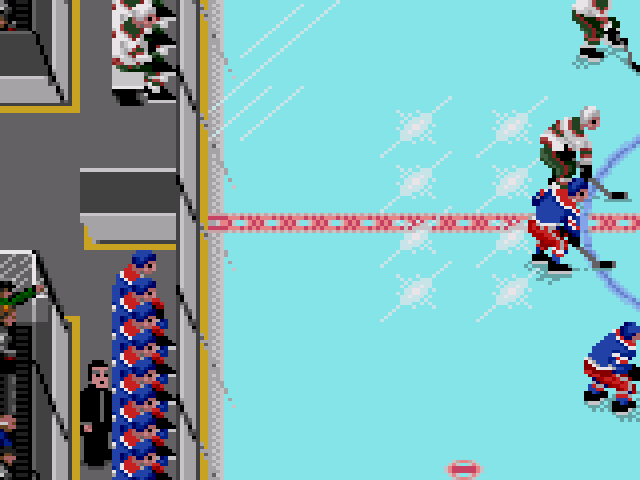
Thanks guys! I updated the pictures on the first post of this thread. RECENT UPDATES: * Skate colors on players on the bench match skate colors of players on the ice now * Stick color changed to grey to reflect newer sticks *Updated the "NHL 20" logo on the selection screen * Inserted "Jeep" and "Adidas" sponsors on the pause menu screen Work continues...2 points
-
hey! i've been lurking for a while and finally decided to sign up. i'm phil, i'm from quebec city, and you'll get to know me better later on! will try and set up for a test game asap. see y'all around!1 point
-
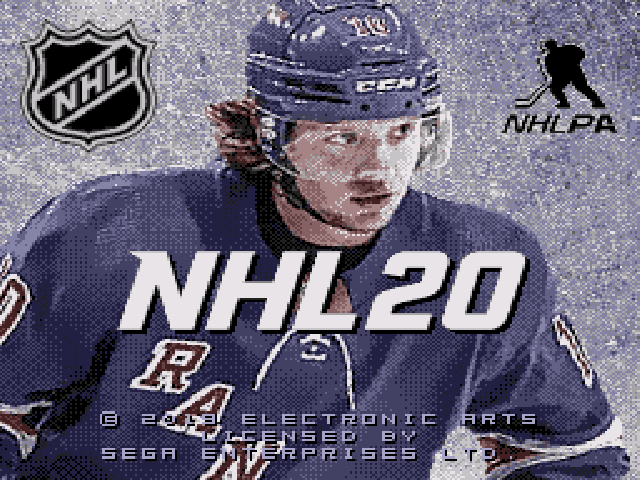
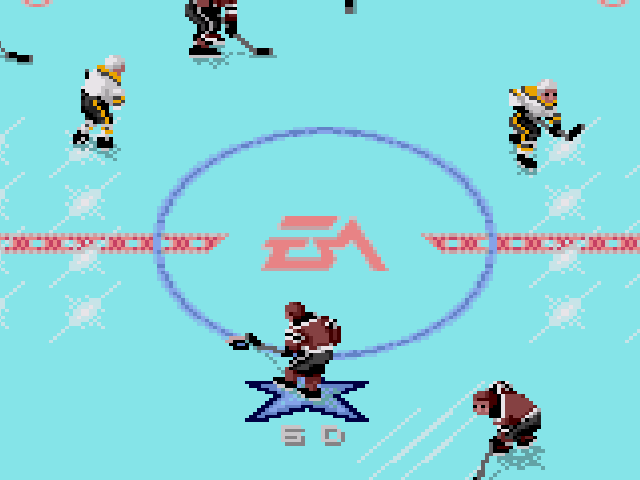
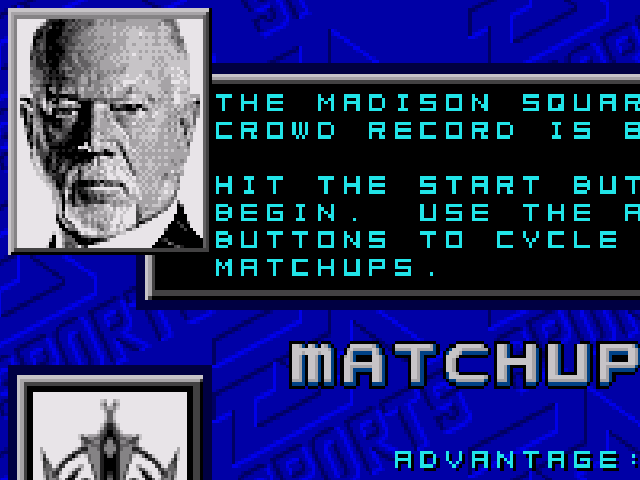
I am currently working on an NHL 20 production with professional-style graphics and a "user friendly" format. The center ice logo will be "EA" which means you can adjust the team uniform colors in NOSE and it will have no ill-effects on the center ice logo at all. The player cards will be replaced with "generic" pictures so you can also easily replace/update players in NOSE. This rom will feature updated nets, updated selection screen logos, updated bench coach etc. along with some beautiful pro-style graphics for the splash screen and intro-screen, which features the Bread man himself Artemi Panarin. Everything will be updated. The great Don Cherry is back working the pre-game. "Reverse angle" graphics will also be updated to match the regular instant replay graphics. There will also be a "special edition" version with the starting 5 player card pictures inserted for each team. Special thanks to Slapshot67. Without his help and assistance this project would not be possible. He should be NHL 94 Bud of the Year for all he does around here and his constant efforts in the NHL 94 community. The rom is not finished yet, but here is a small preview:
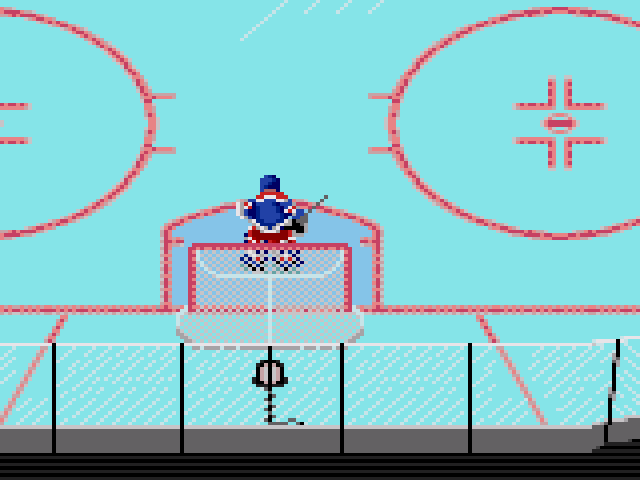 1 point