crazygoalie33
-
Posts
5 -
Joined
-
Last visited
crazygoalie33's Achievements

Newbie (1/14)
3
Reputation
-
 Hey Raph, I had D02565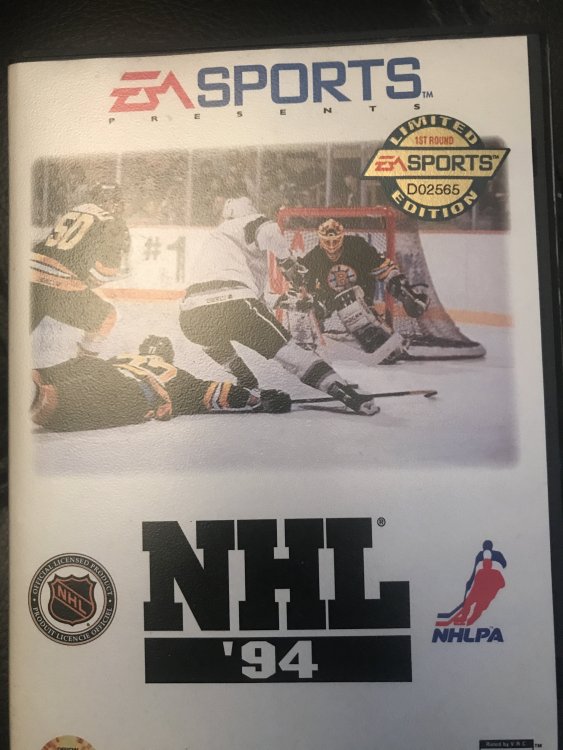
-
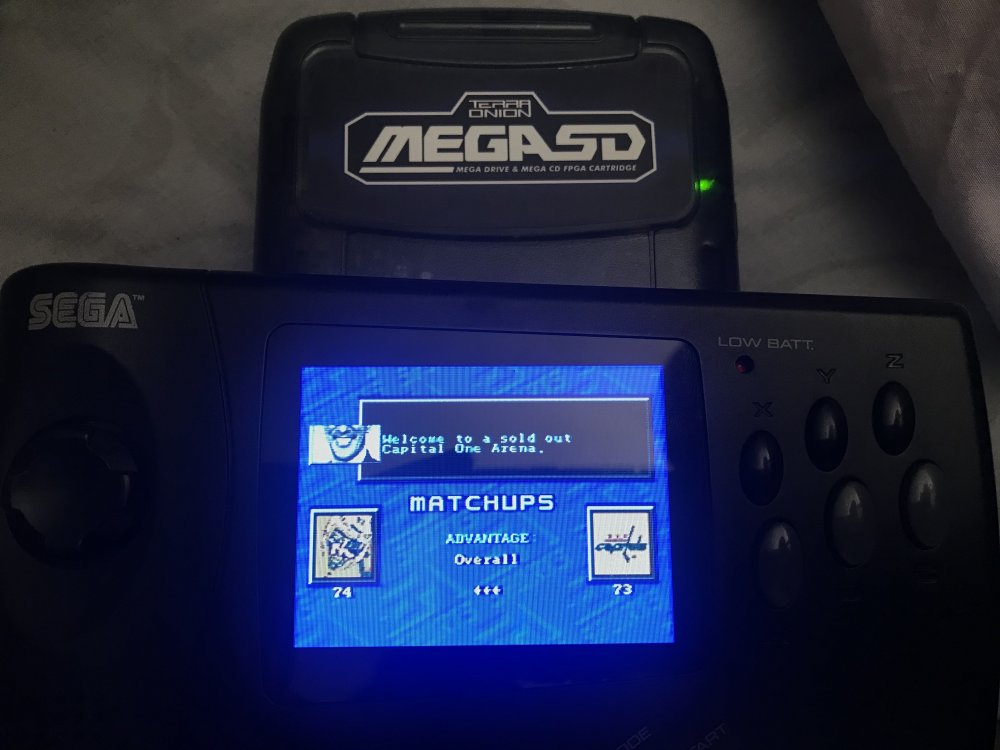
Great rom by the way. I actually tried playing this from a MegaSD Flash cart and Nomad. The 32 team freeze bug also happens when I am in the menu cycling through Washington's team portraits and in the matchups' screen whenever the Capitals are involved (attached pic below frozen only showing half of Doc Emrick's face). Oddly enough, it doesn't freeze when I do this on the Kega Fusion emulator on PC. Not a big deal but just an observation.
-
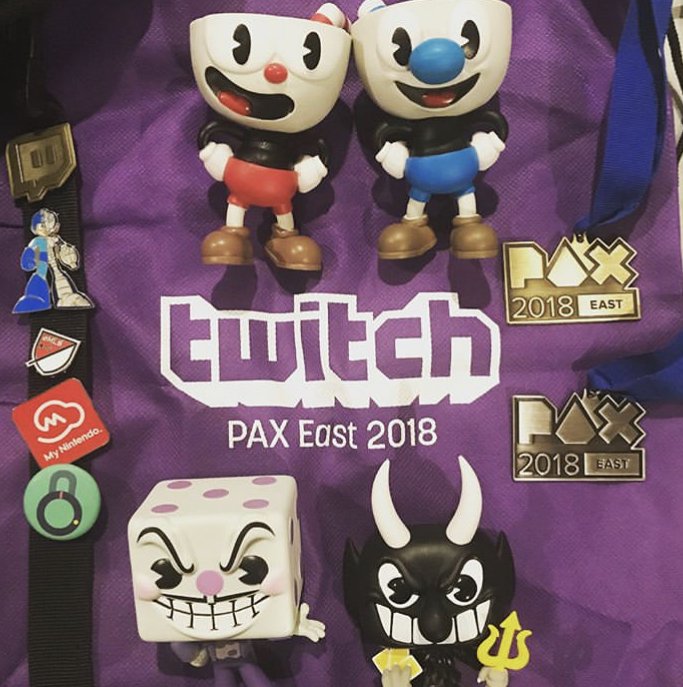
Ill probably play again. Actually lost in the finals last year and in 2014. The silver medal on the right Of the pic is from last year. It’s fun but I’m I’ll be mostly at the convention hall and the concerts.
-
Will be there tomorrow
-
crazygoalie33 changed their profile photo
-
Great to play this today. I noticed I had an issue going through the portraits of Washington in the main menu and the advantages screen and the game froze. Does anyone else have that issue?