bisch79
Members
-
Joined
-
Last visited
-
It could be the everdrive for sure. Is this rom working for you on an everdrive? Any advantage going with an everdrive pro to get the additional processing power and have no potential frame drops?
-
Thanks again for taking the time! Does Sonic 3 & Knuckles or Phantasy Star IV save and load properly for you? I ask because we are using the same code to access megs 3-4. Yes, I just tried both and they seem to save and work. Do the player photos crash the ROM in the pre-game matchups screen? Yes, they crash pretty quickly if i don't hit start What Everdrive OS are you on? Good question, OS V38 (I'm pretty sure this is a knockoff, Ostent 5, bought in 2022. My son uses it and never reported any issues Does v0.1.0 doe the same thing? Yes, same Hope this helps!
-
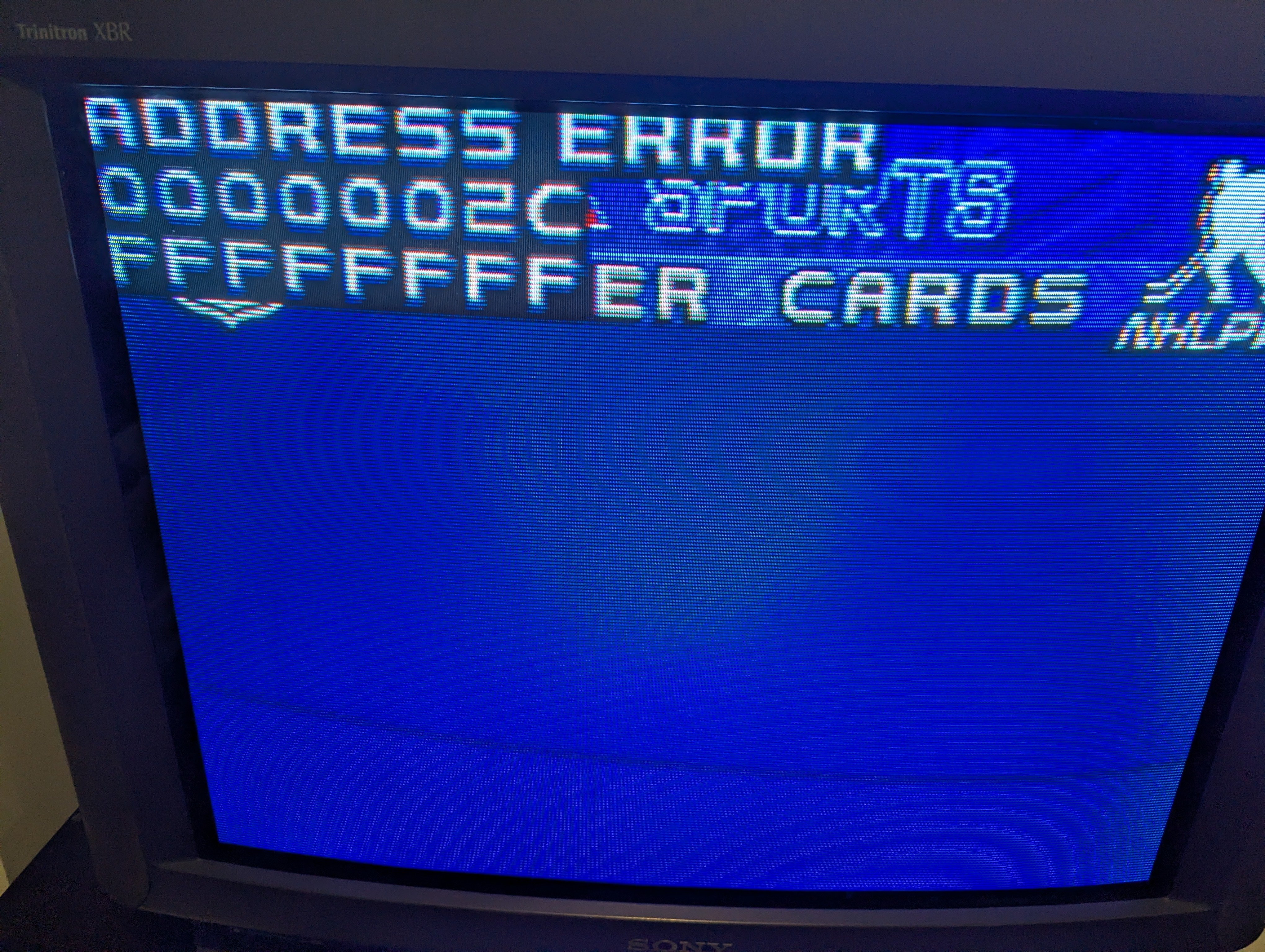
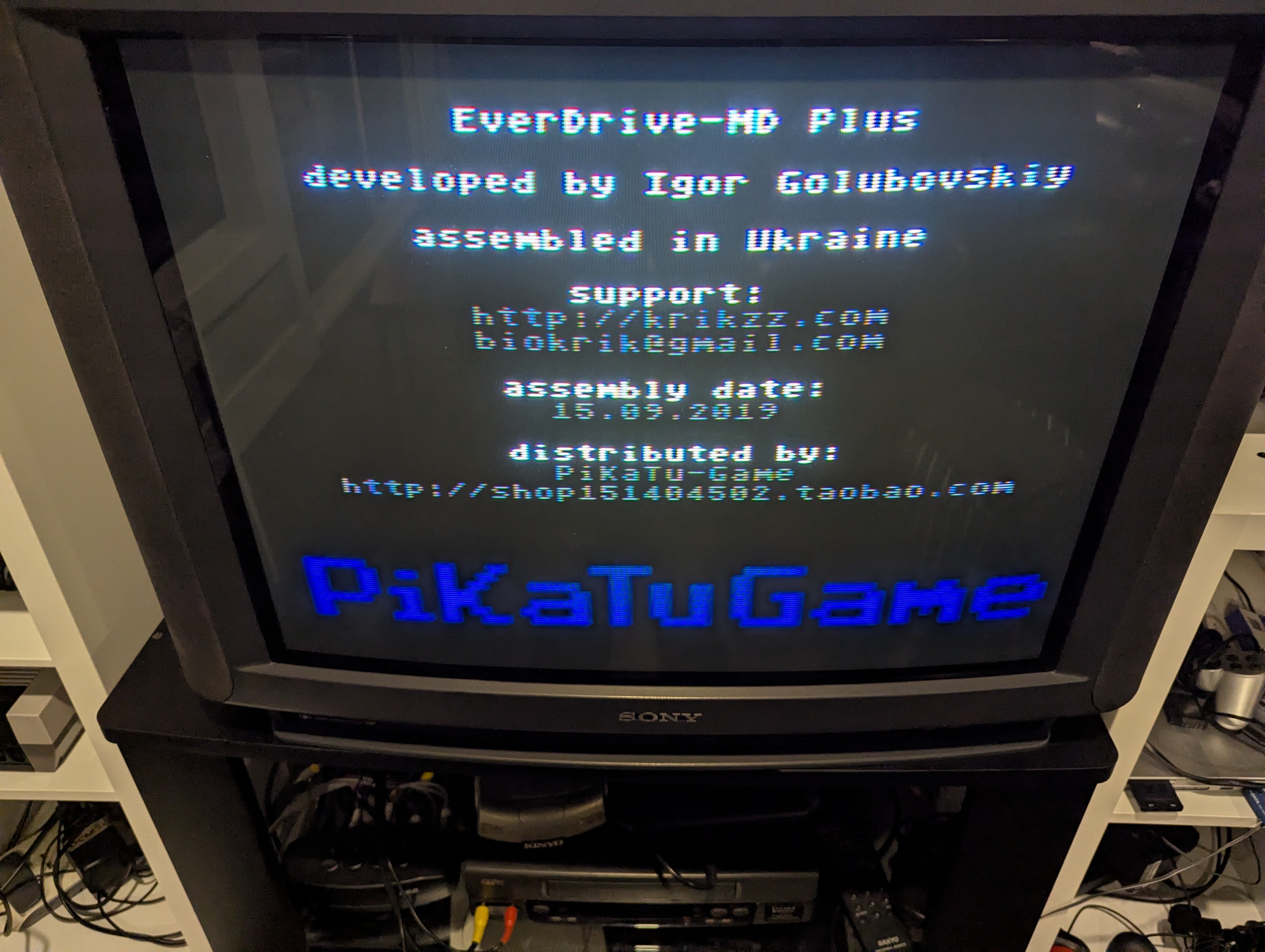
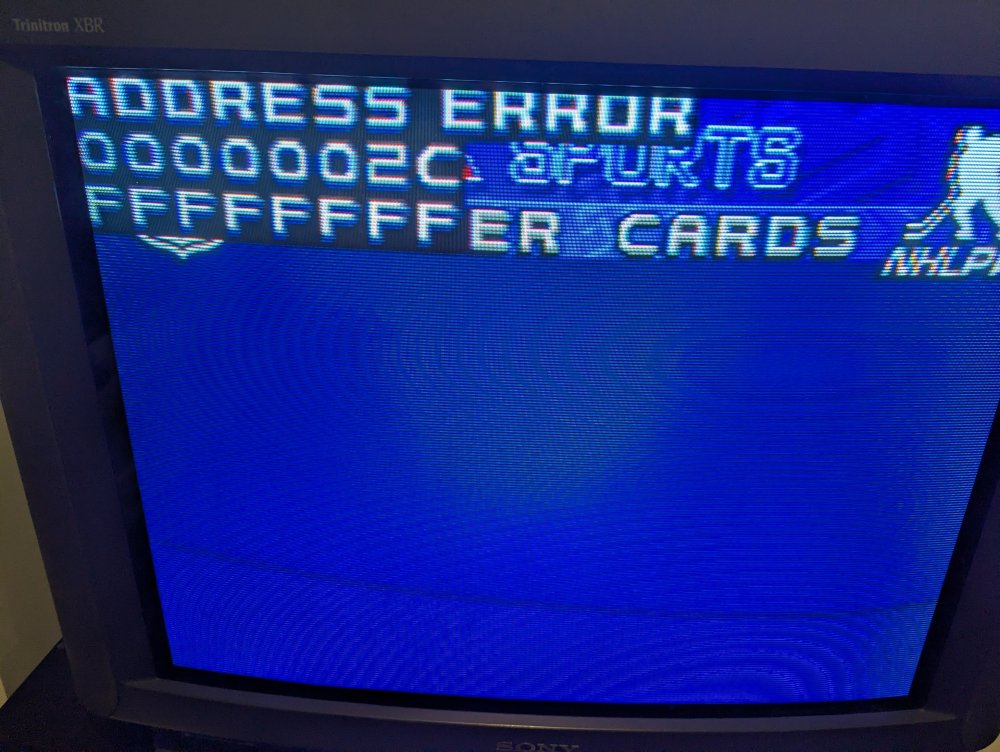
I have an everdrive md plus , auto save was off on the Cart. I've uploaded a video that shows the menu crash, and the memory error when going into player cards. Hope this is helpful. PXL_20261009_224709911.TS.mp4
-
Amazing ROM magic. I've only had time to try this on a Model 1 Genesis with an Everdrive MD. It will crash on the main menu in version 2.0 and 2.1 after around 5-7 seconds, assuming when something will try to load. I was able to quickly change it to NHL mode or international and play games (as long as I start it before the 5-7 time threshold). It'll crash regardless of mode or switching options at the main menu, it's a timing thing - I'll stop watch it later. There have been No issues or crashes during gameplay fortunately - I've completed 3-4 games. I've played at the highest skill level added, and it's been fun playing in closer games. There's been a few goals for both sides, where the goalie goes for a gamble stroll to receive the puck on the side boards outside the circle and gets caught, makes it funny and exciting. The goalie also kills a lot of icing calls behind the net, unless you change to the goalie manually and move him out of the way. It's been nice to see different goals scored, and the game feels so much different then the original and many rom hacks over the years. Enjoy the improved passing, and defensive positioning required to stop the opposition now vs just running them over. I also have a model 3 genesis, and multiple emulators, but haven't had the time to test on them. My preference is playing on the original hardware and a CRT. If I go to player cards once a game is started it'll also crash with a memory error. Let me know how I can better test the crashes or help. Great work!