Skip to content
View in the app

A better way to browse. Learn more.

NHL'94 Forums

A full-screen app on your home screen with push notifications, badges and more.

To install this app on iOS and iPadOS
  1. Tap the Share icon in Safari
  2. Scroll the menu and tap Add to Home Screen.
  3. Tap Add in the top-right corner.
To install this app on Android
  1. Tap the 3-dot menu (⋮) in the top-right corner of the browser.
  2. Tap Add to Home screen or Install app.
  3. Confirm by tapping Install.
  • Search By Tags

    Search will match any tag entered
  • Search By Author

Content Type

Forums

  • Welcome & Getting Started
    • Welcome Rookies
    • Global Announcements
    • NHL'94 Community
  • About NHL'94
    • General NHL'94 Discussion
    • Game & Strategy Discussion
    • Team & Player Attributes
    • NHL'94 Media / Press
    • NHL Discussion
    • NHL 94 Rewind
    • Game Mechanics
  • Playing on Emulator & Online
    • Getting Started
    • Retroarch
    • Sega Genesis Emulators
    • Super Nintendo Emulators
    • Online Leagues
    • Hardware
  • Live NHL'94 Tournaments
    • King of '94
    • Long Island Retro Expo - NHL'94 Tournament
    • Edge of '94 - Midwest
    • NYC Tournament
    • Tournaments organized by Halifax
    • Other NHL'94 Live Tournaments
  • Editing & Hacking
    • General Questions & Discussion
    • Sega Genesis / Mega Drive Hacking
    • Super Nintendo Hacking
    • ROMs
  • Other NHL Titles
    • Mutant League Hockey
    • EA Hockey ('91)
    • NHL Hockey ('92)
    • NHLPA '93
    • NHL '95
    • NHL '96
    • NHL '97
    • NHL '98
    • Post '98 Titles & Other Hockey Titles

Calendars

  • Community Calendar

Find results in

Find results that contain...

Date Created

  • Start

    End

Last Updated

  • Start

    End


Filter by number of...

  • Minimum number of comments

  • Minimum number of replies

  • Minimum number of reviews

  • Minimum number of views

Found 1 result

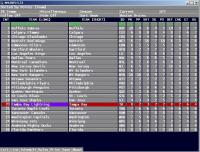
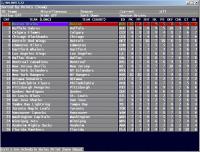
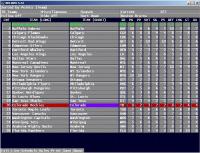
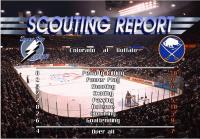
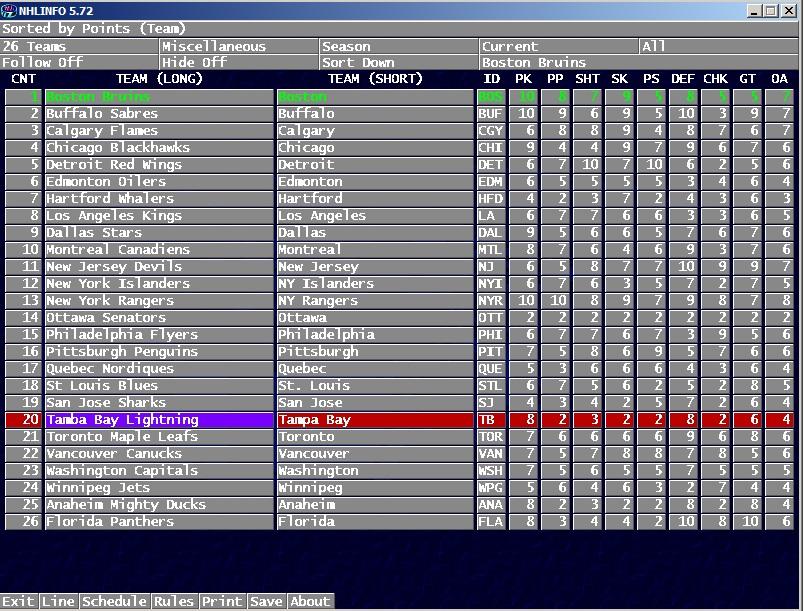
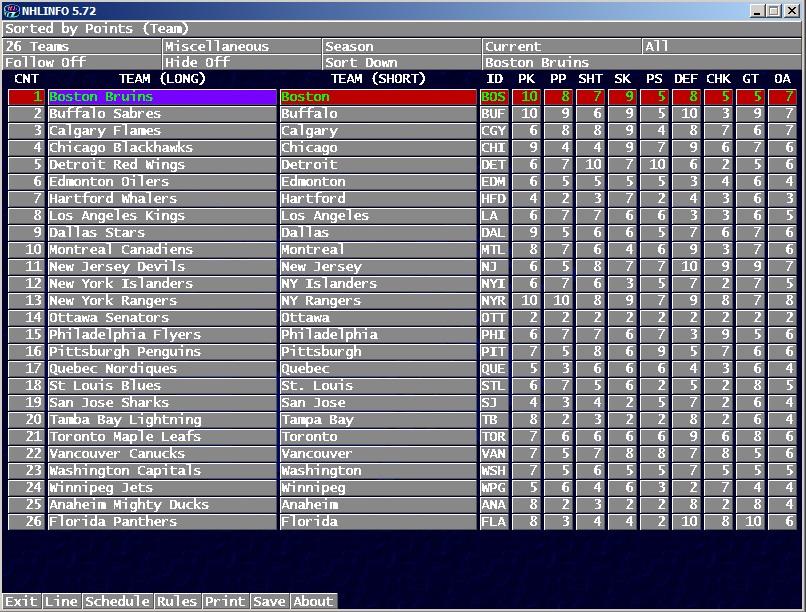
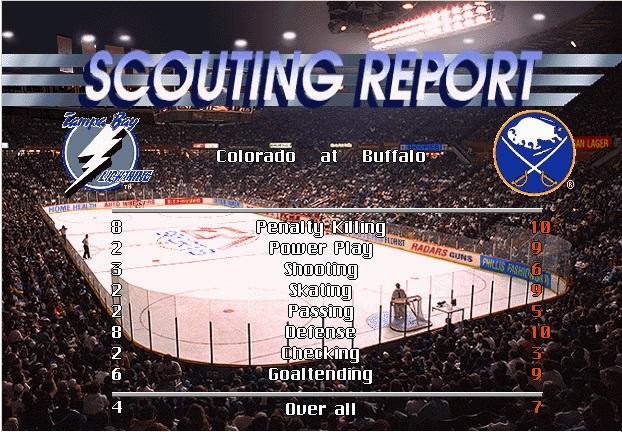
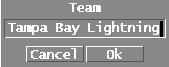
  1. I was asked to explain how to change team name in NHL95PC with NHLinfo. Here you go: First open NHLinfo and select if you want to edit default databases or season. Teams stats should be opening there by default, if not, you can change it from left corner selecting teams as viewing mode. Press couple of times left arrow key to move left until screen changes to teams miscellaneous. Select team name from "Team (Long)"-column which you want to change, in this case Tamba Bay Lightning: When selected, just press enter and following window will open: Then just change team name, in this case I change it to Colorado Rockies: Click ok and you are back on teams miscellaneous. Now change same way Team (Short) to Colorado: Note that you cannot change value on ID-column, for example in this case from TB to CL. NHLinfo dont allow that, it only shows ID. Anyhow, I dont think game show it anywhere so it actually does not matter. Save it from bottom selection of the screen. Then you can open NHL95PC and see if that team name has changed, like in scouting report screen: If you want to change logos in scouting report screen, I have written little tutorial here: http://forum.nhl94.com/index.php?/topic/3019-nhl-95-pc-a-hackers-dream-anyone-play-it/page-6#entry126083 That applies to some other graphics also, which you can access with NHLinfo.
Account

Navigation

Search

Search

Configure browser push notifications

Chrome (Android)
  1. Tap the lock icon next to the address bar.
  2. Tap Permissions → Notifications.
  3. Adjust your preference.
Chrome (Desktop)
  1. Click the padlock icon in the address bar.
  2. Select Site settings.
  3. Find Notifications and adjust your preference.