Leaderboard

Popular Content
Showing content with the highest reputation since 03/27/2024 in all areas
-
For those who don't want to watch me ramble for over an hour on my stream (btw stream is here - https://www.twitch.tv/videos/2120586640) Using the source code from 92 (Link - NHL Hockey Source Code), we are now able to find out how things work a lot easier than finding a needle in a haystack like we had done in the past. NHL94 has improved upon 92, but much of the code is the same (with some refinements and added things, like bonuses). The most important thing is we have an idea how the RAM is laid out (basically all the variables for the game). How does checking work in 94? Weight is involved. Where you are on the rink is involved (You're getting checked against the boards? You're getting knocked down). Checking rating is involved. Also, impact value is involved (how hard you are hitting depending on your velocity and your opponents velocity, and the distance between the 2 of you). Are you controlling the player checking, or is the AI? Also, the weight bug (lets lighter players check heavier players, regardless of a lot of factors above) - Here's the checking formula for 94: Check if checking player is in checking animation If impact value is more than 20 decimal, the check will initiate. If not, there will only be momentum transferred between the 2. Starting value for calculation (120 decimal or 240 decimal if player controlled) - Subtract (Wgt * 8) of player checking - Add (Wgt * 8) of player being checked - Divide total by 2 - Check if player will hit the wall (see below) - Subtract impact value - If the total is 0 or negative, proceed to knock down. - If total is positive, then check if player will hit wall. If he will, proceed to knock down. - If total was positive, and player is not near a wall, then randomize the result from above (the RNG will choose a number >= 0 and < result from above) - Load the checking attribute (which is Chk rating * 5 + bonuses (Hot/Cold and 3rd Period Bonus). Divide it by 2 (Value will be between 0 and 15) - Next, subtract Checking value from above from the RNG result. If the answer is <= 0, then proceed to knock down. If positive, then check Agression attribute and see if there will be a penalty from the hit. Knock down section also checks for penalty from contact, but there is slightly less of a chance of a penalty compared to them not getting knocked down. After this part of the code, it will check for toddle (related to stickhandling). This checking formula is almost the same as it is in 92, except for the fact that some math is different (there's no bonuses, attributes are on a 0-15 scale instead of 0-6), the starting value for ALL checks is 60 decimal. In 94, the attributes are stored in RAM with a 0-30 scale (which is why you see a divide by 2 in a few places here). What's the weight bug problem? Lighter player can check heavier players with ease, when player controlled. This is because of the large boost given to the starting value. The subtracting and adding of the weight in this formula is done "byte" size, which means that value can never be over 255, it will overflow and 256 = 0 (it will start over at 0). Because of this, the rest of the calculation is pretty much thrown out the window (impact value will play a very small role in a weight bug check). So how to fix the weight bug? Remove the boost to the starting value when player controlled. I believe this may have been left in during testing, since the formula itself is almost the save as in 92. If the starting value was set to 120 decimal for both AI and player controlled checks, we would see much more "realistic" results. Weight difference won't be a huge factor anymore (still a bit of a factor), but impact and checking attribute would play more of a role. What's impact value? This is something I was able to figure out using the source code. The game tracks the velocity of the players (speed + direction). When it senses 2 players are close enough for contact, it will calculate a transfer of momentum between the players (when players hit, they slow down, bump each other back, etc). So it will calculate impact based on the velocity of both players, and the distance between them. The players speed is controlled by their acceleration, which in turn is controlled by Wgt and Agl attributes. So the faster a player is going, the more impact they will cause. If 2 skaters are skating at each other, the impact will be higher. If a player getting checked is skating away from the checker, the impact will be lower. If you hit the player near the end of your speed burst, the impact may be lower (not going as fast as you originally were). Funny thing is even with the weight bug, its actually harder for Theo Fleury (3 wgt) to check Marty McSorley (14 wgt), than it would be for him to check someone like Mats Sundin (7 wgt). He needs some impact to check Marty, where as with Mats, as long as he meets the minimum impact value to initiate the checking calculation, hes knocking him down. Here are some examples with weight and impact: 4 wgt checking (player controlled) a 10 wgt with minimal impact just makes it to the knock down phase (-4). 4 wgt AI player can do it with a ton of impact though (and some RNG luck). Closer weights here. 5 wgt AI checking a 7 wgt player with 50 impact value can definitely have a shot with some RNG luck (RNG result would be between 0 and 18 here), then subtracting the Checking attribute (0-15 scale after divide by 2). Marty McSorley might be able to survive this check from Theo Fleury with the right RNG and minimal impact. AI controlled Mario Lemieux might struggle knocking down Mike Gartner with low impact. Gotta get a good RNG roll (low value here).
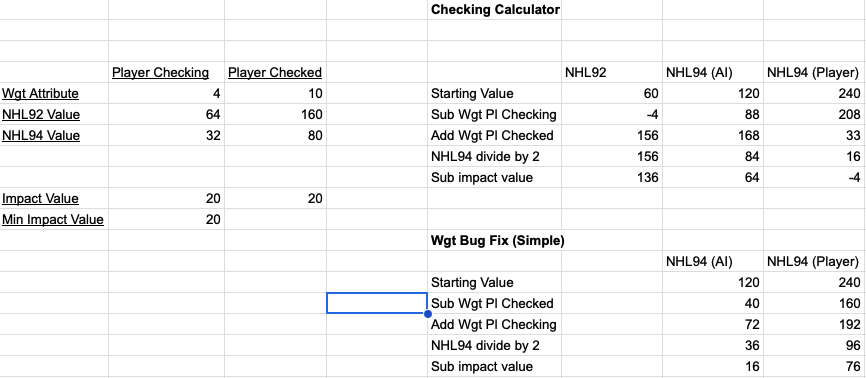
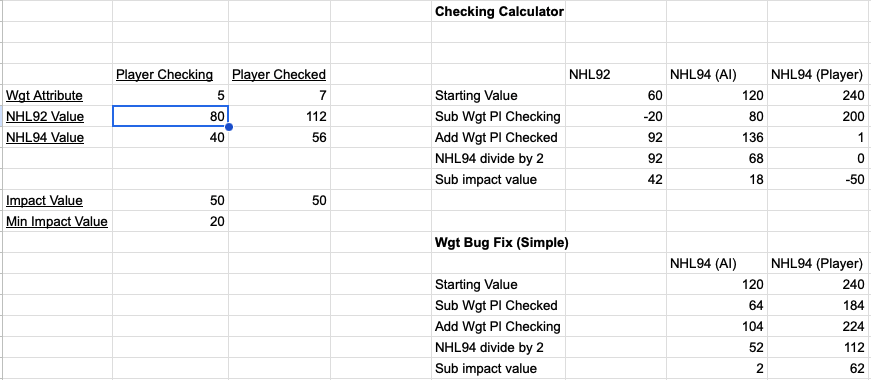
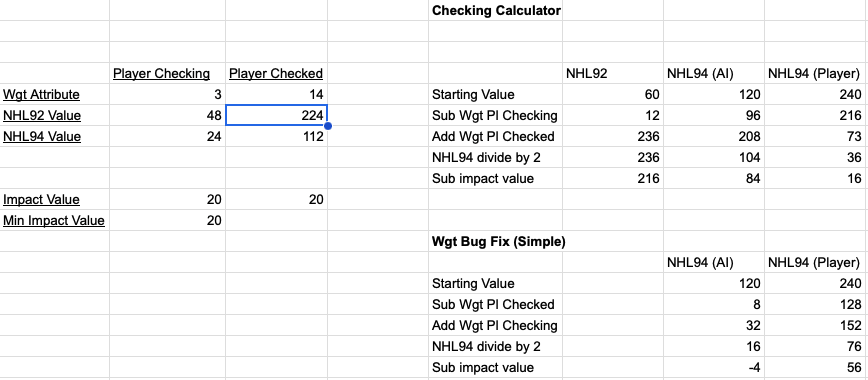
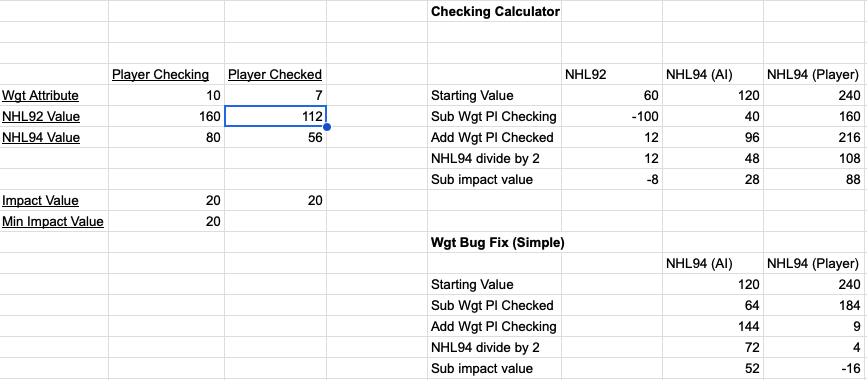 6 points
 -
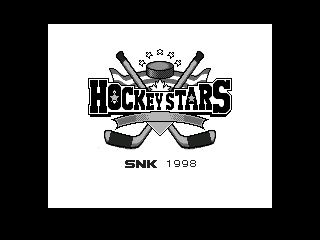
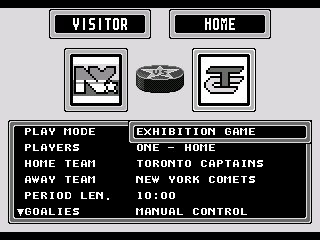
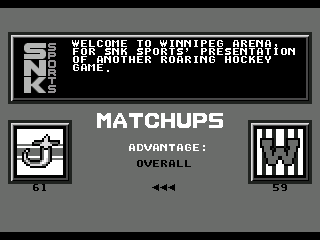
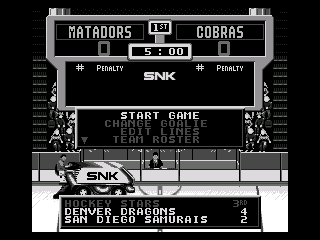
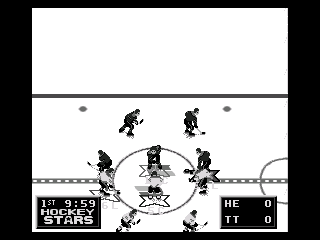
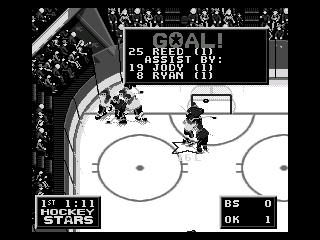
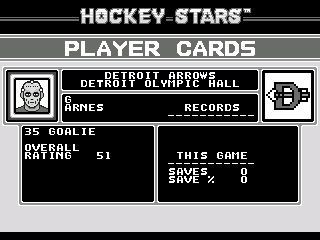
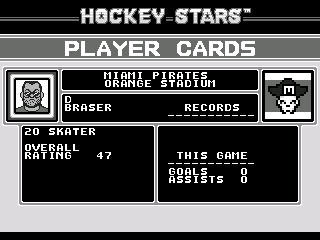
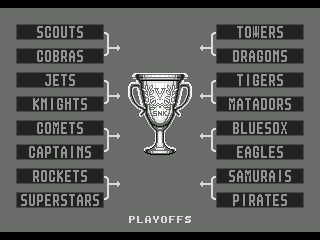
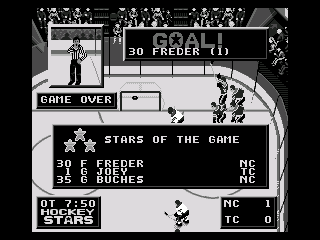
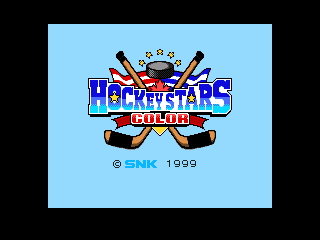
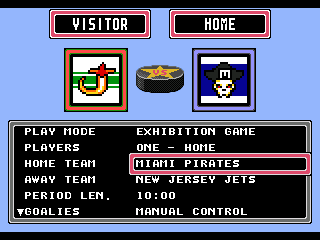
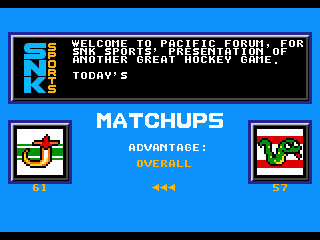
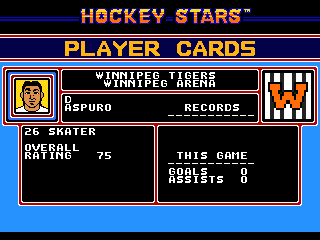
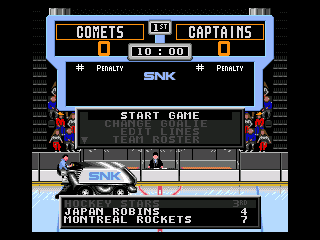
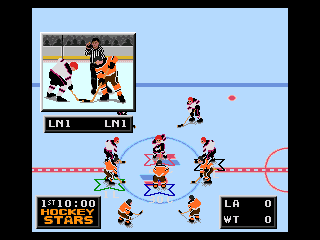
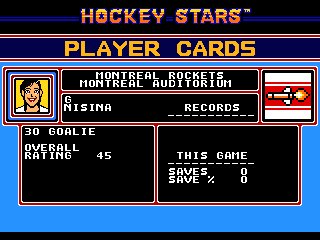
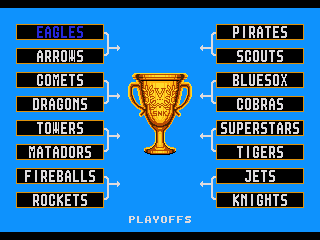
"So you got all the other ones, what about the Pocket?" "What?" "The NEO*GEO Pocket version of Hockey Stars." "Hm... I'll look into it." Okay. So the idea behind this one, for those who need a quick backstory. As per wikipedia, "The Neo Geo Pocket (NGP) is a monochrome handheld game console released by SNK." It was released in Japan only in late 1998 and was essentially discontinued six months later with the release of the Pocket Colour. It launched with six games and saw another three released by the end of the year, before efforts were switched over to making Colour ports. As a side note, the Pocket Colour would meet the same fate as all handhelds that try to compete with the Gameboy and be discontinued two years later, as would the company. Be discontinued that is. Having declared bankruptcy. Correction: They made ten games that year. And like many of the original Pocket games, SNK colourized it the next year. But since most people don't have a NEO*GEO Pocket kicking around, we're going to cover the ports that came in the same re-release collection as Hockey Stars 0. Alright, that preamble was pretty amble-ly, but it seemed important to set the stage for what this is. A SEGA Genesis game that looks like a Gameboy game. So I present a retro-style review of both the original and colour remake of: While titled simply "Hockey Stars", it is known colloquially as Hockey Stars Pocket or Hockey Stars NGP. Or Hockey Stars Colour! And it was developed primarily buy Saurus, a subsidiary of SNK that also developed the NGP version of Baseball Stars. Getting into the game, this port doesn't stick to the original resolution of the pocket screen thankfully. but many of the graphics, as well the the monochromatic-ism of an original Pocket release. Maybe at some point we'll see if they ever ported this one to the colour. It's notable that the team names and logos this time were borrowed primarily from the NES version of Baseball Stars II, rather than the Pocket versions of Baseball Stars, as many of those were heavily baseball themed. One change though is that several of the teams have had logo updates when they looked too much like some initials on a ball cap, and changed cities from some smaller baseball towns, to more traditional hockey markets. At least the game is colour blind friendly. And the Colour version is pretty bright. One thing to note, while the 18 playable teams all have colourful fictional names, being restricted to eight total grey tones including black and white, means that a lot of thought had to be put into contrast, and every team looks the same with light grey home and dark grey away uniforms for maximum discernible-ness at full speed. And now individualized colours in the colour version. I though Denver was a dinosaur, not a dragon... The game does support up to four players, but being that this is half of the grey tones, telling everyone apart might not be the easiest task. Much easier in Colour. I did like the starry "O" from the original NES game's assets. Alright. One of the best parts of the original NES game, was the player profiles. And we revisit those here too, even if the game doesn't have the capacity to allow for hiring, firing, trading and upgrading. We are treated to a nice set of unique photos. Checking out the player abilities. It would appear that the rosters are also borrowing from Baseball Stars II, and are as usual in this series, vastly min-maxed for acute player specialties. Some playing around with rosters may be required to get a starting lineup that you find best suits your playing style. Goalies be crazy. Some even bright their old-school masks to picture day. While the limited grey scale seemed to relegate everyone to a mid-toned skin shade, it is notable that almost every team has one or two co-ed members. Colour makes for three different three different skin tones as well as some nice mixing it up. Finally, there are three game modes, Single Exhibition, or play for the SNK Cup in a 16-Team Tournament with Single Elimination or Best-of-Seven formats. There is also a Shoot-out mode from back before those were played out. And the trophy actually looks like gold now. I don't know if there was a colourized version of this game. Turns out it didn't sell well on the rare system, so SNK made the switch. in Might have to see how the reception to this one went. Hockey Stars NGP.bin And now Hockey Stars NGP Colour.bin






 3 points
 -
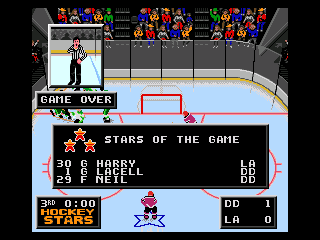
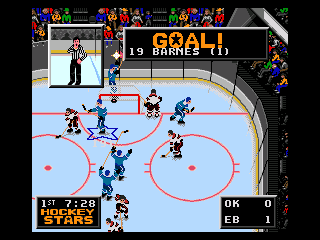
Sorry guys. That bug was intended to be a feature. If you tested out other teams, you might have noticed a trend in that all of the teams that are within reach of making the playoffs are featured in the game, and all of the teams that are functionally eliminated, were told to empty their lockers and go home. Except for the goalie. Who donned practice gear. But he does eventually decide he's had enough and will bugger off as well at the start of the third period. After further reflection, it was probably a missed opportunity to not set the goalie roaming area to the entire rink. Uh...April fools. To make it up, I'll probably set up a real update once the playoffs start.3 points
-
Had to test this out in the other games of course. The numbers are a little different between games so I had to limit my search for instances of "0002 6600", but found that the sequence that @smozoma laid out above held true in all of the games from '92 to '95 in some form of 6B00 xxxx B07C 0002 6600 xxxx 0C78 003C. Tested them all with a few extreme numbers and they all behave as described above [if my tests did mean chaos ensued] No luck with '96-'98 sadly. For anyone interested, here is the complete list of offsets. NHL'92 offset 7AB2 = 6B00 [change to 6300] offset 7AB8 = 0002 [goals at which CPU team pulls goalie] offset 7ABA = 6600 [change to 6200] offset 7AC0 = 003C [seconds remaining in third period at which CPU team pulls goalie - in hex] EA'92 offset 76A4 = 6B00 [change to 6300] offset 76AA = 0002 [goals at which CPU team pulls goalie] offset 76AC = 6600 [change to 6200] offset 76B2 = 003C [seconds remaining in third period at which CPU team pulls goalie - in hex] NHLPA'93 offset C308 = 6B00 [change to 6300] offset C30E = 0002 [goals at which CPU team pulls goalie] offset C310 = 6600 [change to 6200] offset C316 = 003C [seconds remaining in third period at which CPU team pulls goalie - in hex] NHL'94 offset F758 = 6B00 [change to 6300] offset F75E = 0002 [goals at which CPU team pulls goalie] offset F760 = 6600 [change to 6200] offset F766 = 003C [seconds remaining in third period at which CPU team pulls goalie - in hex] NHL'95 offset 83674 = 6B00 [change to 6300] offset 8367A = 0002 [goals at which CPU team pulls goalie] offset 8367C = 6600 [change to 6200] offset 83682 = 003C [seconds remaining in third period at which CPU team pulls goalie - in hex] Eliteserien'95 offset 80BD4 = 6B00 [change to 6300] offset 80BDA = 0002 [goals at which CPU team pulls goalie] offset 80BDC = 6600 [change to 6200] offset 80BC2 = 003C [seconds remaining in third period at which CPU team pulls goalie - in hex]3 points
-
1912-13 and 1913-14 1912-13.bin 1913-14.bin
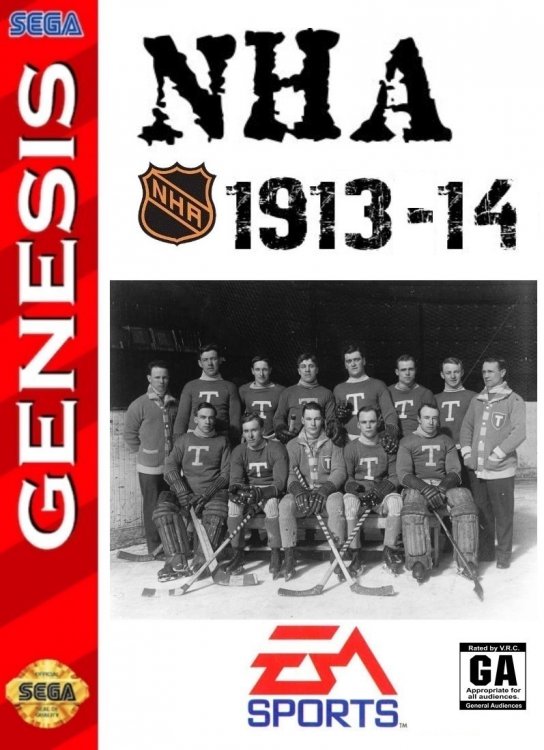
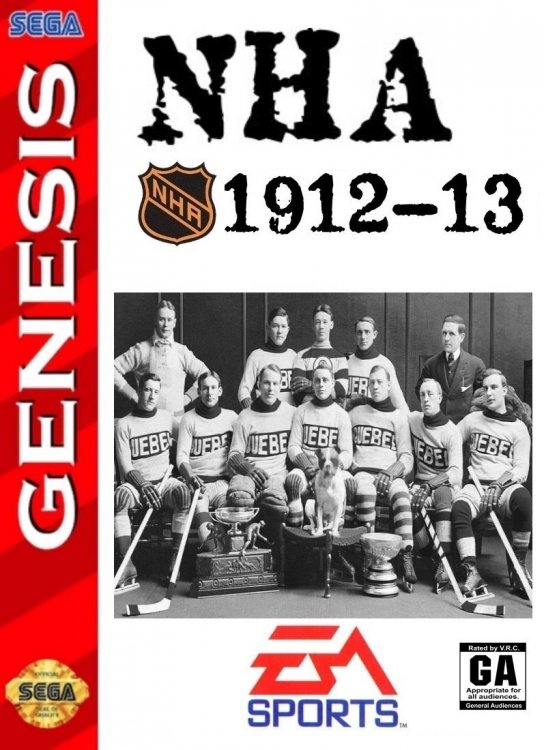 3 points
 -
Thanks! I appreciate it. Yeah, as for late season signings, my roster mandate is to keep each roster stocked with the 14 forwards, 8 defence, and 3 goalies that have seen the most minutes of ice-time for the club that they are on. I then consider exceptions for players who would have made the cut if they had stayed on one club all season, or players who were otherwise instrumental, even if they technically had less ice time than a teammate. Because the college players usually join the season so late they rarely make that cut, UNLESS they catch on as a regular in the playoffs. Last year I added Matthew Knies for the Leafs, once it became evident that they were playing him as a regular. If there are any new players who suddenly seem to become regulars in the play-offs, please let me know!2 points
-
I dunno if this happens to you folks, but have you ever been trying to think of something different to hack into the game and see if it's possible? It happens to me ALL the time... yet I always seem to forget. So as a way to catalogue or debunk some of these wacko ideas, I have decided to start cataloguing them here. I welcome all modding mythbusters to come in and state if these thoughts are confirmed, plausible or just busted and to be sent to the area in my brain where the bad thoughts go (not THOSE bad thoughts... perv!) Here goes: IDEA 1: Multi-track music files So most of you know I managed to stick in a new title theme into HNIC 90-91, complete with 4 instruments. I'm wondering if there's a way where we can isolate and reinsert each individual instrument so that they play their own part of the main track. Right now, I just made a faux harmony thing, where a specific instrument plays a certain pitch range. That's far from perfect though. Using smoz' python script, I had to fake the theme by breaking it. And it was a slow agonizing process. One that I wouldn't inflict on my worst enemy - so I'm loath to explain how I did it to all my good buds here. It's a torture I don't want to inflict on people I like. If smoz script could be adapted to read more than one instrument off of a midi file, that would be absolutely grand. IDEA 2: Visors We've done a variety of little hacks here and there. Adding tape, players on the bench, coaches, adjusting stripes on player jerseys, referees and timekeepers, goalie equipment and so on. Here's my random thought... has anyone considered a visor on the player helmet instead of those dead little eyes they have? IDEA 3: Fighting Okay, before you start throwing tomatoes, hear me out. We always get someone waltzing in here asking if we can put fighting back into NHL 94 - we all know logistically it's not plausible. But have we considered looking at it a bit differently... what if there was a way to figure out how to implement a one-timer in NHLPA93? All of the animations are there for a slap shot and bullet pass... it's now trying to figure out how to trigger it. Just a thought, of course... but I couldn't just let that one evaporate into the ether without asking at least. *SIDE NOTE* I am still alive and kicking. Just doing some updates to HNIC 90-91 (Colour portraits? Coach's corner theme?) before I unleash the final version of the opening day rosters and the long awaited playoff roster version... before moving on to HNIC 91-92. It's good to be back.2 points
-
Hey everyone, Good news, bad news. Good news. The playoffs edition is almost ready! Still a lot to do, but I am 100% on top of it, and will try to get it out as soon as possible. All rosters and lines have been updated. Will start on end of year ratings tomorrow morning. Bad news. I promised a version 3.0 with all new re-balanced gameplay, and arcade mode patches, etc. Well, version 3.0 (playoffs edition) is coming, and the gameplay will have a minor revision, but the all new re-balanced gameplay and arcade patches etc. aren't coming any time soon. I have spent loads of time on this, but I still need even more time to make sure it is balanced just right. To that end, I will need some beta testers this summer. PM if you are interested in helping out. Good news. I wasn't actually planning on coming back for a '25 version, as there is another. personal projects I wanted to spend time on. But I am not going to abandon my '94 gameplay re-balancing project, so I will have to come back for at least one more season, in order to share my work with you. So, as long as my health holds up, I am planning a '25. Stay tuned for a '24 playoff edition any day now. cheers, -Adam2 points
-
With the checking source discovered, am I the only one who wants to know how to tweak the values? I'm thinking along the lines of increasing the range of effect, so you can go from half the dudes no-selling like a jabroni to now half the dudes flipping out like Hong Kong kung fu movie minions. Too much?2 points
-
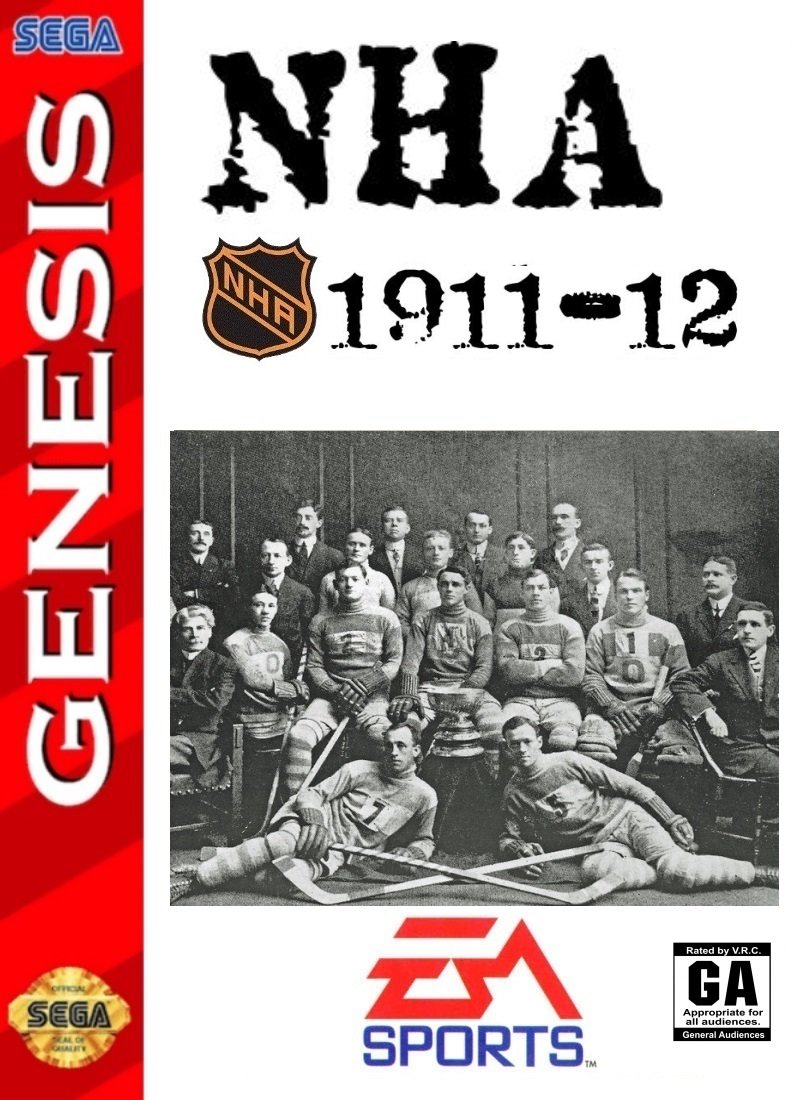
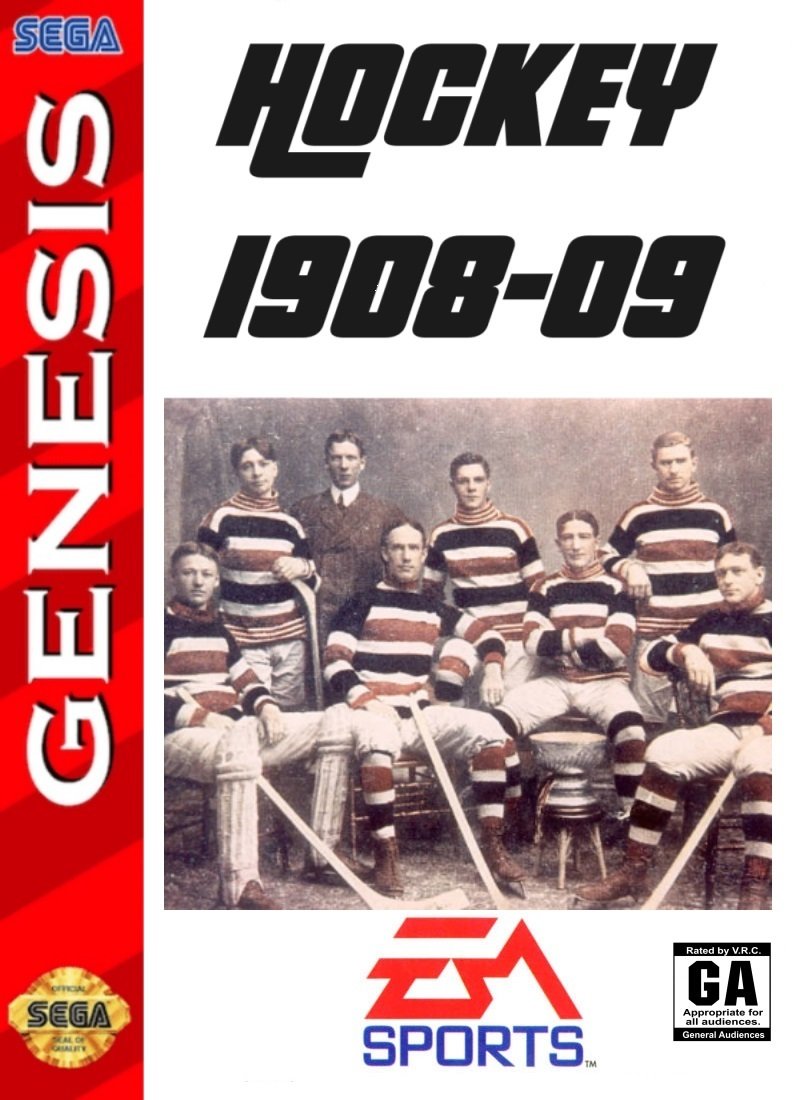
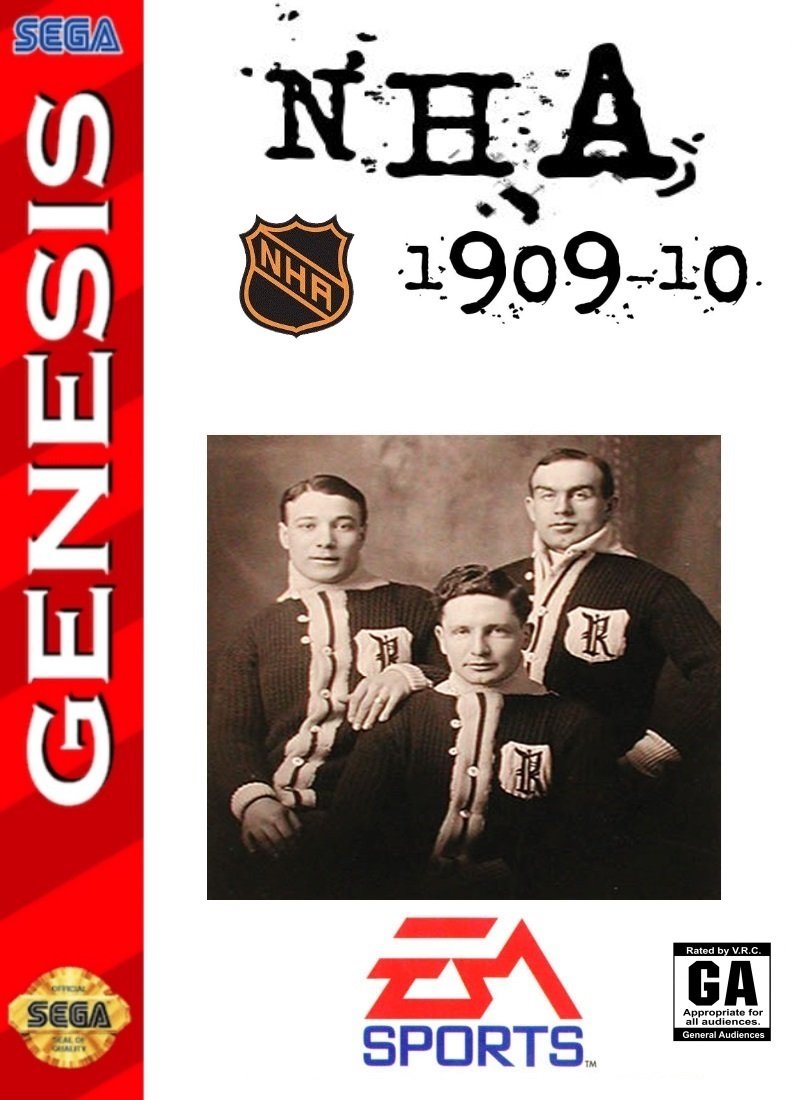
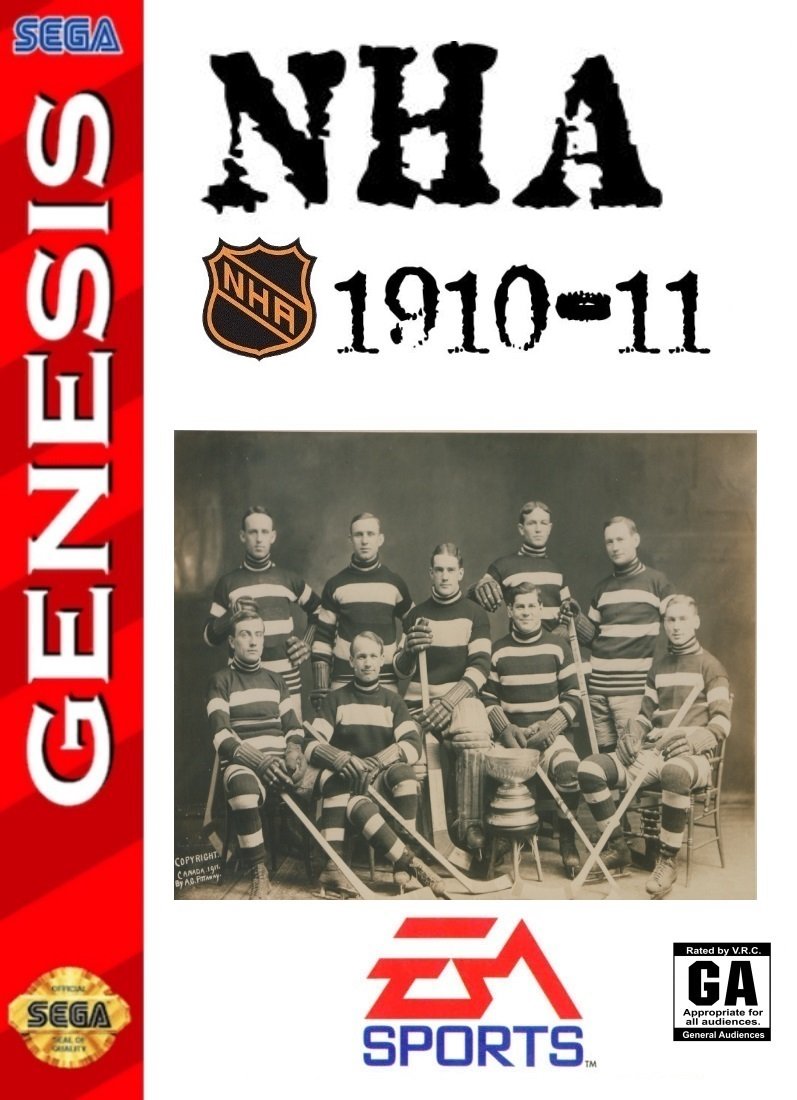
Hello NHL95 Fanatics!!! Im bring you a database of games. A long project but an important one for the history of the NHL, and preNHL leagues as well. Cause that is where the roots lie, in the NHA, ECHA, MPHL, PCHA, WPHL, WHA, IIPHL, and so on. Ive created the beginning of this projected and wanted to share with everyone with time specific rosters, ratings, teams, arenas, rinks, logos, and much more. - The roms will span the history of hockey in North America from 1908-09 to present date. - Teams specific to each season and their actual schedules of that season (side note, when playing season mode, please allow about 10 seconds to allow the mode to start) - Logos, Arenas, Player Cards, Jerseys and even players with no helmets including the goalies. A huge thanks goes out to a few members @von Ozbourne @kingraph and others. 1908-09.bin 1909-10.bin 1910-11.bin 1911-12.bin
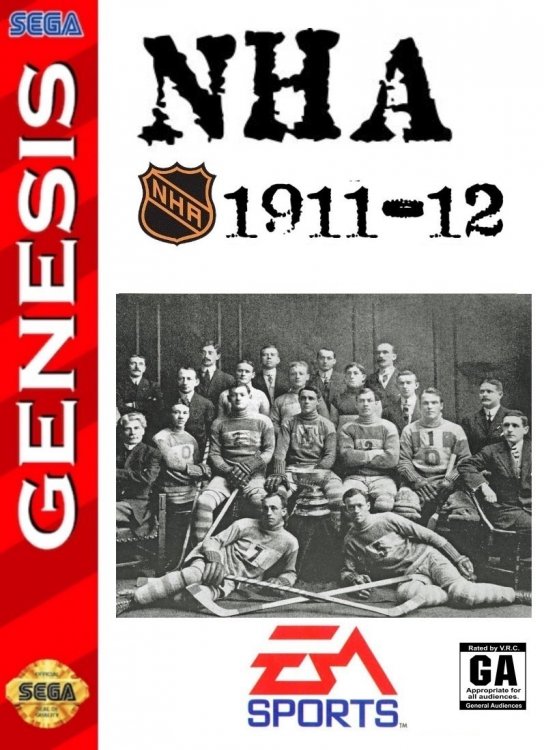
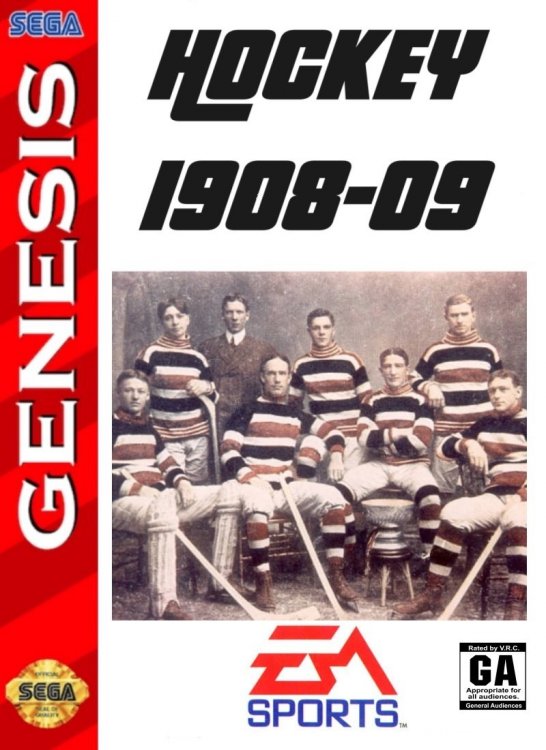
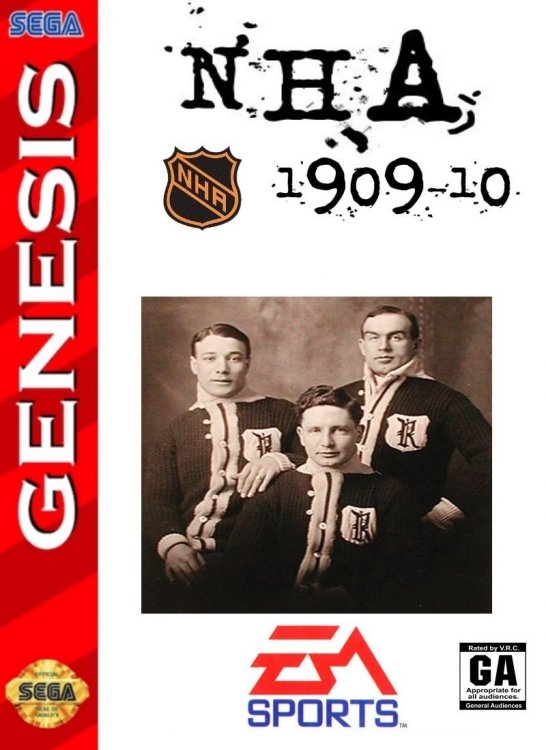
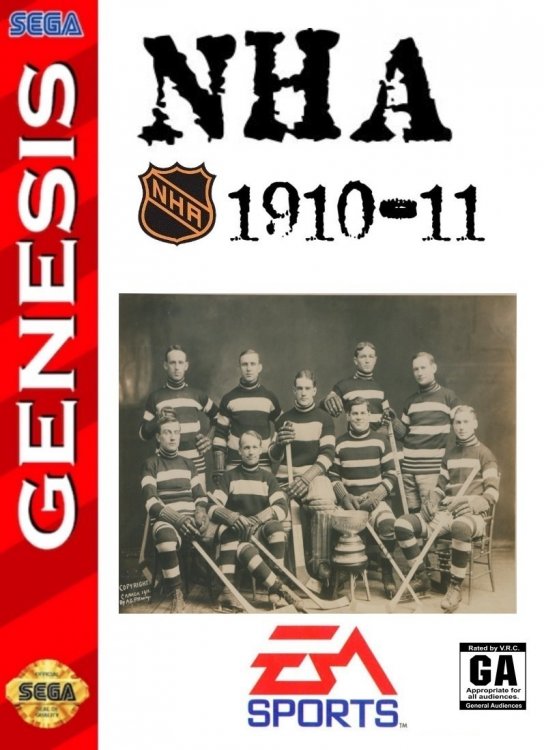 2 points
 -
More to come...Have the next 3 slated for this weekend.2 points
-
Just a mini update today. Rated a few new players. Made an edit to the "pull the goalie" formula after remembering to go back and review the summary that @smozoma was excellent enough to post on that subject. Decided to turn this one into a Path to the Playoffs Edition to highlight all the teams that are gearing up for a run at the Stanley Cup. The trade deadline sellers are still there despite having fewer bodies than they did at the start of the season, but lets face it, much like the fans that are still showing up to the games in real life, you're probably going to have more fun playing as the teams that are looking to extend their season and not their lottery odds. an April Fools joke. Have fun. NHL 2024 - Retro 94 PTTP Edition.bin
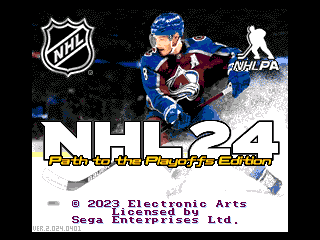 2 points
 -
Here's how to get NHL 2002(PC) running on a modern PC with Windows 10/11: Extract the attached zip file to your PC Right-click the Setup.exe file in the Setup folder, go to the Compatibility tab and disable the Windows 98 compatibility, then click Apply. Right click the Setup.exe file again and run as administrator. Go through the various setup screens. When prompted, add the registry key found in the attached zip file in this post. Move the patched dx7z.dll from the website below into the main NHL 2002 directory you installed the game onto (i.e. C:\Program Files (x86)\EA SPORTS\NHL 2002). Don't try to move it to the zipped file directory. When asked to override the existing file click yes. You may also need to move the NHL 2002 Fixed Executable from the website below into the main NHL 2002 directory and override the existing one. Lastly, right-click on the NHL 2002 application and run as administrator Here's a helpful site that contains some needed patch files to fix graphics glitches/crashes: https://classicgamefixes.wixsite.com/home/nhl-2002#:~:text=First%2C download the official EA SPORTS patch for the game.&text=Then%2C unzip this fixed executable,your NHL 2002 game directory.&text=This combination should allow you,and Run as Administrator modes. If you want to use a gamepad like a snes one you would just need to plug it in before loading the game. Within the game itself you can click on Play Now and at the bottom you'll see a controller icon. Click that and you should see Keyboard and Gamepad. Click Gamepad and you can map the controls to whatever buttons you want. When done click Save Layout/Settings) NHL 2002.zip1 point
-
Yes to this, but I will just add that it only pastes the order of the players. So if you simply copy/pasted the entire rosters from '98 and pasted them into '97, this will work. But if you rearrange the order that the players are listed in the Players window in anyway, you will notice some issues. ie: if your first line consists of the fourth, fifth, seventh, fifteenth and twentieth players in your list, then copy/pasting the line will select the players in those same slots to make your new line, even if you first rearranged the order of the original players for some other organizational purpose.1 point
-
Run 2 instances of NOSE, and you can copy/paste players between the windows, probably the lines as well1 point
-
Turns out much like Baseball Stars for the Pocket, the monochrome version of Hockey Stars was adaptable to the colourized remake as well. Updated the full review above, but here it is. Hockey Stars NGP Colour.bin
1 point
-
Thank you! Great work, as always. I/we appreciate it. * Just an FYI - the file reads "2025 4 21" (instead of 2024 4 21, I'm assuming).1 point
-
Playoffs edition is out! Main page as usual. Hope you're all doing well. -a1 point
-
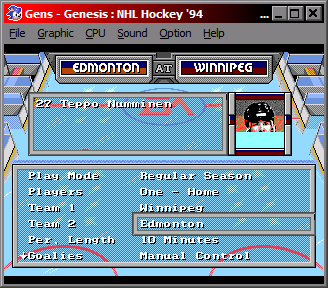
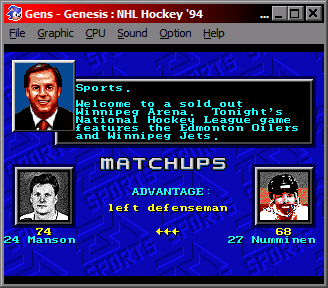
Oh!.... I did find out something about this one. You can actually change the palette in the player cards. In the original game anyway. I don't think I figured out the 32-team version. The problem however is that the palette numbers reference a different set of colours depending on which screen you are on. Although, speaking of 32 teams, with the Arizona door supposedly being left open a crack for the next five years, [assuming they don't repeat a New York Americans situation where the franchise was withdrawn in 1942, but not officially cancelled until 1946 when the owner tried to reactivate it] is it time to try to add another two teams to the NHL'94 fold?
 1 point
 -
Thanks for explaining!1 point
-
The RNG function needs a value sent to it and returns a result. In the Hot/Cold thread, you are only changing the value being sent to the RNG function for Hot/Cold. The RNG function has 2 different ways it can be used: - Sending it a value, and it will give a result of (- value <= result < value) - Sending it a value and it will give a result of ( 0 <= result < value) Hot/Cold uses the first way, Checking is using it the second way. The RNG function is used all over the place.1 point
-
Last night was the best night of games all year. What a finish. Sorry about your Wings though, I was rooting for them. That Perron goal sent me through the roof!1 point
-
WOW! Well done1 point
-
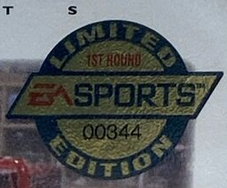
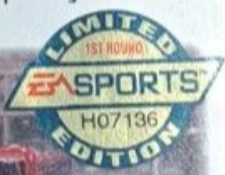
00344 - Located in: Lafitte, Louisiana, United States H07136 - Located in: pictou, NS, Canada H24460 - Located in: Bentleyville, Pennsylvania, United States A17558 - Located in: Mankato, Minnesota, United States A24244 - Located in: South Elgin, Illinois, United States
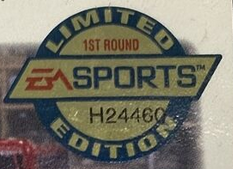
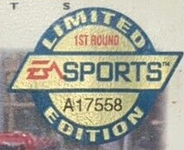
 1 point
 -
This is a really interesting concept and the contrast is well done (haven't had a chance to see it in action yet) but I'm also hoping reception was favorable enough for a color version. 😉1 point
-
Well with the wife away all weekend and into next week Ill get more completed. The schedules is trickiest thing. But they are date accurate.1 point
-
These are all I've played recently cuz their so well made1 point
-
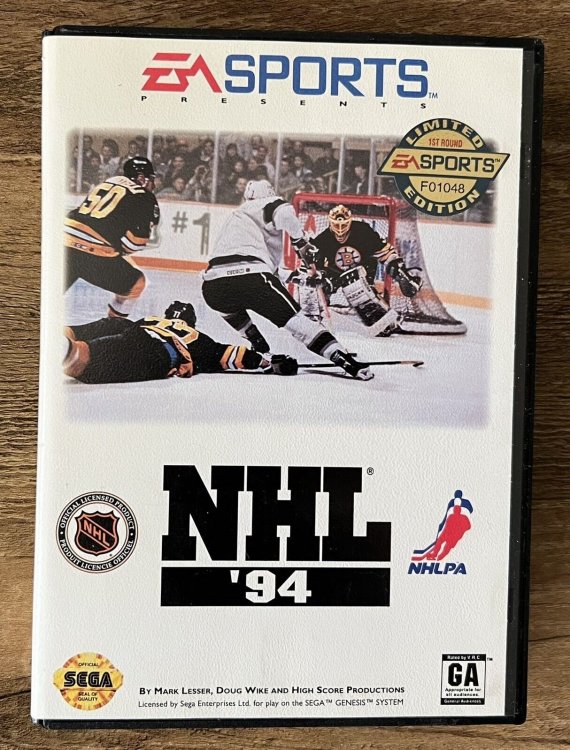
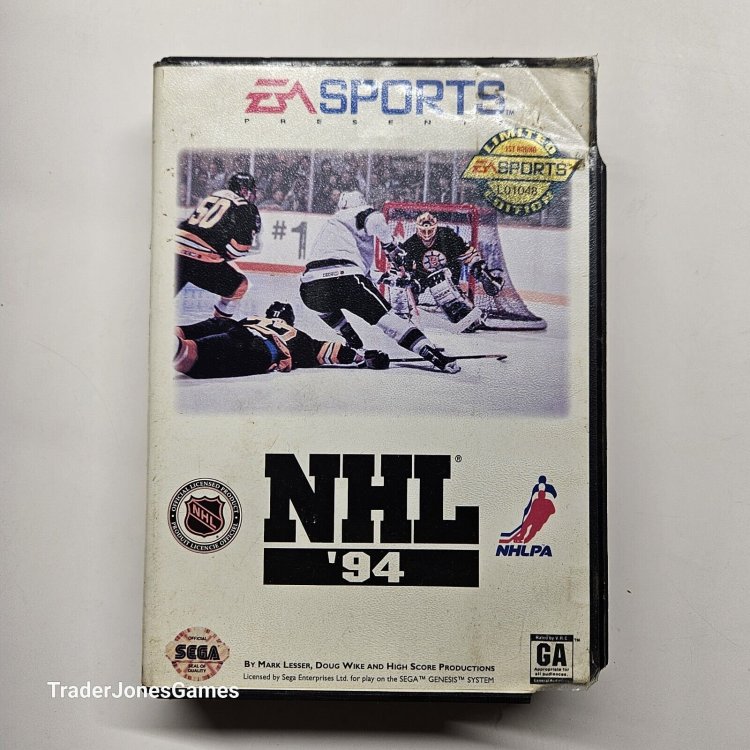
Behold! F01048 and L01048!
 1 point
 -
@halifax I put together a team ranking list to share with everyone. I'm thinking of running a one-off league with this ROM at some point. WHA Rosters.xlsx WHA Rosters - Google Sheets.pdf1 point
-
This and goalie control...
 1 point
 -
https://codecpack.co/download/FFInputDriver.html1 point
-
working on the music thing is... on my list somewhere... if you've got notes on how you'd like it to work, i could try to upgrade it1 point
-
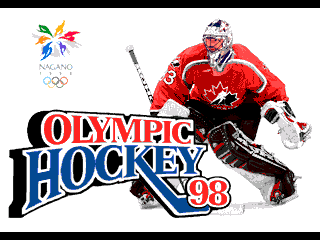
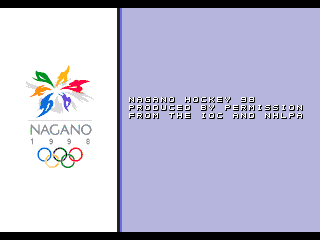
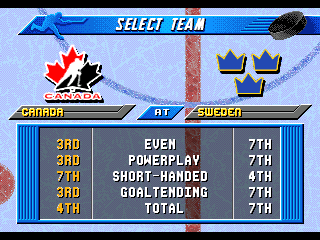
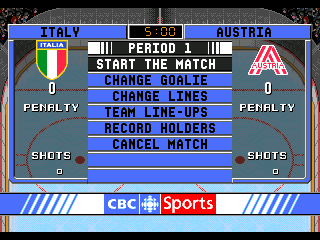
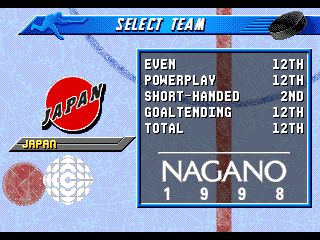
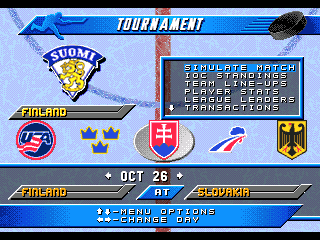
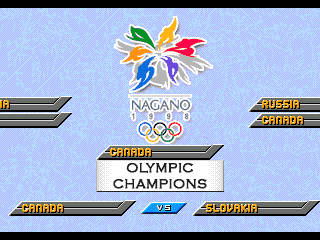
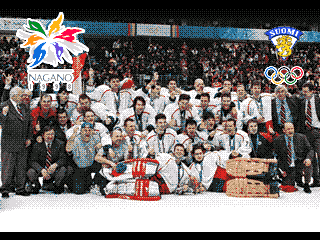
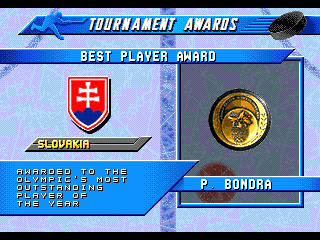
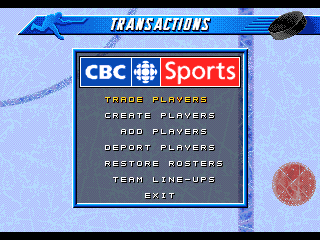
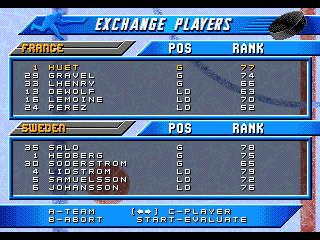
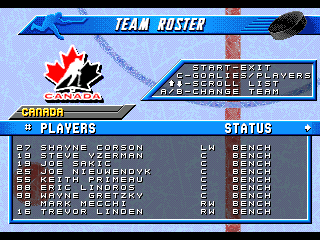
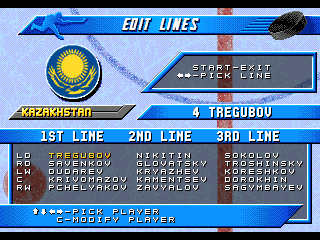
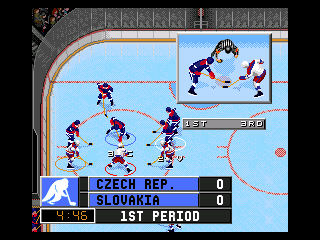
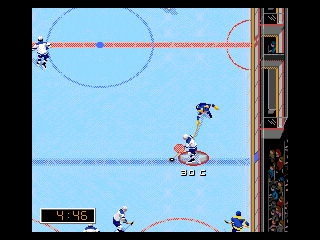
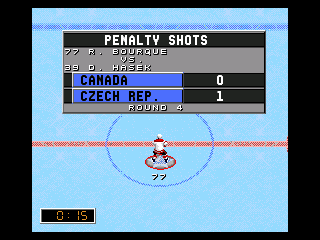
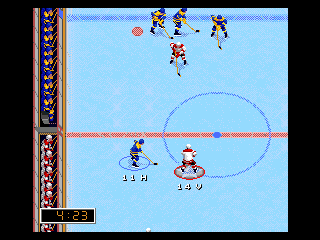
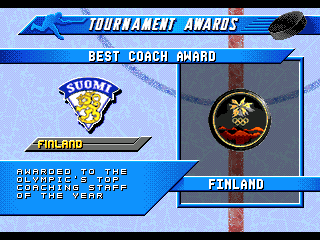
Okay. This one might not be the one you are waiting for, but it's time to lighten up the backlog and make a retro review. The year is 1998. <examples of events and pop culture stuff no one cares about> and the NHL is finally allowing its players to play in the Olympics. To mark the occasion, a couple of video games came out, both of which admittedly were ported from existing games to varied results. The [possibly] more well known one was Olympic Hockey '98 published in North America by Midway for the N64. The game was panned for being a recycling of Wayne Gretzky's 3D Hockey '98 [which itself was recycled from Wayne Gretzky's 3D Hockey]. Ignoring the international reskinning, the game also had the dubious distinction of being a 3-on-3 game, with a broadcast angle view and early era 3D graphics and voice acting that haven't aged well. The second [likely even less well know] game based on the monumental tournament was itself a port, this time based on the EA Sports NHL games, specifically the engine that the '96 through '98 entries were based on. Even more specifically, long time small team developer Team 1920 was contacted to help convert the PAL version of Elitserien'96 over to an Olympic hockey game. Perhaps scared off by the critical panning of the N64 game, EA decided to not have the game ported to NTSC markets, leaving this one as a European-only release. Not wanting to get the improper experience, I was able to import over a nice vintage 21" PAL CRT TV and original SEGA Mega Drive. I was told by some "electrician expert" that I would not be able to convert my house to 50 cycle electrical power, but I was able to get a generator that had the proper output, which coincidentally also had these weird shaped plug sockets that fit the weird shaped plugs on my new-old TV and game system. On a side note, I had to play with the window open, even though it's winter, because apparently "generators aren't supposed to be run indoors you idiot", but I don't think it affected my play too much. Anyway, this is supposed to be a game review, not a baking recipe, so let's get on to it. Presenting: Olympic Hockey: Nagano '98 [or apparently originally Nagano Hockey '98 in Europe] Apparently the original EA publisher logo had to stay [they're so boring], but Team 1920 changed it up for this one as usual. The first thing you'll notice in this game is that the number of teams has been reduced. As opposed to the original 26-31 teams available in NHL '96-'98, this game only has 14 teams. These include all twelve countries that took part in the main 1998 tournament, as well as final Group A qualifiers Italy and Austria. [Italy actually placed higher than Japan in the final standings, but being that the Olympics did take place in Nagano, it's obvious why they were in the main group] Season mode was nice inclusion, even if the national teams don't necessarily play full "seasons". This would be based on the 44-game schedule of the Swedish Hockey League, with the top eight teams qualifying for the playoffs. The game lets you pick your team and shows some team ratings that are [probably] based on how well they stack up against the rest. It appears that even though the game never got an official North American port, Team 1920 was already working with CBC Sports [your official Olympic Games Broadcaster] in Canada. You can also play a standalone Playoff Mode if you chose. This comes in Single Elimination or Best-of-5 varieties. But if you play trough the season [and qualify] you are given a chance to go for gold as well. The difference however, is that if you win the tournament in Season Mode, you are rewarded with a team photo. [that looks suspiciously like...] Another award for completing a season is... awards. The top players [or coaches] get to have their names under medals for being atop their respective metric. One thing to note with this version of the game as opposed to the original NHL games, is that the simulated opponents in a season are a lot more mixed, so unlike NHL'96-'98, where a simulated game or season would normally result in a very predictable outcome [Detroit, New Jersey, Quebec/Colorado finishing near the top of the standings and/or reaching the Finals] the AI is a lot more random in this case, which keeps things interesting. In ten full simulations, I had eight different countries win the championship. Speaking of players, one interesting wrinkle that turns up here that [normally] didn't come up in international hockey [although it is becoming less rare in more recent years] is the inclusion of player transactions. In addition to creating custom players, adding new players to your roster or trading players between different countries, you can straight up deport anyone who under performs. Harsh. [interesting coincidence with this screen shot, as real life Sweden's Samuelsson would actually be dropped from the team after their first game for having applied for a U.S. passport] You can also view all of the rosters and player ratings in this game. Most of the big teams' player ratings come courtesy of NHL'98, probably for consistency's sake and nothing to do with how time consuming it would be to independently calculate every single player from scratch. While annoyingly not on by default, you can also turn on line changes and add your new acquisitions to your starting unit. Another side note. Canada's roster actually includes the injury-reserved Paul Kariya as an extra player, so you can play with either him, or his replacement Mark Recchi, in your lineup if you chose. Game play is pretty standard actually, if you've already played the Genesis versions of NHL'96-'98, but unlike ol' number 99's Atari arcade game, and the subsequent ports, it sticks to real 5-on-5 hockey. Hook up the official EA 4-Way Play adapter for some 2v2 couch multiplayer, or when you get tired of getting charlie-horsed by your big brother, 1vCPU is okay too. There's also a shootout mode, but why the hell would you ever want to play that? On a side note, if you don't feel like tracking down a real copy, I guess you can use an emulator. A couple things to note is that you will want to use the auto-detect or PAL option on your CPU settings or else the game won't boot up. However, once you have the game running, you could actually change the CPU setting to 60hz NTSC, but it will basically act like all of the players are pumped up on steroids and cocaine and the game physics get out of control. Another artifact of the Swedish originated port, is that the player position indicators are still using the Swedish initialization. I guess the code for the single characters was hard to find or something. But as long as you are familiar with your player's numbers, you should be fine. Anyway, no review score. Just try it out yourself if you want. Olympic Hockey - Nagano 98.bin
 1 point
 -
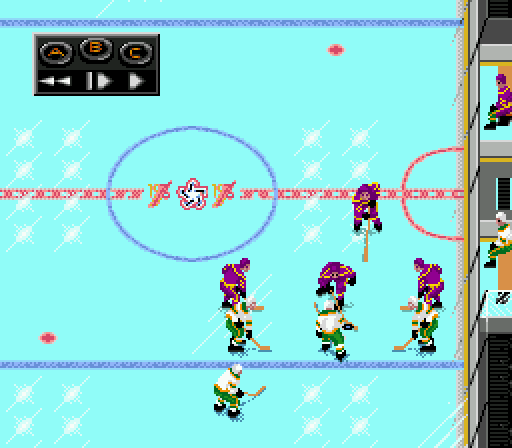
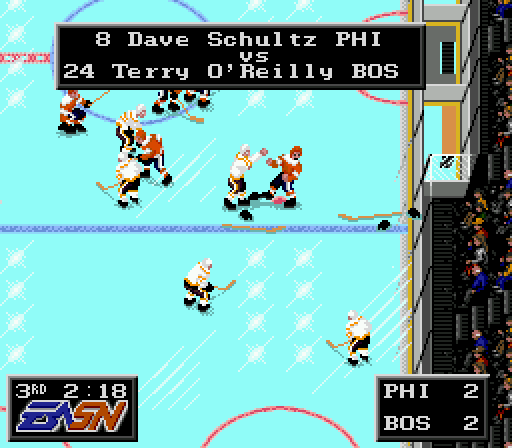
nhlpa76.bin --Rosters, ratings, and lines from the end of the 1974-75 season by Coach Mac. --Ratings are exactly aligned to the original NHL Hockey ratings template. --1974-75 was the first year of using (Wales, Campbell, Patrick, Adams, Norris, and Smythe) --Awesome EASN Splash screen. --Awesome new Center Ice logo. America's Bi-centennial. --Banners updated. --Ron Barr Team introductions are updated to reflect 1974-75 season. --Sim Data updated to match 1974-75 Season. --Starting goalie sim accurately reflects 1974-75 season. --Playoff Match-ups accurately reflect 1975 playoffs to the best I could. Only 12 teams made the playoffs in '75 and the seeding and reseeding was done differently. --Uniforms right out of the 1970's.. --Eliminated NHLPA symbol on the playoff brackets. --Eliminated second splash screen with the goalie. --Eliminated numbers from Ron Barr intro screen. (Replaced with rom info) --Weight Bug Fixed. --C/B check fixed. --Bonus Teams from the movie SLAPSHOT.
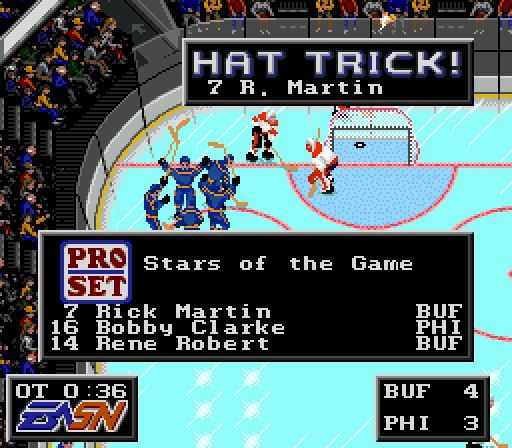
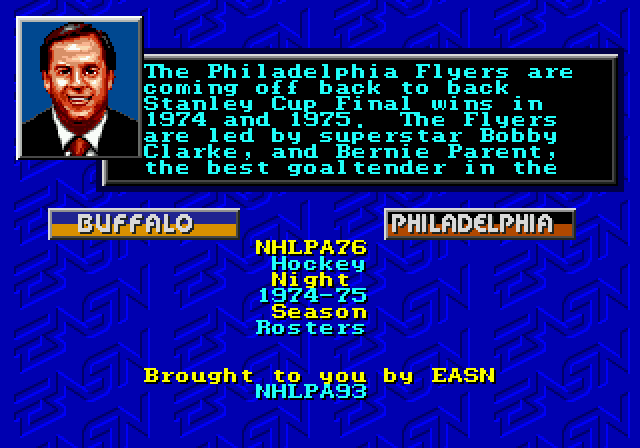
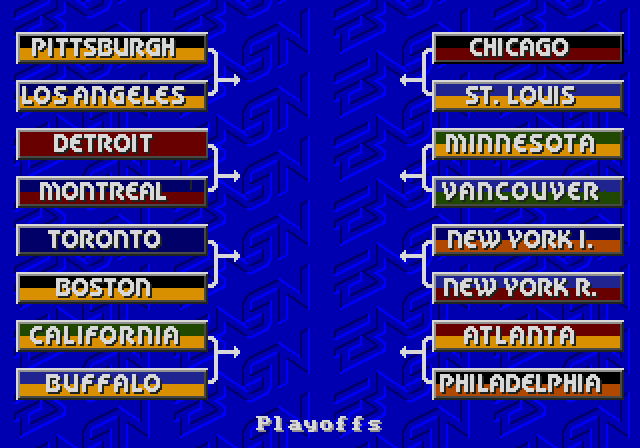
 1 point
 -
Can't believe I still somehow missed the release date despite having it on pre-order for so long! Ah well, on the Mega Drive Mini it goes, and back to 1998 I go trying to catch 3mins worth of hockey highlights hidden among the BBC's 7am Winter Olympic coverage.1 point
-
Great stuff, loving all the graphical changes and the mini info pack replacing the credits. I'm not big on '95 but these will definitely get me playing it more often!1 point
-
lol I love it!!! That’s a good April Fools Joke! 😂 you got us1 point
-
Clever! You got us good!1 point
-
I tested it on real sega hardware, yeah, I replicated the bug. Super funny bug.1 point
-
@von Ozbournetried playing with Minnesota Wild tonight on the new update and there seems to be a glitch with that team. It'll freeze up if you listen to announcer Dave. If you press start immediately instead of listening to Dave's intro you can get into the game but there aren't any Minnesota players. Weird?1 point
-
Amazing!!! These are crazy good. Graphics are awesome.1 point
-
it is tough to score it is usually off a weird bounce or a perfect one timer taking a wrist or slap shot works 5% If that now sounds like hockey 🏒 but a little too simulation style especially if you just playing around with your mates it is usually in some glitchy way you score like goalie gets stuck on net 🥅 or fails to even move also the floater goal is dirty but works still 😀🏒🥅1 point
-
Not sure which way emulator your using. I've used some emulators that it works with as well. It's major issue is the battery that caused most of the errors. The biggest work around was retro arch. Might be an issue I have to look into. Sorry I've haven't been able to respond recently. Been swamped with work.1 point
-
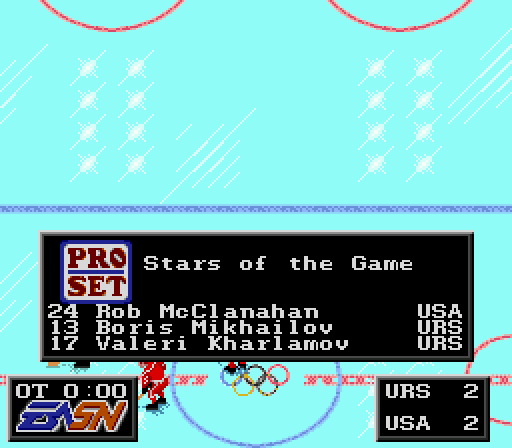
nhlpa80olympics.bin --Rosters, ratings, and lines from the 1980 Olympics by Coach Mac. --Ratings are exactly aligned to the original NHL Hockey ratings template. --Awesome EASN Splash screen. --Awesome new Center Ice logo. Olympic Rings. --Banners updated. --Ron Barr Team introductions are updated to reflect the 1980 Olympics. --Sim Data updated to match 1980 Olympics. --Starting goalie sim accurately reflects the 1980 Olympics. --Playoff Match-ups accurately reflect the 1980 Olympic Pools, or a second option featuring the Medal and Consolation round match-ups. Only 12 teams were in the tournament, so I added the 4 teams that played in the 1976 but not in the 1980 tournament. --Uniforms right out of 1980. --Eliminated NHLPA symbol on the playoff brackets. --Eliminated second splash screen with the goalie. --Eliminated numbers from Ron Barr intro screen. (Replaced with rom info) --Weight Bug Fixed. --C/B check fixed.
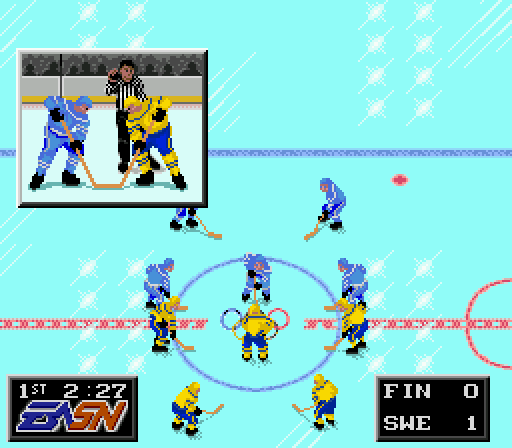
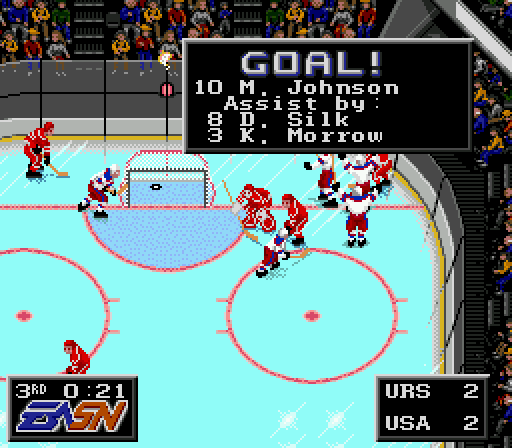
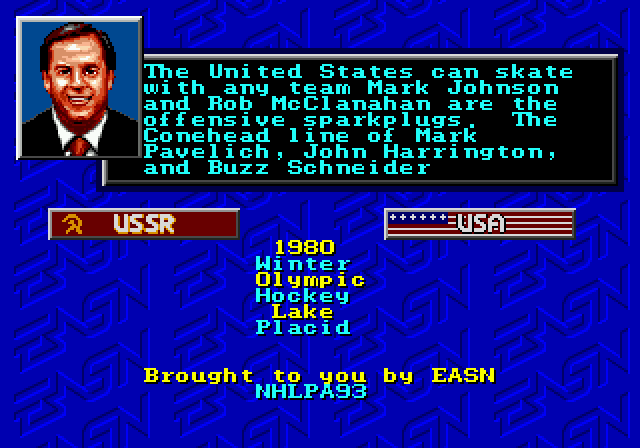
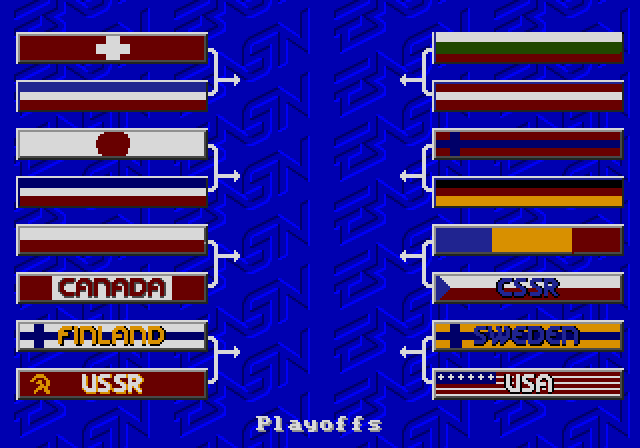
 1 point
 -
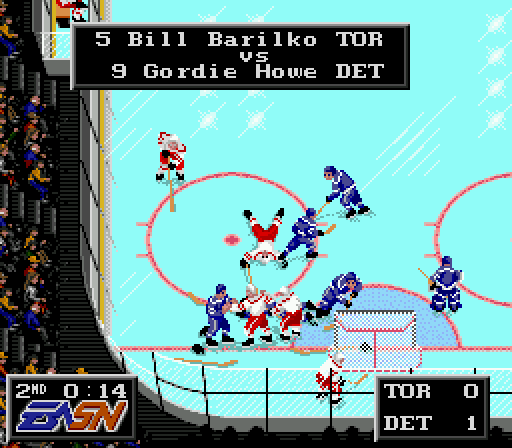
nhlpaOriginal6v2.bin nhlpaOriginal6.bin --Rosters, ratings, and lines by Coach Mac. --Rosters are not from an exact year but from an era as described below. --Ratings are exactly aligned to the original NHL Hockey ratings template. --The 6 teams are divided into 4 Divisions with each team appearing in each Division. 1951-55 Gordie Howe Division (The Red Wings won 3 of 5 Cups) 1956-60 Jean Beliveau Division (The Canadiens won 5 consecutive Cups) 1961-67 Bobby Hull Division (The Blackhawks won the Cup in 1961, Toronto won 4 Cups) 1991-92 NHLPA93 Division (The Original 6 teams taken directly from NHLPA 93) --Awesome EASN Splash screen. --Awesome new Center Ice logo. --Banners updated. --Ron Barr Team introductions are updated to reflect the team. --Sim Data updated to match the team.. --Starting goalie sim accurately reflects that team. --Playoff Match-ups accurately reflect Divisions listed above. --Uniforms match the teams in each time frame. --Eliminated NHLPA symbol on the playoff brackets. --Eliminated second splash screen with the goalie. --Eliminated numbers from Ron Barr intro screen. (Replaced with rom info) --Weight Bug Fixed. Version 2 --I added the C/B check fix. --Put fatigue back in the game. --Corrected some mistakes and made improvements to the Ron Barr intro quotes. --I added some nicknames, line names, and when teams won the Cup to Ron's intro. --Updated the title in forum.
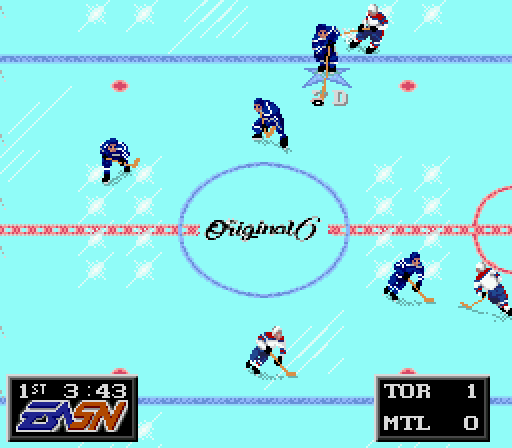
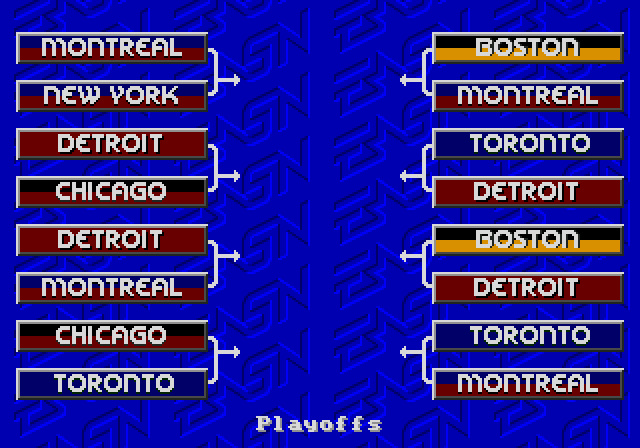
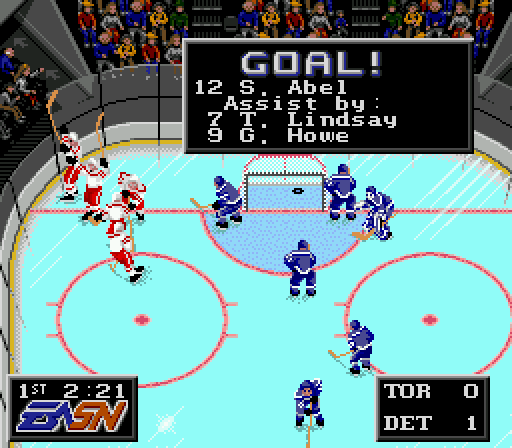
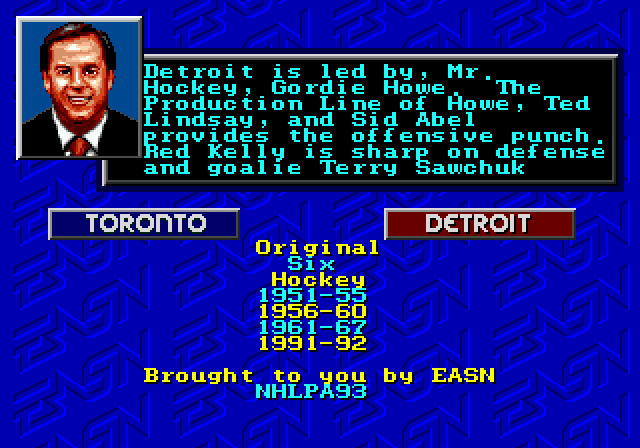 1 point
 -
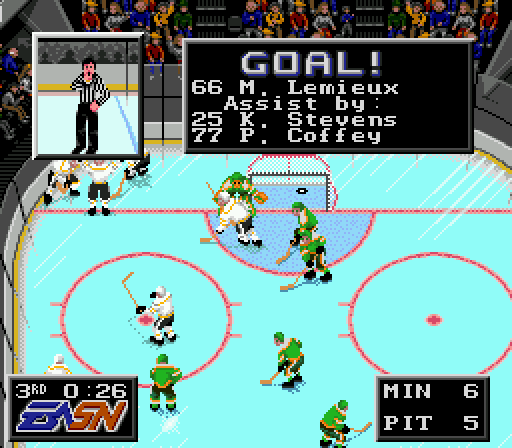
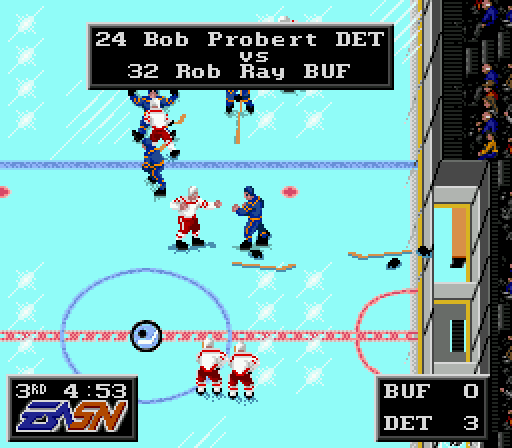
Have you ever wondered what all the player names were associated with the numbers in the Original NHL Hockey? Well here it is!! This is the Original NHL Hockey (1990-91 Playoff rosters) inside NHLPA 93. --Rosters, ratings, and lines are taken directly from the original game. --San Jose is not included as the players were totally fictional. --Awesome EASN Splash screen. --Awesome new Center Ice logo. --Banners updated. --Ron Barr Team introductions are updated to reflect 1990-91 season. --Sim Data updated to match 1990-91 Season. --Starting goalie sim accurately reflects 1990-91 season. --Playoff Match-ups accurately reflect 1991 playoffs. --Uniforms mostly match the original with minor more realistic improvements. --Eliminated NHLPA symbol on the playoff brackets. --Eliminated second splash screen with the goalie. --Eliminated numbers from Ron Barr intro screen. (Replaced with rom info) --Weight Bug Fixed. (The original NHL Hockey did not have the weight bug either.) Updated to version 2 on March 9, 2024. I added the C/B check fix and cleaned up some errors on the Ron Barr intros. nhlpa92v2.bin nhlpa92.bin
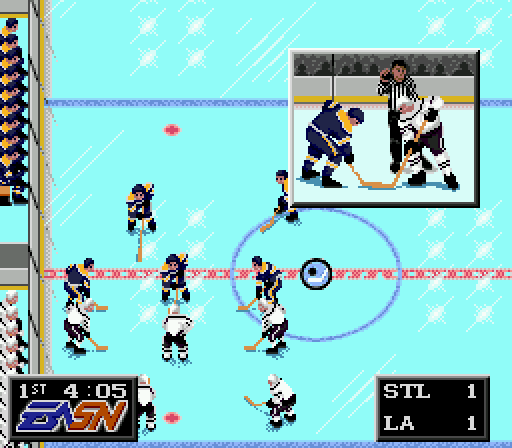
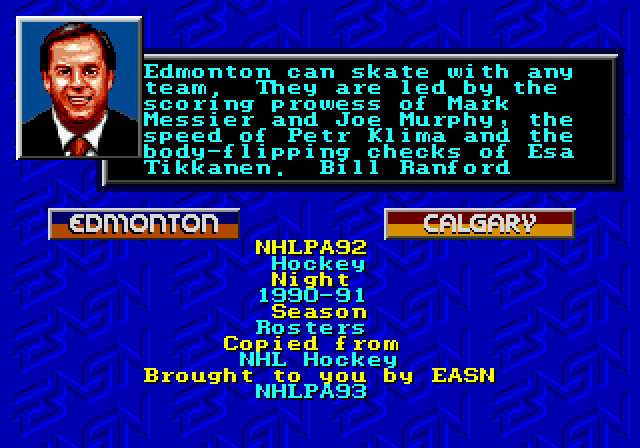
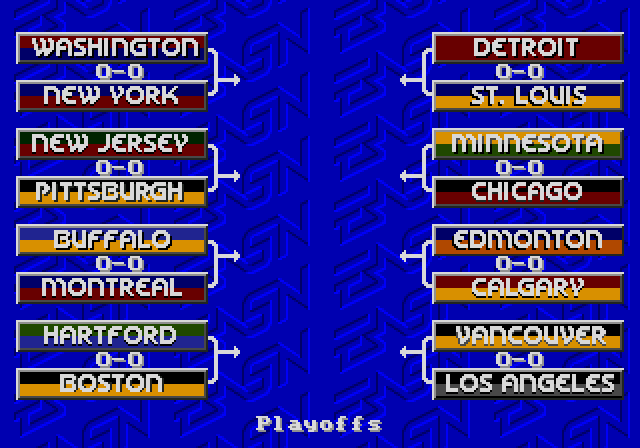
 1 point
 -
58 people voted for Bud of the Year. Congrats to @chaos 11-5-6 = 49 points and @angryjay93 8-10-5 = 49 points 2023 Co-buds of the year!1 point
-
*** This is only compatible with the SNES VERSION of NHL '94 *** The link below will let you download the .exe directly. Double click on the .exe and follow the instructions. When running the program for the first time, a window will pop up saying that certain files and folders are missing. This is normal, just click ok and the program will automatically create the files or folders in the appropriate place. (They are just files and folders that are coded into the .exe to save on program space and size.) Once it is finished you will be the main menu will appear. There is a READ ME.doc with simple instructions and pictures to help you out. Hopefully, I have made the program and the instructions straight-forward enough. But, if there are any questions and feedback, do not hesitate to post them here, or by giving me PM. Also, I have tried to find all the bugs and errors, but that does not mean I have found them all. If at any time the program crashes or you get an error message, please let me know ASAP and I will try to fix the error and put up a newer release. Features: - Game Stats Display (Extract stats from a save state and display them to the screen, then save them to Season or Coach's Stats) - Exhibition Mode (just saves Coaches' Stats) - Season Mode (saves Player, Team, and Coaches' Stats) - Season Stats (Player, Team, Standings, League Leaders, Full Playoffs, All-Time Records) - Coach Stats (Individual Stats for each Coach/User; similar to Team Stats) - used in both Season and Exhibition Games - Webpage Generation (For a classic view of your season/coaches stats, or for running a league) - Season Customization (play a full 82 game season (or 20, or 150)) I hope everyone can and does enjoy this. Even if you dont use it to its full functionality, hopefully people can get some use out of it. ************************************ NHL '94 Record Keeper 3.0 - SNES Version ************************************1 point
-
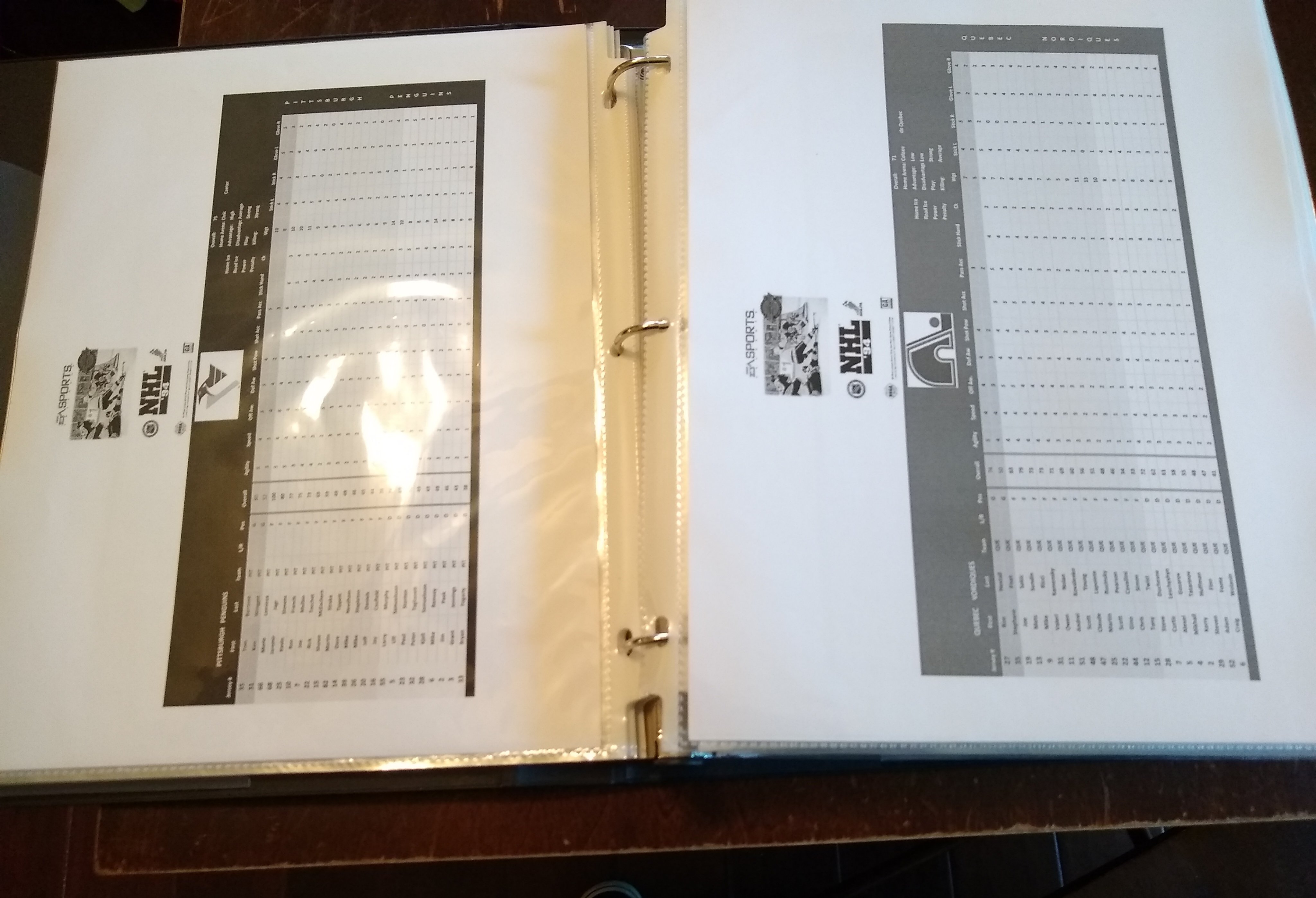
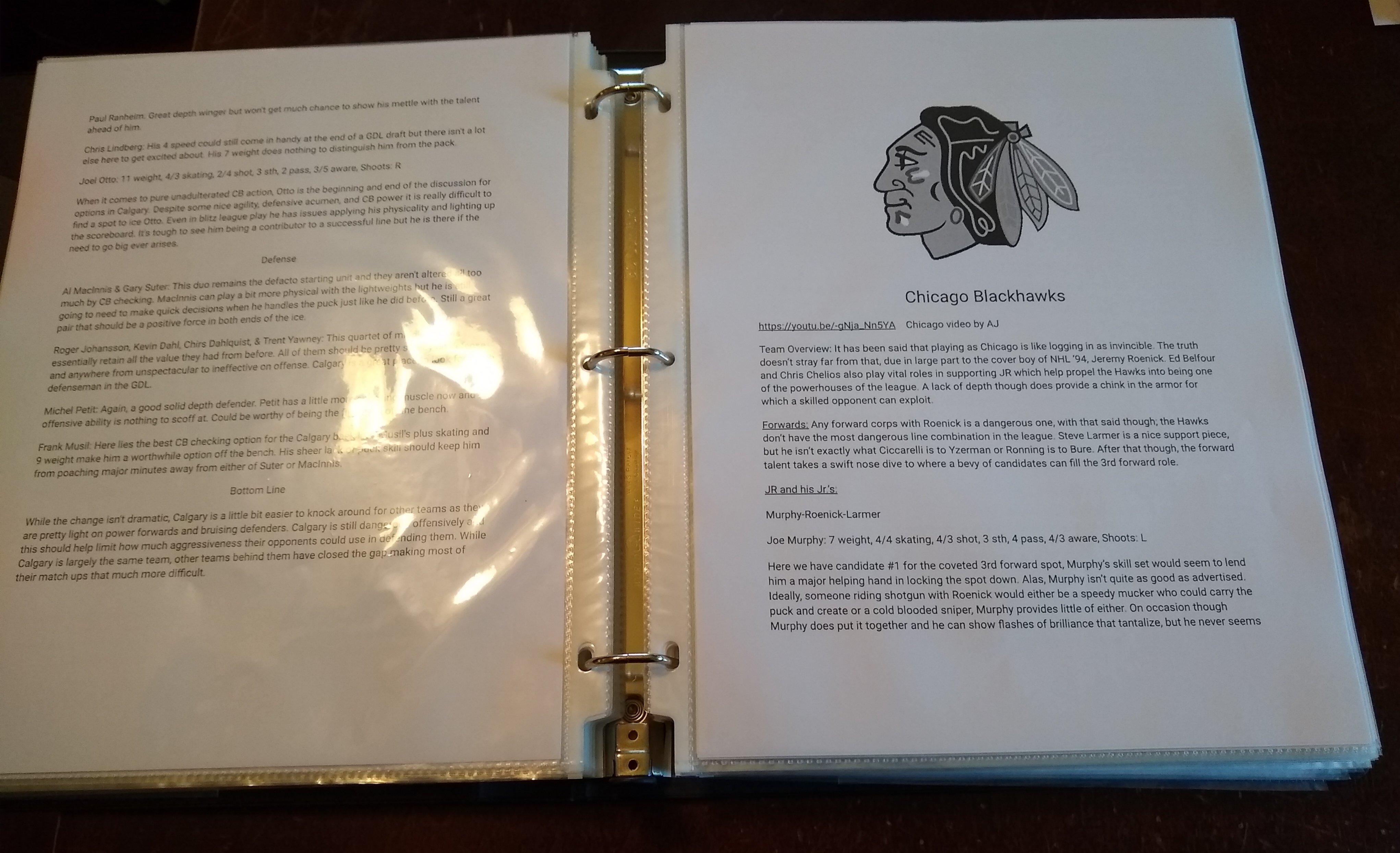
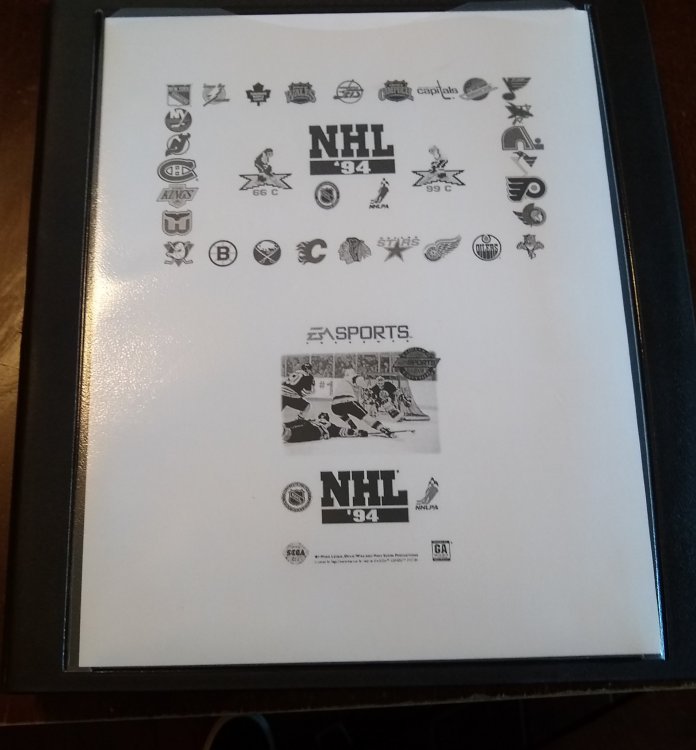
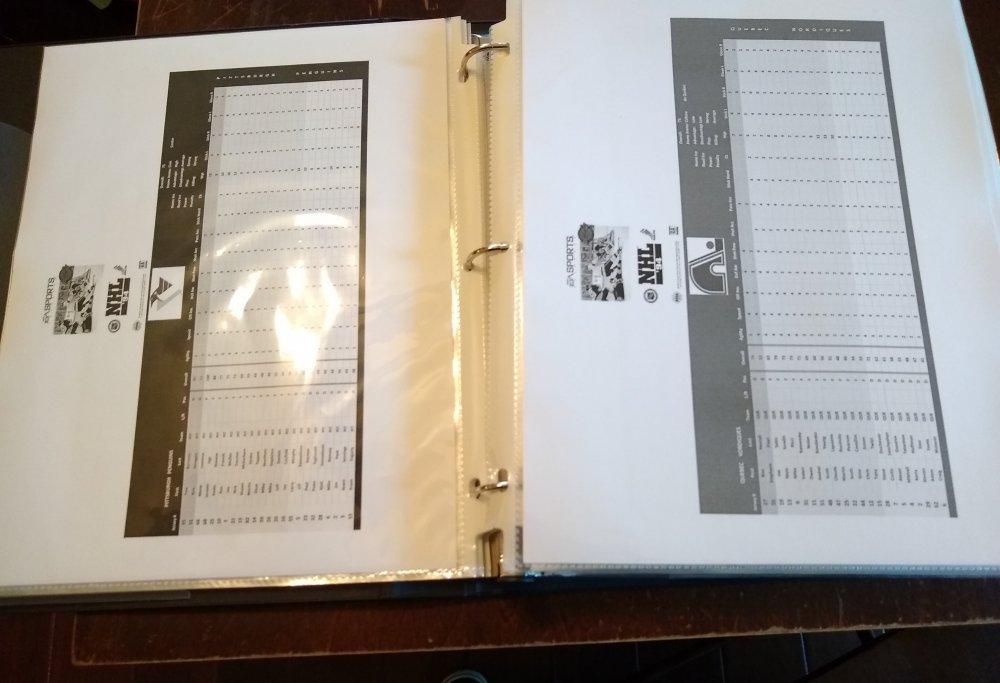
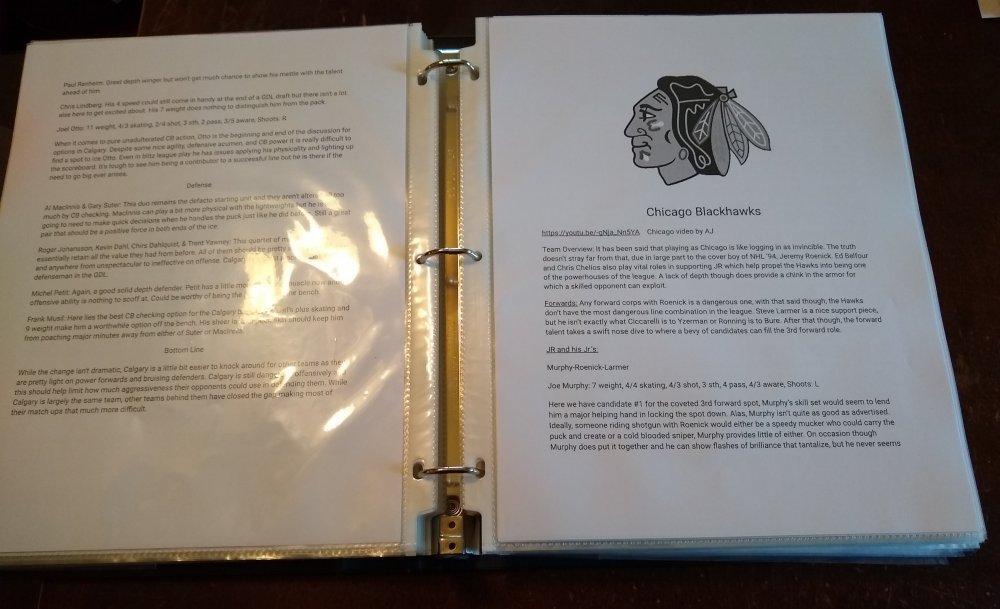
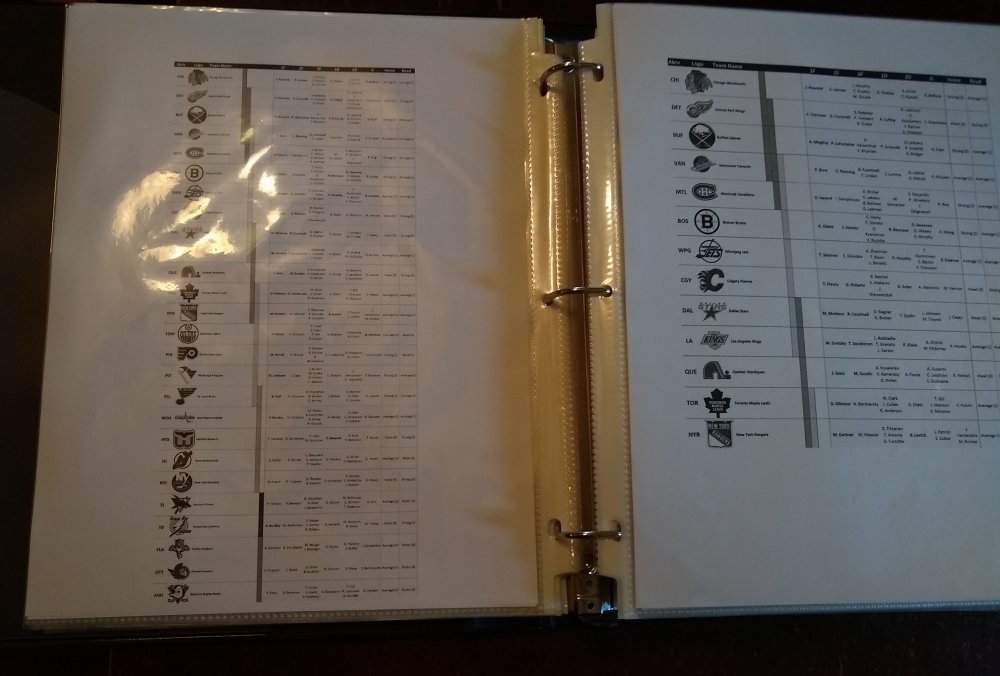
AJ...you pretty much wrote the NHL 94 Bible in terms of who to play with using each team. Along with your YouTube videos, these gotta be the greatest resource on NHL 94 for Genesis. I compiled all these team rankings, player lines, etc... into what is now one of my favorite "books." Many thanks @angryjay93 and to @kingraph @smozoma and @CoachMac for the excel sheets on each team. My 11 year old and 8 year old...daughters by the way...want me to make them a copy of their own. Not sure if you're working on an NHL 94 project now, but I do have a suggestion that has been done to various degrees by some of the greats...but maybe not to the full extent like you did with each team and player breakdown. Have you ever considered breaking down each way to score in NHL 94? I've seen some normal one timer videos and pass shot videos on YouTube which are nice, but then I've seen you pull out some barely avoid hitting the post from behind the net one timers on Twitch that I've never even thought of trying before. Then I've always felt a left-handed player on a breakaway doesn't seem to have the same options and a right-handed player. Is breaking down the basic to expert level scoring options a thing you might consider making? (Taking into account the type of shooter and ranking the probability of success for each type) Not trying to steal ur moves...just trying to steal yo moves.
 1 point
 -
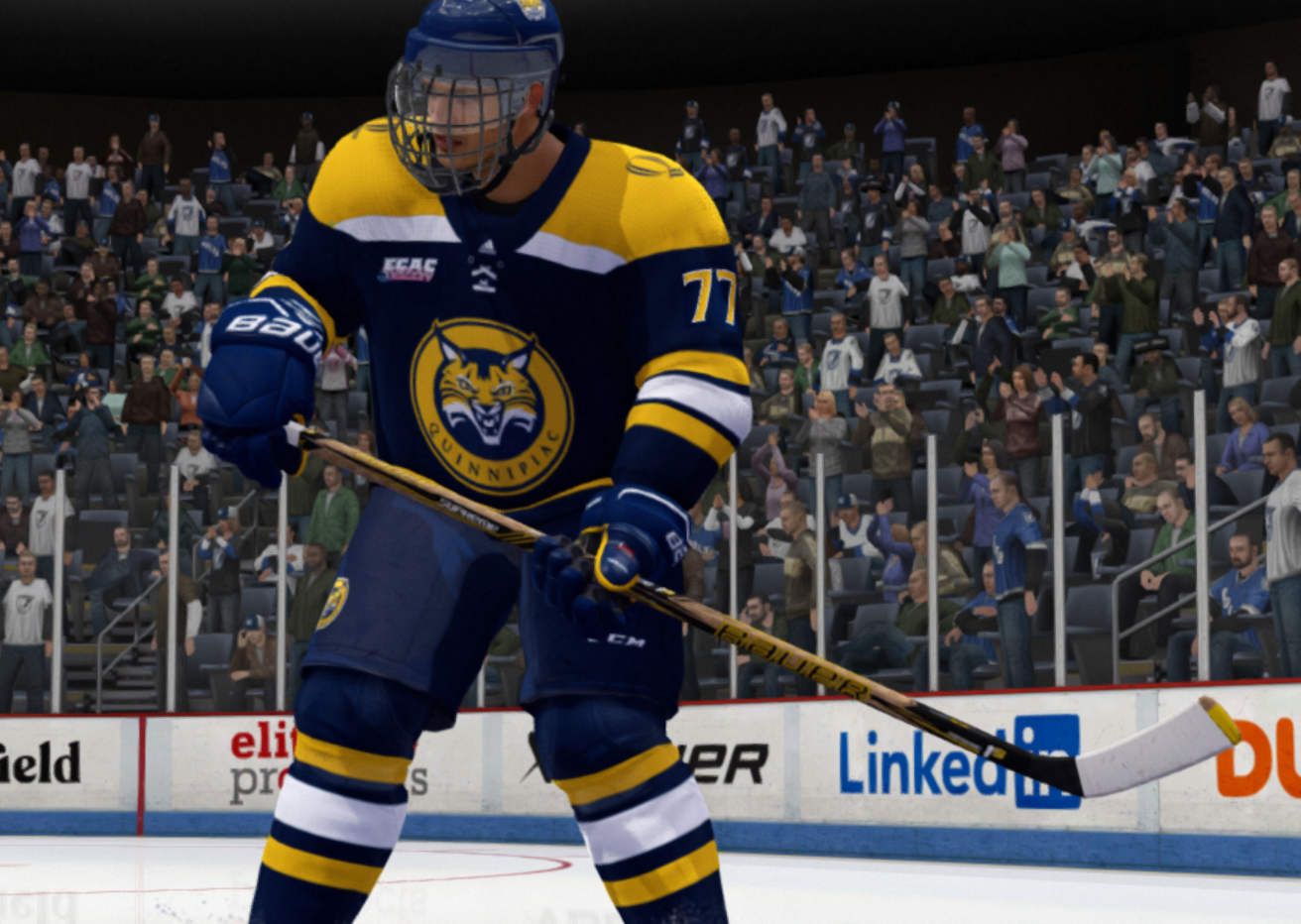
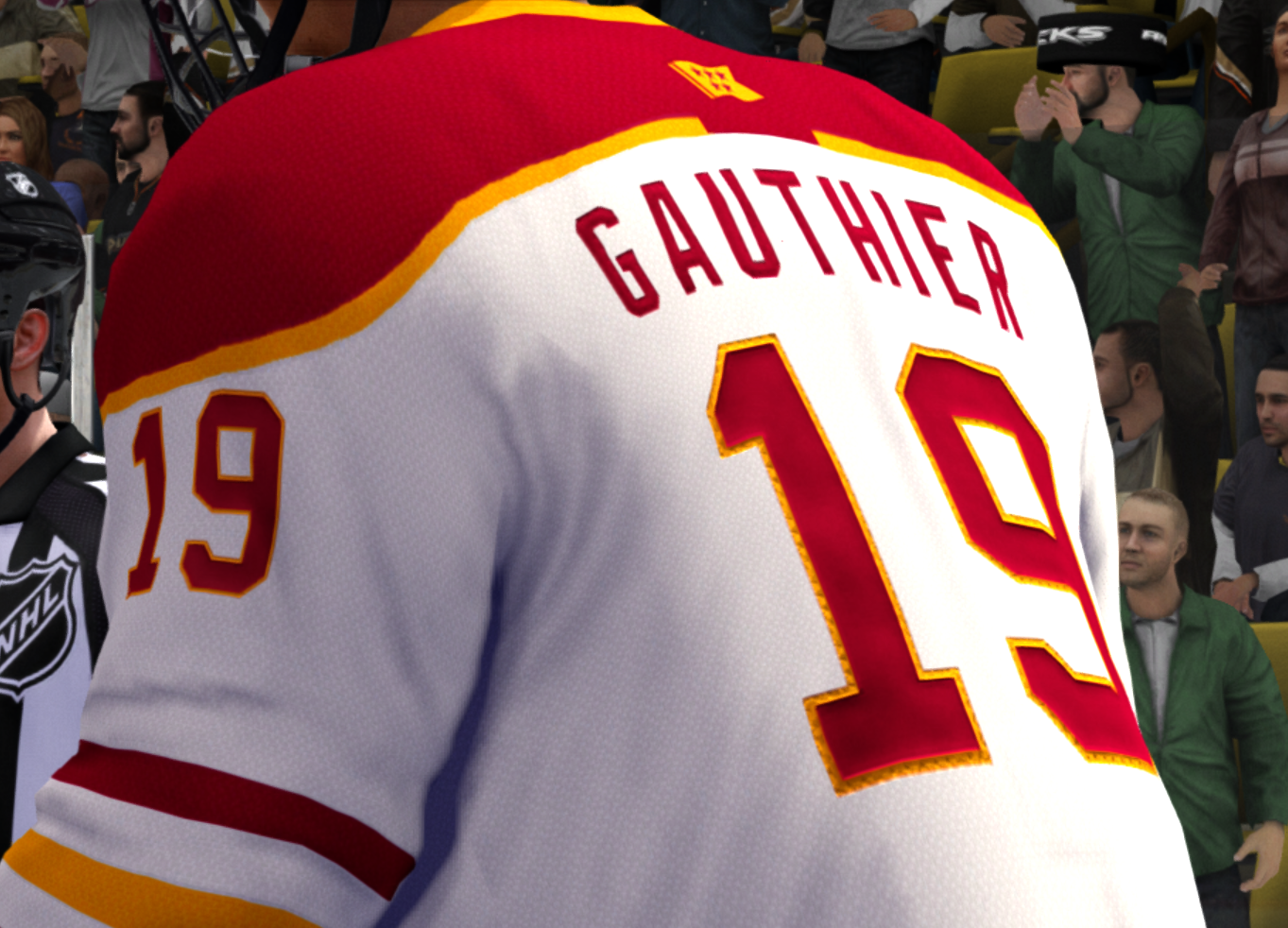
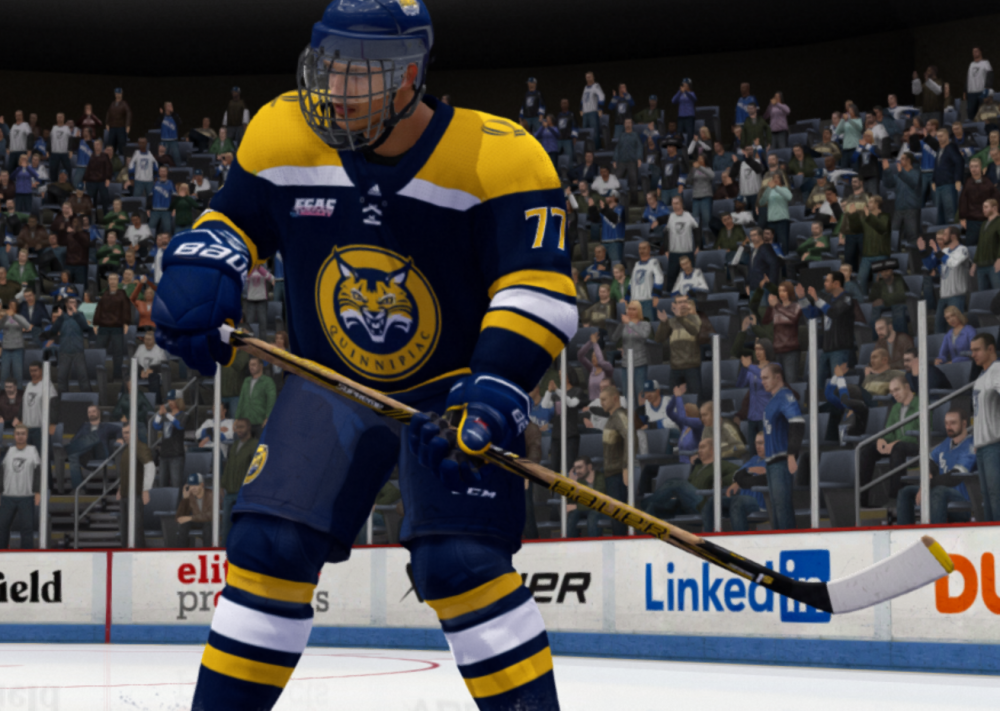
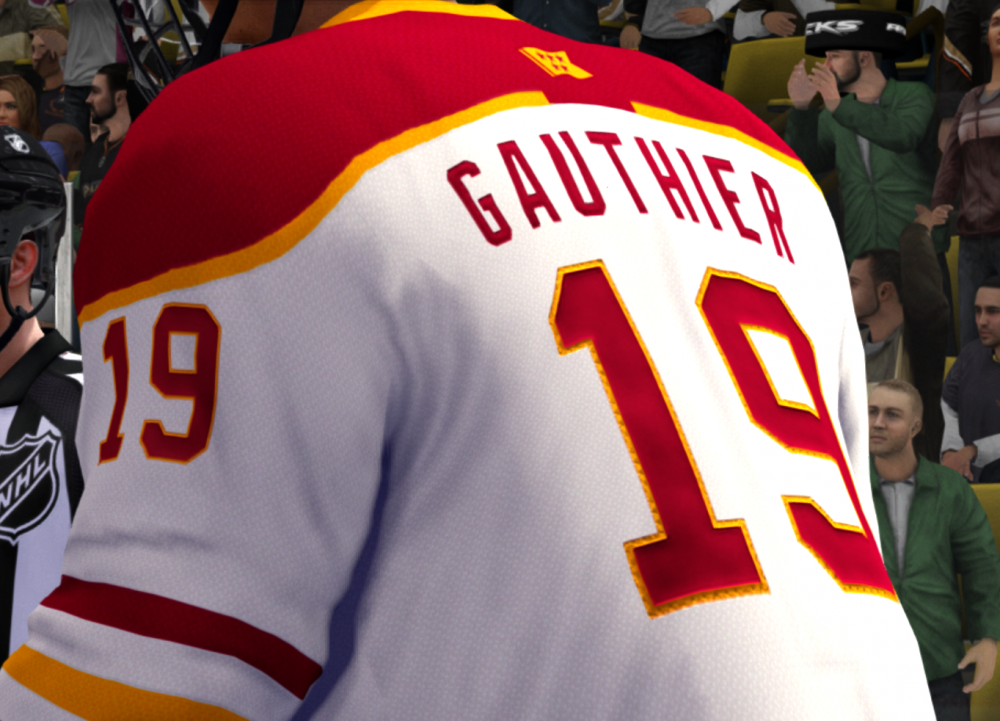
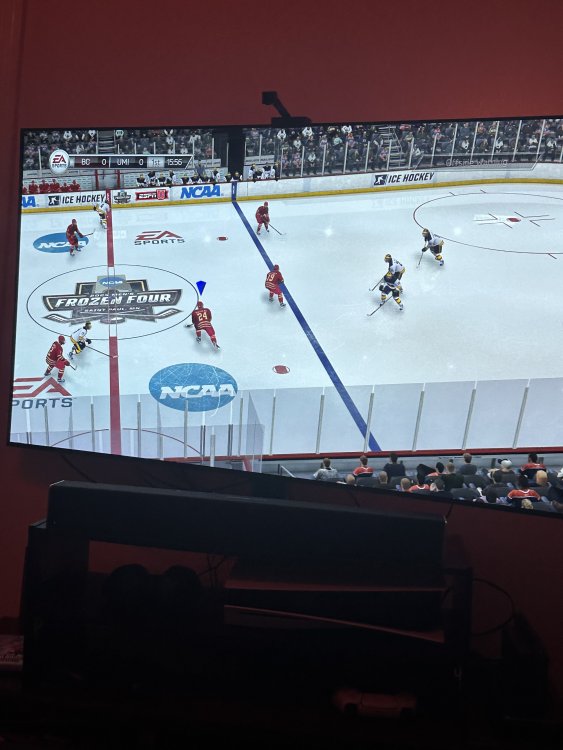
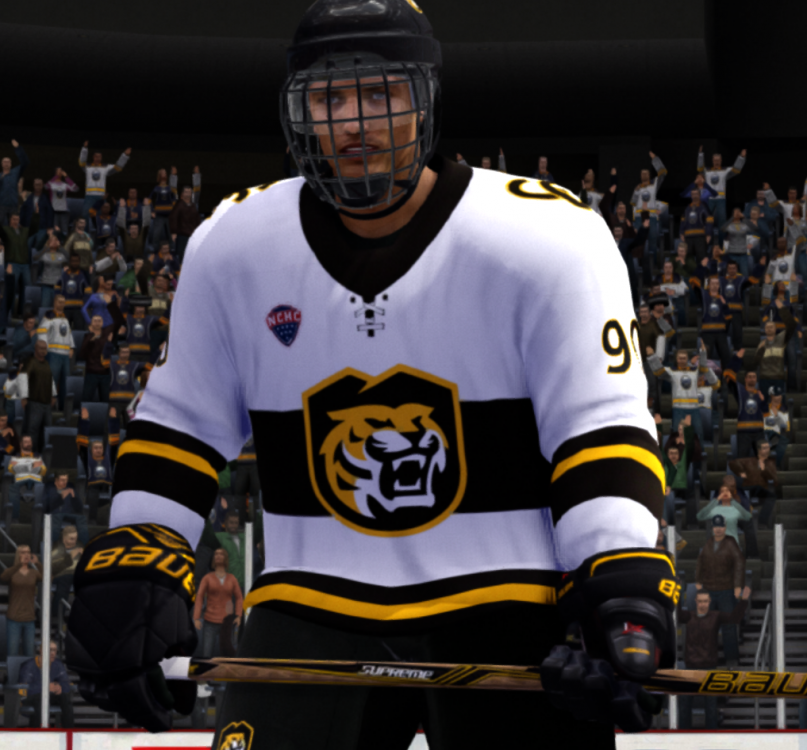
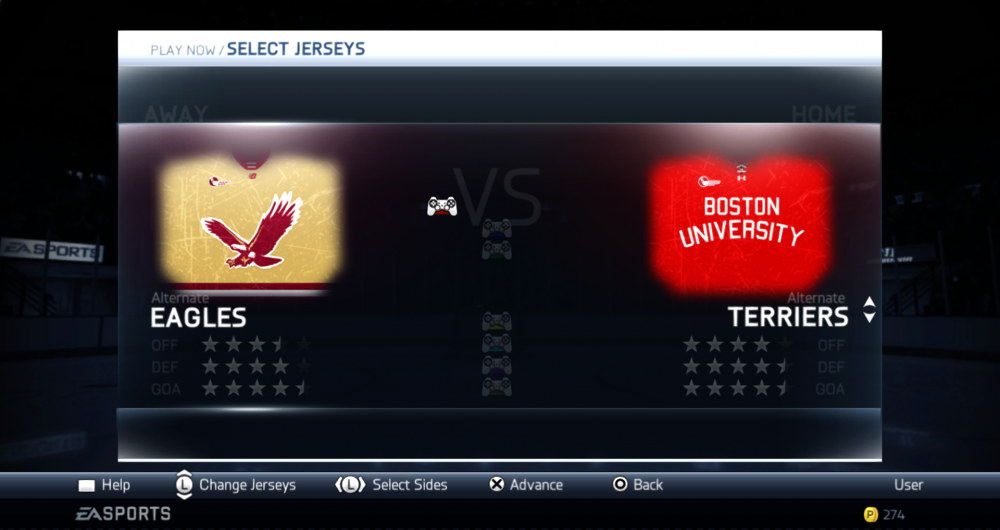
Hey there - I’ve moved my efforts to working on a mod for NHL Legacy just so I have more surfaces to mod and make something more realistic. It runs on less devices because it has a high CPU overhead, but it’s had great results (see attached). Sadly I only have time for one mod lately, so this mod is not going to be worked on much more (if ever).
 0 points


.thumb.png.6e80a070304fd59ed190ac7326dd2894.png)