
nastynacho
-
Posts
26 -
Joined
-
Last visited
-
Days Won
4
nastynacho's Achievements






-
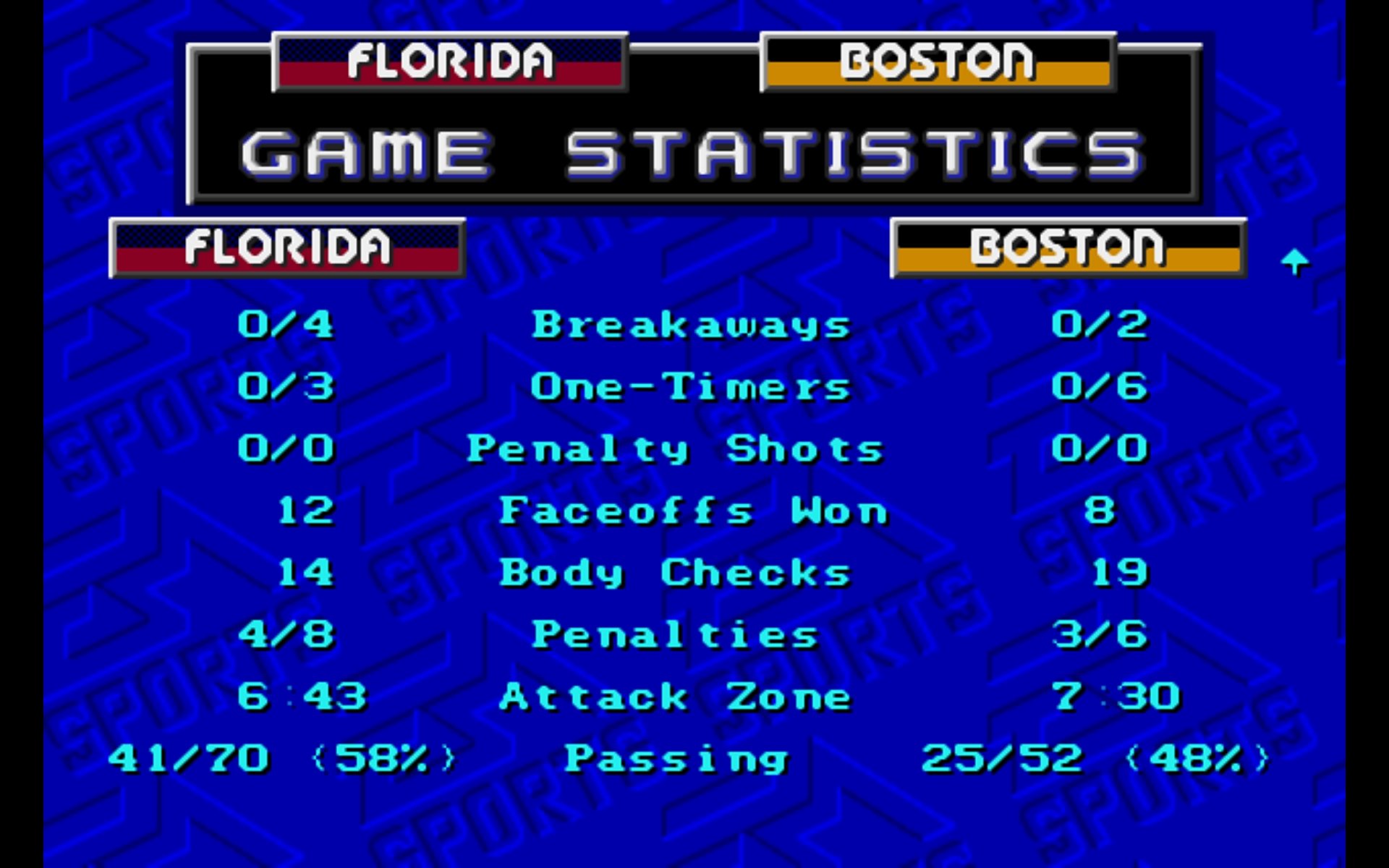
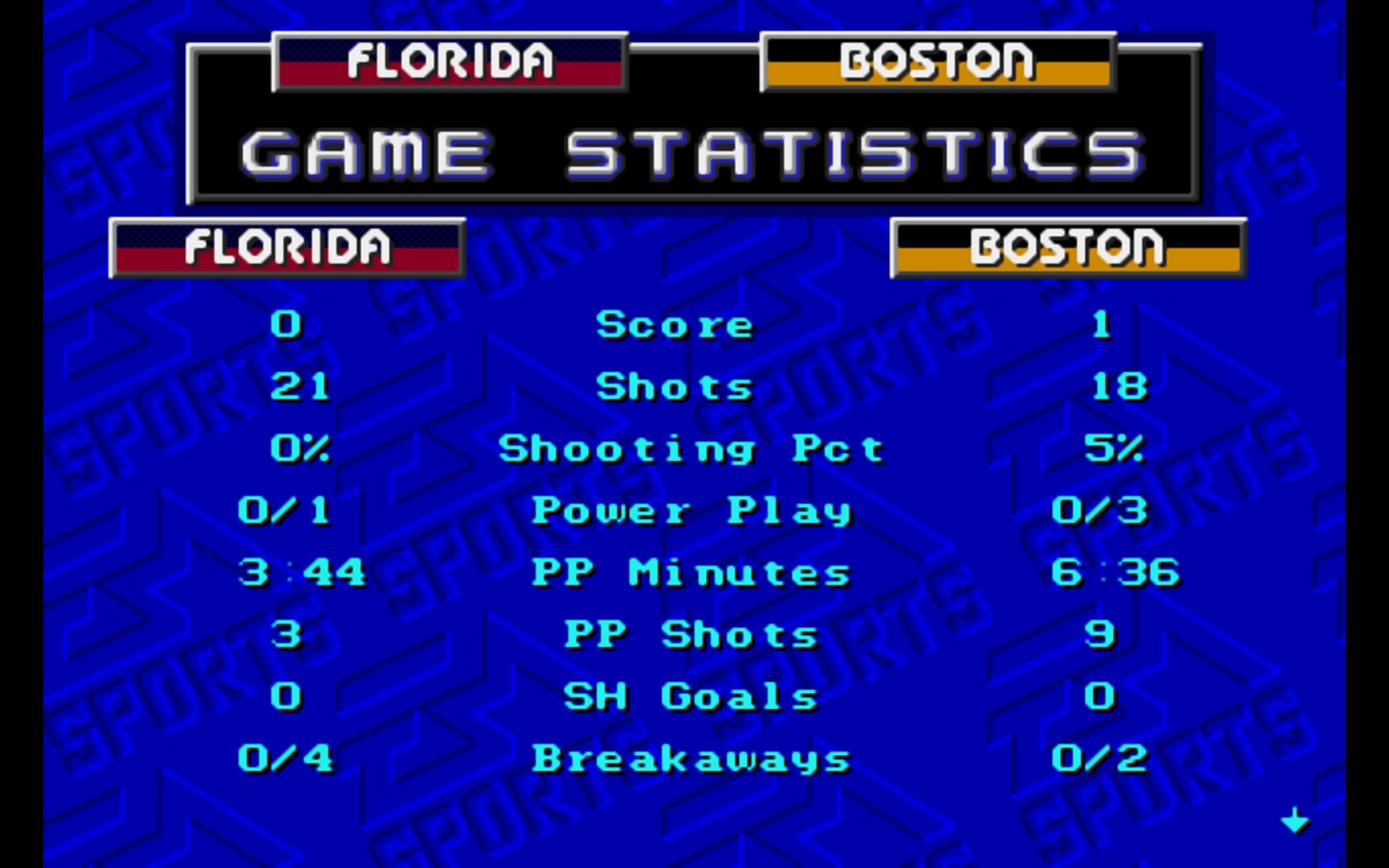
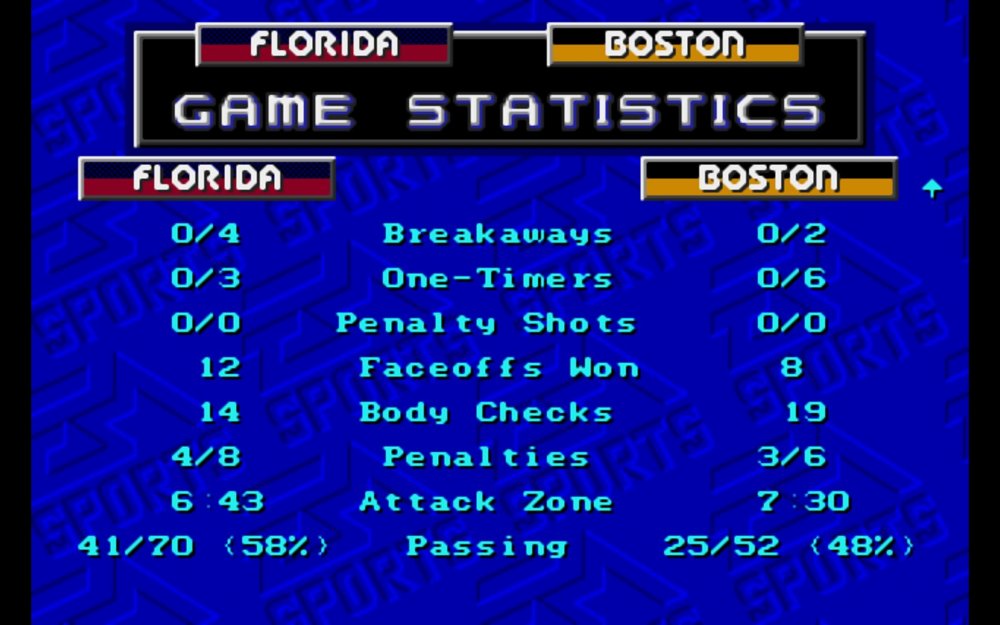
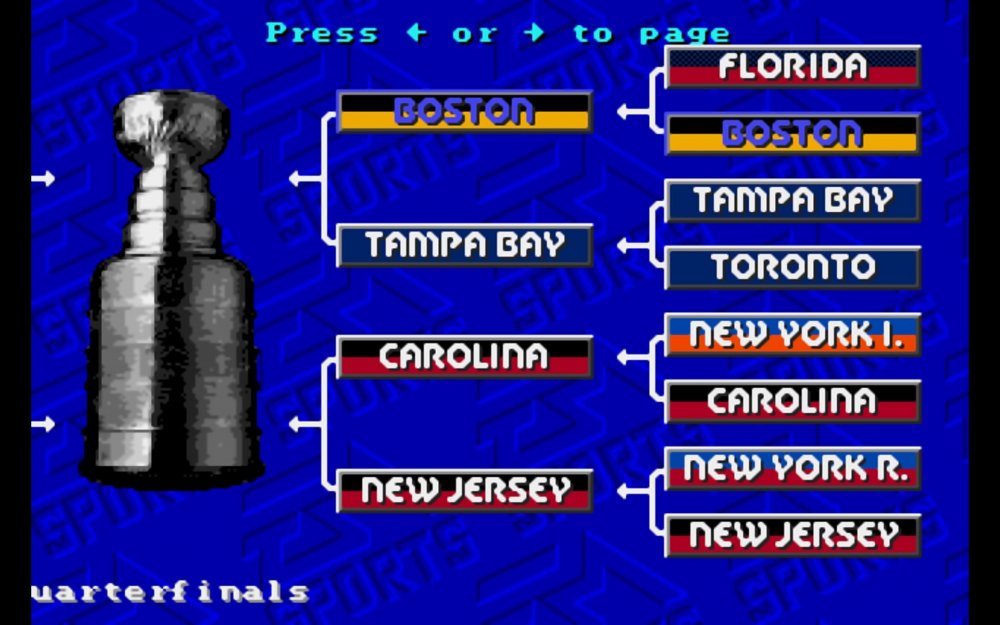
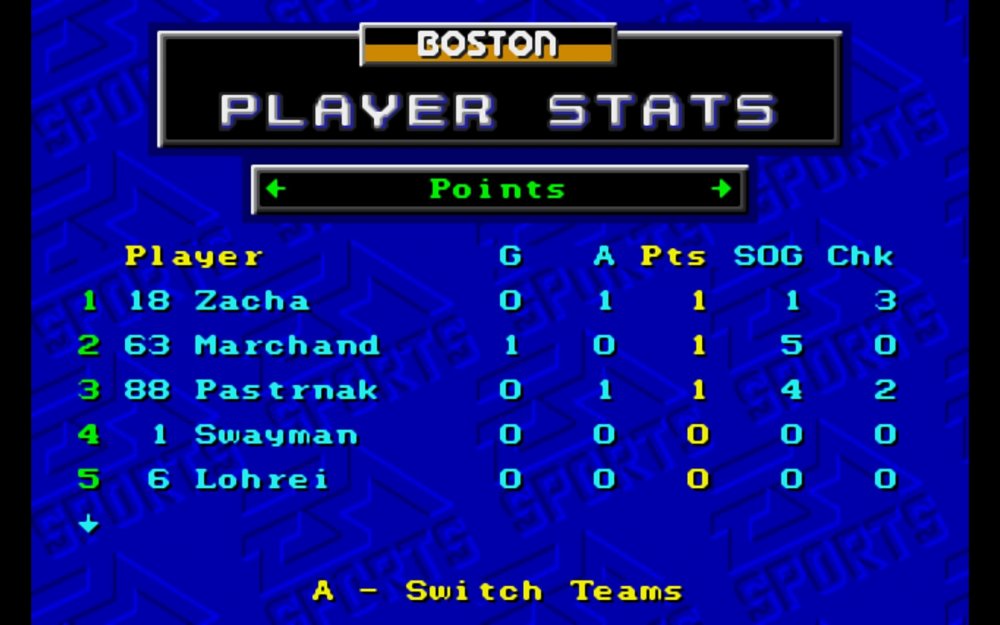
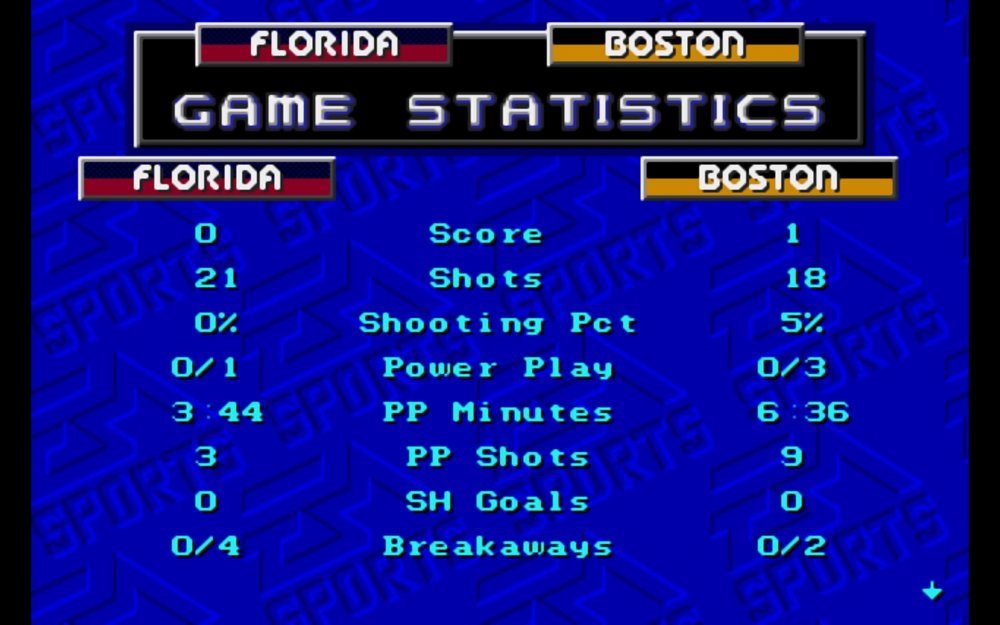
it is tough to score it is usually off a weird bounce or a perfect one timer taking a wrist or slap shot works 5% If that now sounds like hockey 🏒 but a little too simulation style especially if you just playing around with your mates it is usually in some glitchy way you score like goalie gets stuck on net 🥅 or fails to even move also the floater goal is dirty but works still 😀🏒🥅
-
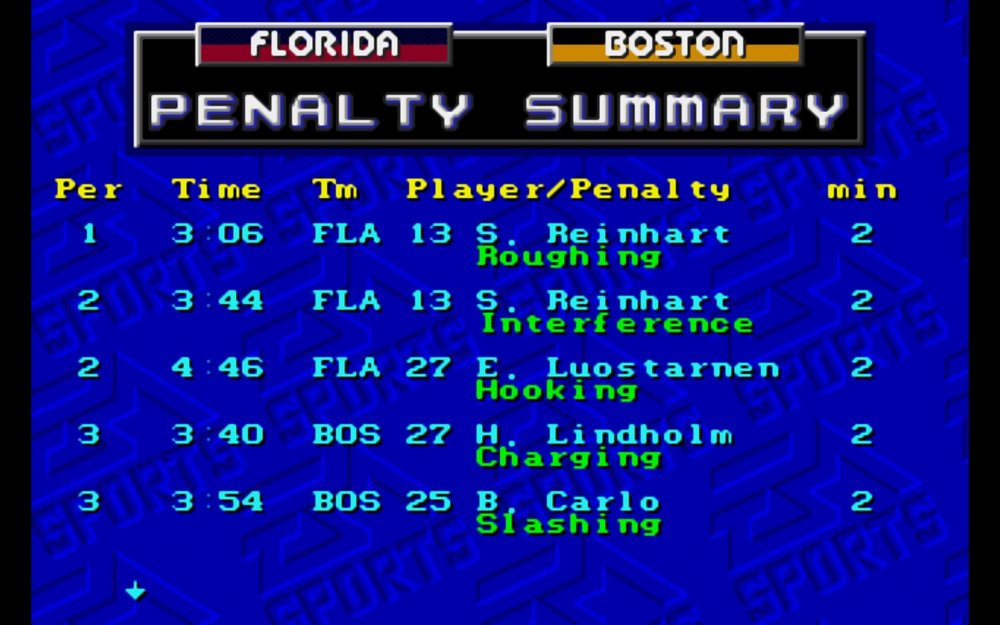
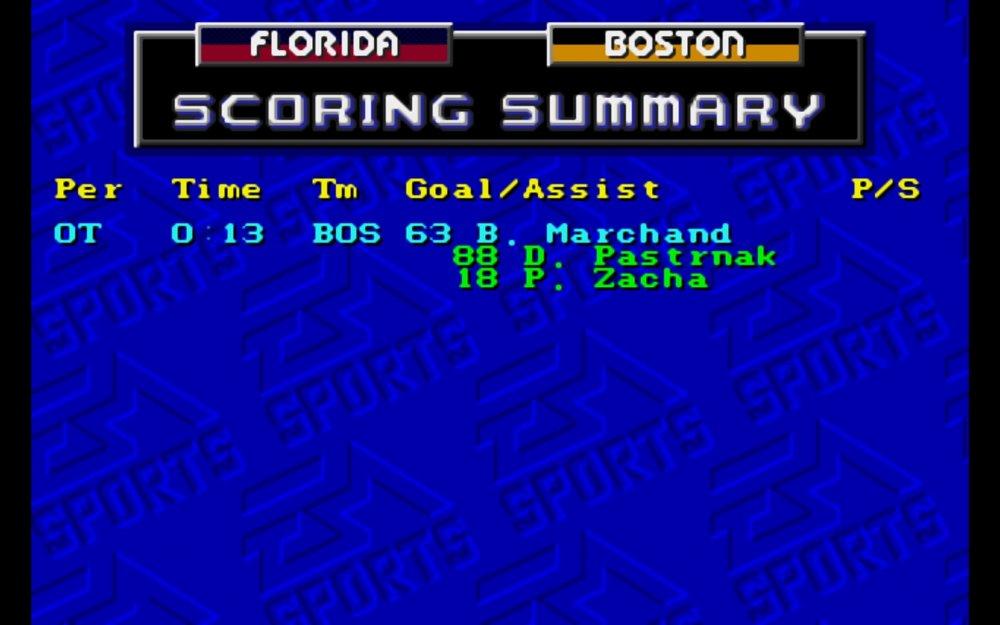
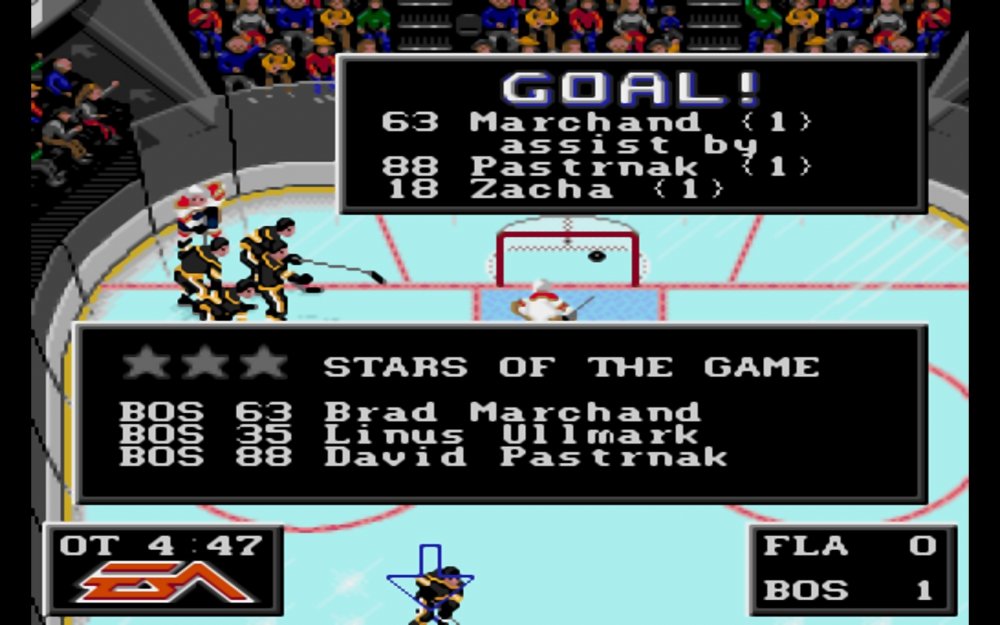
-
May you have the best pizza today and everyday after. May the power of the pizza be with you always. 🍕
-
i appreciate your honesty 👍 thank you 🙏i prefer an arcade feel but that's just my opinion. i like big hits , fast shots and passing. As well as boosted ratings for superstars ex. Gretzky 99 Hull 99 etc... but for new players. Connor McDavid 99 or whatever is the equivalent of 99 on nhl 94 thank you 🙏☕
-
@LaTormenta thanks for helping that dude 😎
-
amazing thank you for your time and efforts happy new years
-
yes of course @NastyNacho you are so sexy and impossible to resist i will be making NHL 96 mod asap -AdamC
-
If somehow Santa could bring me a NHL 96 Adam Catalyst 2023-2024 Edition that would be amazing 🤩 NHL96 is bloody amazing because it had Season Mode and the super kewl spin moves. I always leave a pl@yboy some whiskey and a jøïñt out for santa. Merry Christmas 🎄 🎁
-
i am sadly over 40 and started with a Atari with one button and also a Apple with black and white as only available colors. I had Atari , NES , Gameboy , Game Gear , SNES , Genesis , N64 , PlayStation , PS2 , Xbox , Xbox360 PS3 , PS4 now PS5 i liked RBI Baseball , Tecmo Bowl , DKJR , Oregon trail , myst , loom , monkey Island , indy jones pretty much any lucasarts game. SMB3 is my favorite NES game. I would have to say NHL 94 in 1994 playing with mates was great times luckily the great @AdamCatalyst has updated it for us. Merry Christmas 🎄 🎁
-
should have bought a switch and used emulators on that and you could play newer games as well that price is ridiculous for a gameboy. i don't think it emulates switch, wii u , wii cause you can do that on a switch. plus your phone can play all those old games with better screen and a PS4 controller 🎮 nes.emu md.emu snes9x.emu psx.emu all android compatible and my a14 5g cost me nothing with a one year contract. Also can play on my tablet which was free as part of a promo a samsung galaxy a8. I did pick up a sick Alienware laptop with i9 4070 32gb 1tb for $1,137 on ebay what a steal.
-
wow its $550 on Amazon that's crazy. $356 on ebay.
-
Analogue Pocket does not play copyrighted rom files, it plays legacy game cartridges via the cartridge slot. Analogue Pocket is not designed using software emulation. It is designed using a specialty hardware chip called an FPGA, which operates on a transistor level implementation of its functionality. Analogue Pocket does not operate utilizing any bios files from any other entities. Analogue designs all hardware. All trademarks are the property of their respective owners. Games are showcased to illustrate compatibility with Pocket. 5Sega Game Gear, Neo Geo Pocket Color and Atari Lynx game cartridge compatibility requires cartridge adapters [ sold separately ].
-
Thanks @AdamCatalyst The new update is great 👍 Merry Christmas 🎄 🎁
-
Thanks NastyNacho you are so awesome rich and get all the chicks and you drive a Ferrari just the best guy ever 😜
-
Great news Merry Christmas 🎄🎁