Sean
-
Posts
377 -
Joined
-
Days Won
56
Sean's Achievements






-
FWIW, this font came in at the same time as a Madden and FIFA “re-font”, and while FIFA died and gave way to FC, Madden is keeping their same font for 25. So it may be another year based on that, BUT also NHL’s much more popular studio sibling got new branding last year, so who knows?
-
I had luck doing this by using the skin tone and the shadow color to make the line and dot so I could still use the team palettes, but I also did not put the lines *over* the logo just for aesthetic reasons. So in my template it would be - center dot - logo - line underneath

-
I *LOVE* that Ron Barr has an arena in his background.
-
Well whatever you do, I’m excited to see it! Bummed out to hear you’re thinking it’s your last season, but I’m sure you’ll send yourself off with something amazing. Also heads up if you didn’t see, the image importer is working for 32 teams now, so re-alphabetizing when Utah comes to town should be a little easier.
-

HOW TO: Change and View NHL '94 Sound Effects and Music
Sean replied to swos's topic in How-To & Reference
Dropping here since it’s closest thread - would it be feasible to make it so a road team’s goal song plays when they score in place of the boo? -
It’s a heavier lift than what you’re proposing from a hacking standpoint and also somewhat covered by JKline/VO’s hack, but for a “classic” version I’ve always thought something with 1994 branding for all of the teams where it is possible would be cool. Just to double down on the throwback nature.
-
NCAA Hockey: Road to Tampa Bay (NHL 94) - 2023 NCAA ROMs - Final Update
Sean replied to Sean's topic in Genesis Roms
I can definitely say these 4 will be given preference because of the fact they play D-1 teams. I also like the idea of including the NE10 D2 teams (since they’re TECHNICALLY D1, just don’t compete for the Nat’l title), future teams like TSU, the NTDP teams, and USport teams that play a lot of D1 teams. Did some graphics work last night, hopefully can get some good stuff done this weekend. -
NCAA Hockey: Road to Tampa Bay (NHL 94) - 2023 NCAA ROMs - Final Update
Sean replied to Sean's topic in Genesis Roms
The good news is that the infrastructure for a great NHL 94 mod is already in place, and with new tools like Chaos’ image importer + some tweaks on my end, there’s no reason I can do this if I have the time. And trust me, I won’t forget all of the extra schools. I think I might swap the list a little bit, but it’s honestly one of my favorite parts of the mod. Is there any you’d specifically want to see? -
Whoops - here you go: source.zip Let me know if this is what you need. Has the modified scripts and so on.
-
This will only work with 32 team ROMs since I'm not a great programmer and just swapped the offsets and raised the team limit, but it will work. Someone more talented could probably do some if-then stuff. Thanks for making this super helpful tool @chaos! 32teamIU.zip
-
I also am wondering this - assuming no support for 32 teams right now?\ Edit: I think I have this working with 32-teams with some edits to your code. I'll share once tested more.
-
NCAA Hockey: Road to Tampa Bay (NHL 94) - 2023 NCAA ROMs - Final Update
Sean replied to Sean's topic in Genesis Roms
In hindsight I wish I hadn’t taken the year off, but the modern NHL stuff was fun and a cool challenge. Might try and find a way to convert FHM10 rosters to NHL 94 rosters which would make doing a 23-24 roster super easy, and some guys would definitely make the all-time roster for their schools from this past season. I think this one is worth revisiting too, but don’t wanna get too ahead of myself yet. It would look great with the crowd/music updates, and and the sprite tweaks I made inspired by some of what Drezz did. -
NCAA Hockey: Road to Tampa Bay (NHL 94) - 2023 NCAA ROMs - Final Update
Sean replied to Sean's topic in Genesis Roms
Is there interest in a project with alumni rosters for the top 32 or so programs? I was feeling very nostalgic for this mod after playing it during a train ride, and would love to make something again. I have some unused sprite and music updates that I’d love everyone to see! -
NCAA Hockey: Road to Tampa Bay (NHL 94) - 2023 NCAA ROMs - Final Update
Sean replied to Sean's topic in Genesis Roms
1. Yes! A lot easier in fact. Since everything is contained in one file instead of jumping between 4 ROMs. That was what mainly drew me to it, honestly. 2. Higher power PCs and (unofficially) modded PS3s, for now. As emulation gets better this could expand - but it’s a very CPU heavy task. I only know how to do it on a higher power (8+ cores) PC. -
NCAA Hockey: Road to Tampa Bay (NHL 94) - 2023 NCAA ROMs - Final Update
Sean replied to Sean's topic in Genesis Roms
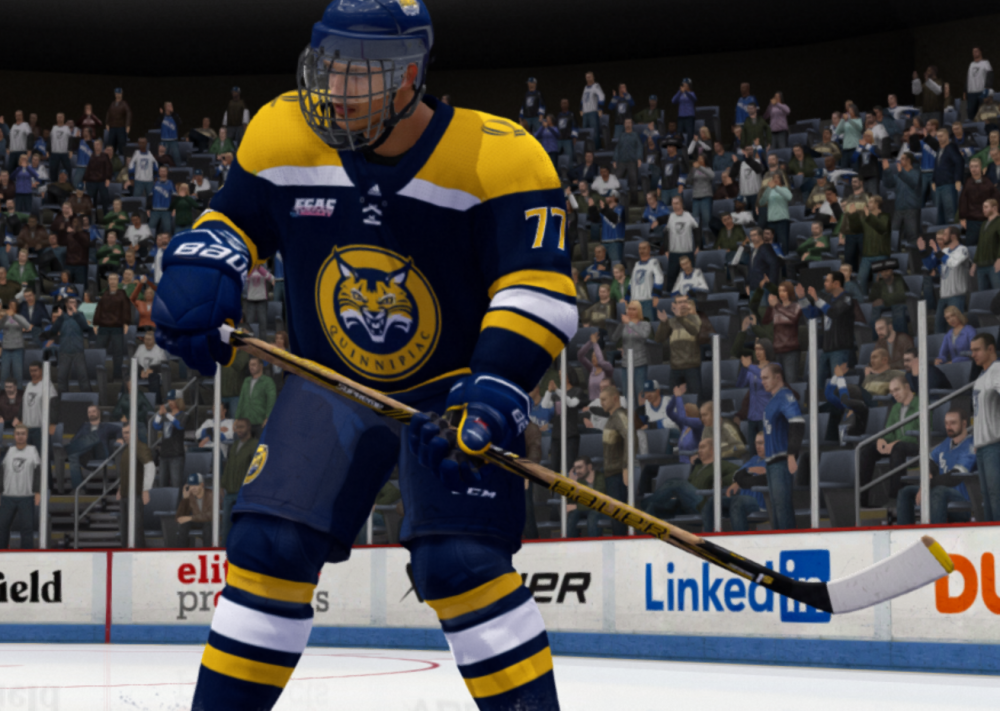
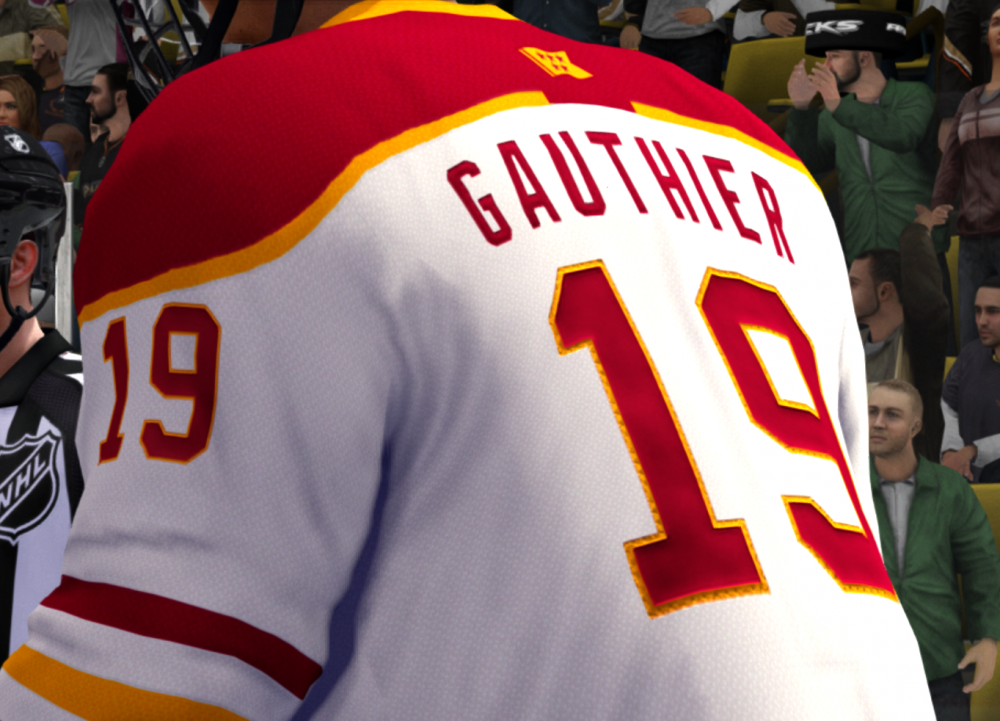
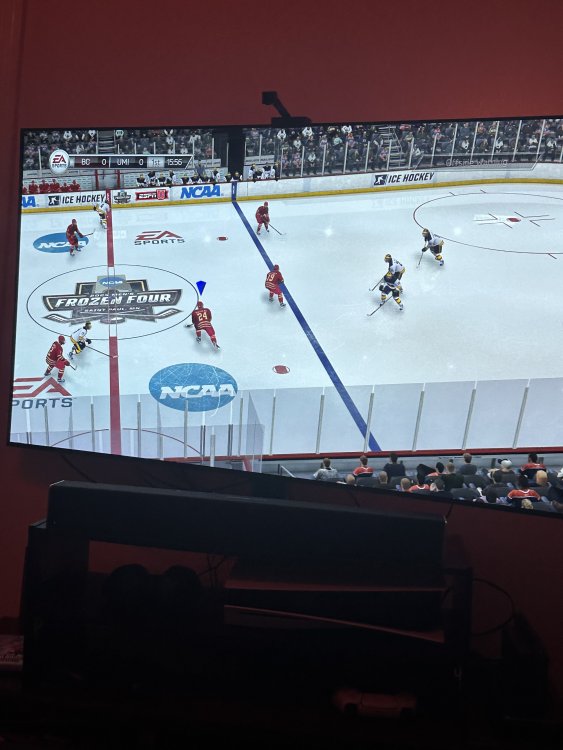
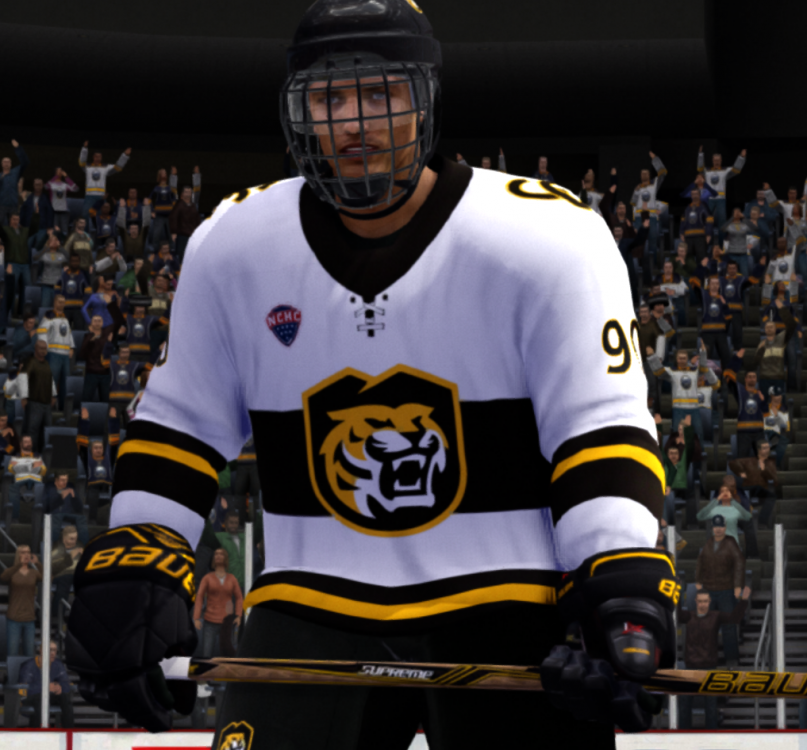
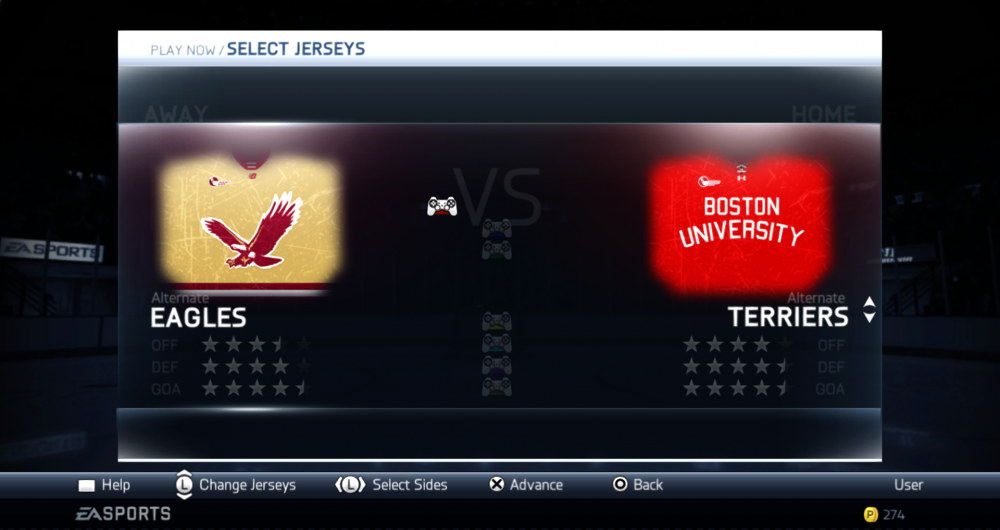
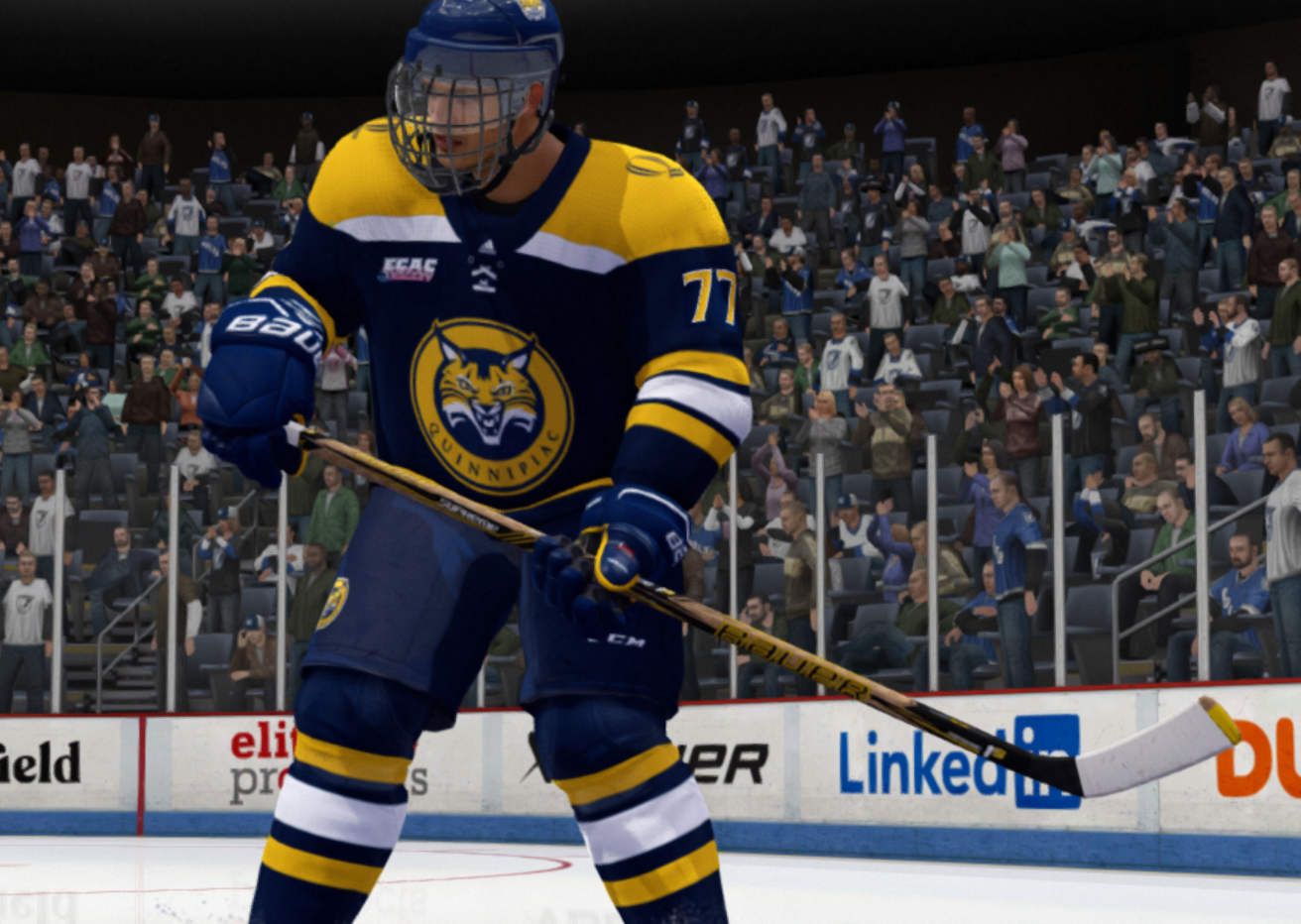
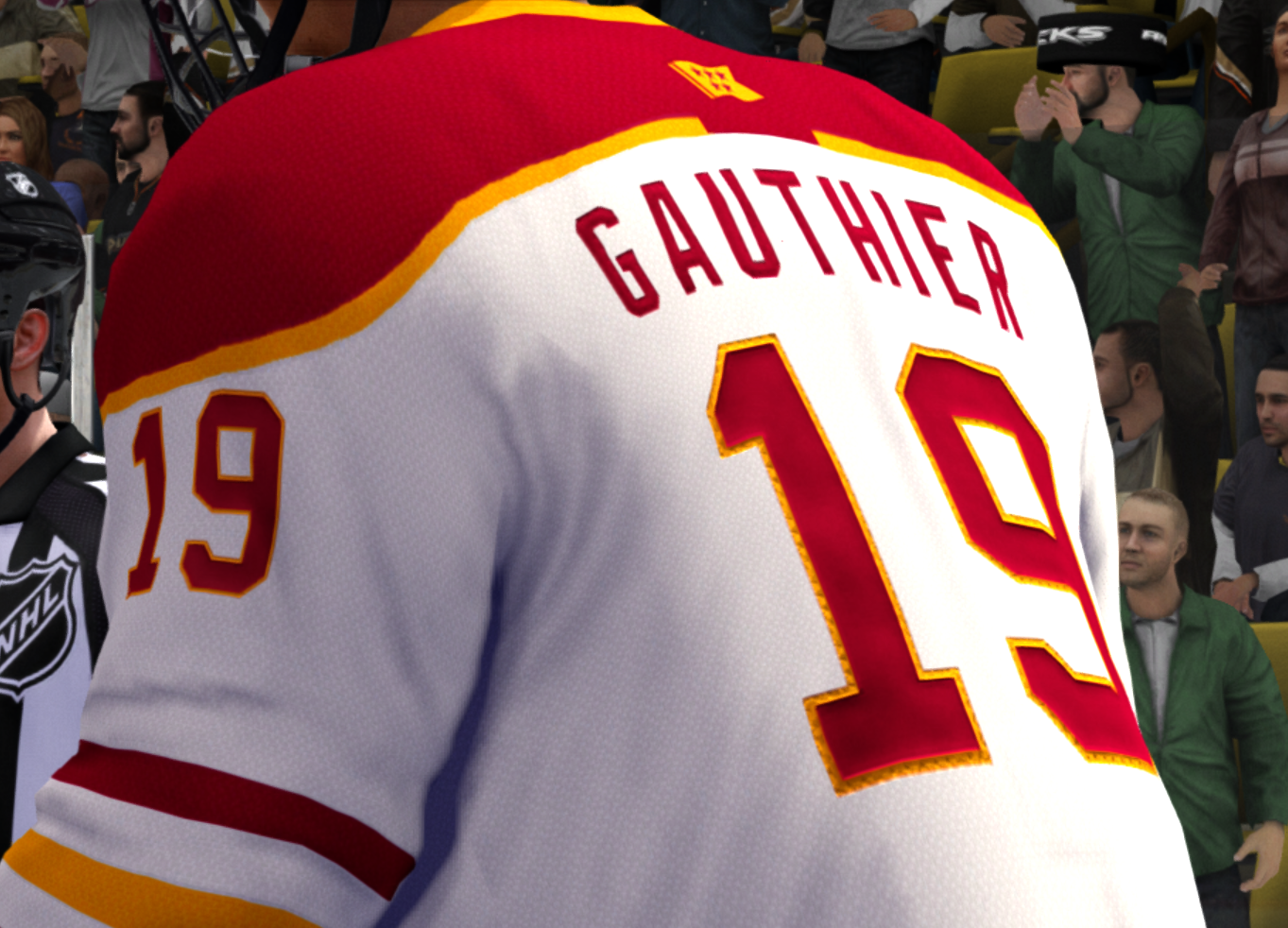
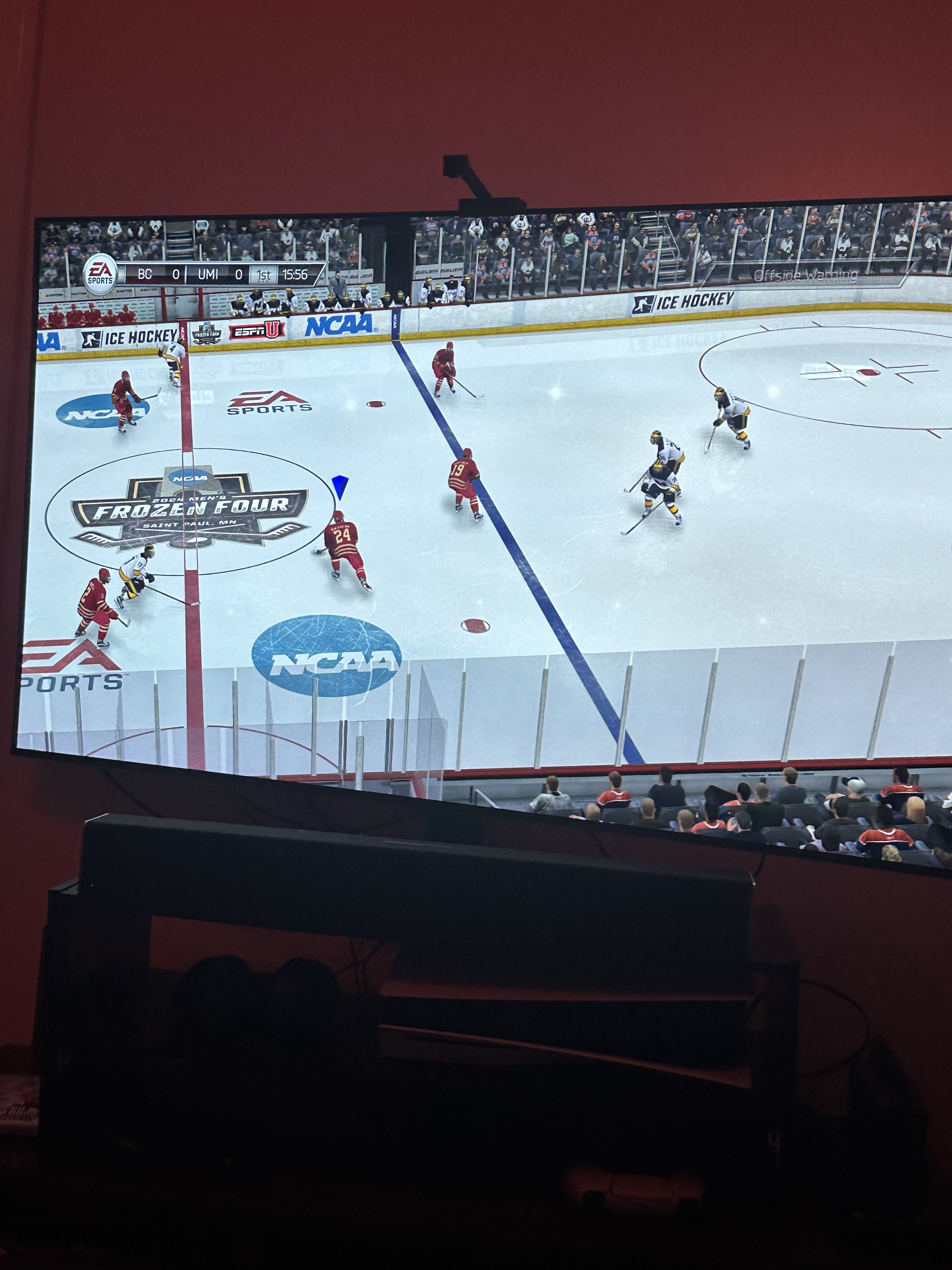
Hey there - I’ve moved my efforts to working on a mod for NHL Legacy just so I have more surfaces to mod and make something more realistic. It runs on less devices because it has a high CPU overhead, but it’s had great results (see attached). Sadly I only have time for one mod lately, so this mod is not going to be worked on much more (if ever).