kingraph
-
Posts
5,885 -
Joined
-
Last visited
-
Days Won
186
8 Followers


.thumb.png.f246c1ef886ca6288c54dd426750111e.png)





Recent Profile Visitors
35,324 profile views






.thumb.png.6e80a070304fd59ed190ac7326dd2894.png)
kingraph's Achievements






-
This ROM was ultimately used to release the Tucson Roadrunners 2024-25 schedule Thanks again for all the help to make this happen!
-
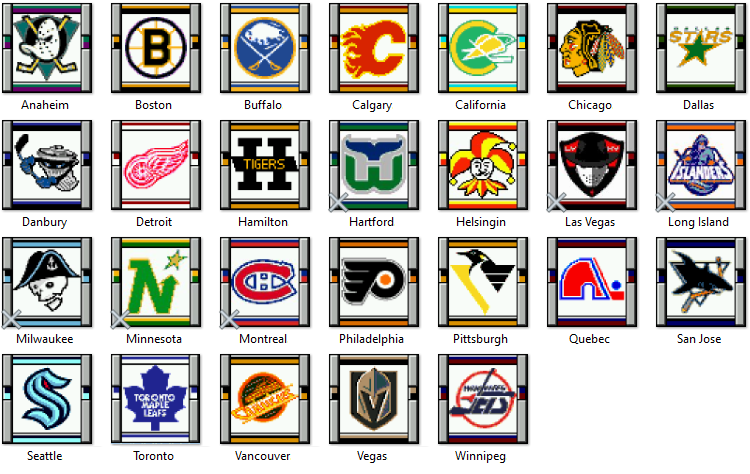
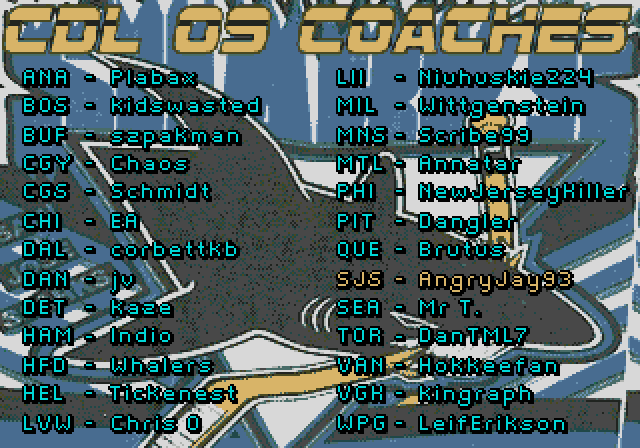
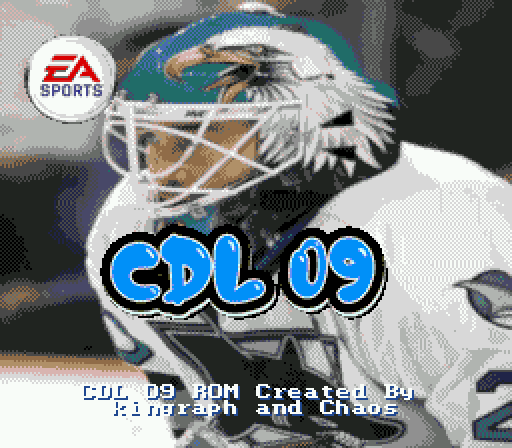
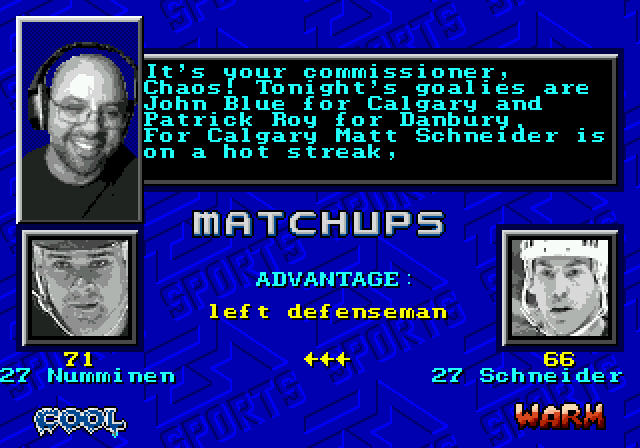
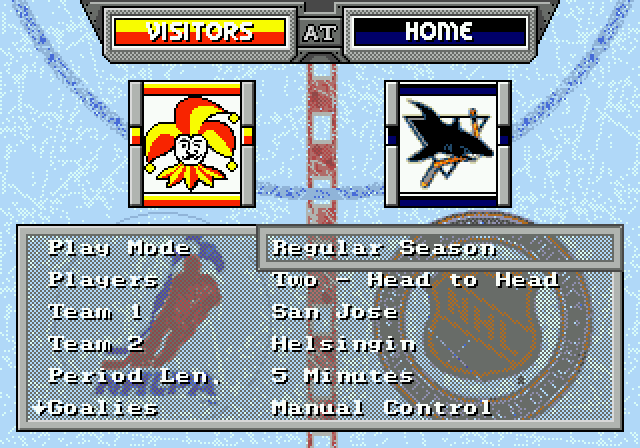
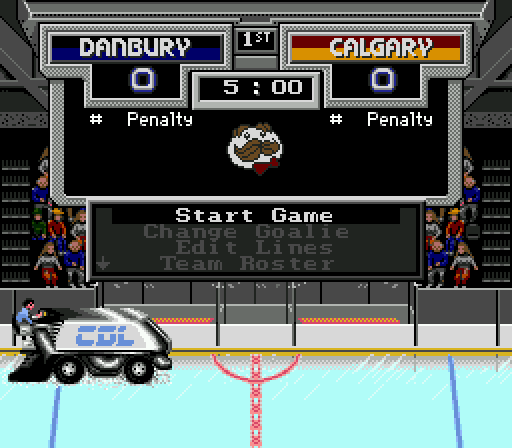
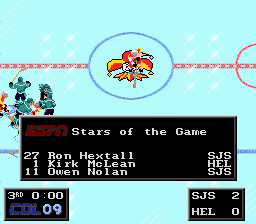
CDL 09 Official ROM:CDL_season_09.bin 26 Drafted Teams of 12 players! Hot/Cold Reduced to "Warm/Cool". Boosts are limited to +1, 0, -1 vs original ROM -3, -2, -1, 0, 1, 2 1 minute penalties 12 second Penalty Shot Time (reduced from 25) Body Checks after whistle don't count in stats +/- stat added for boxscores Reduced time to switch to Manual Goalie Slightly Increased Goalie Roaming Range Boosted Goaltenders - All goalies get +1 to Agility and Stick/Glove Ratings, except Roy & Belfour 312 Updated Player Cards All 12 player cards cycle on start menu 26 Unique Teams Drafted by these rather dapper gentlemen: Eddie Belfour graces the cover in his Sharks uniform! Commissioner @chaos returns to the announcing action Updated menu screen featuring some familiar backgrounds from NHL '96 Pringles has sponsored CDL 09! ESPN remains the 3 stars of the game sponsor:
-
I connected with @chaos on Discord and he helped confirm that the game logic described above is correct. So the implications that you guys are describing with regards to how often a matchup is selected, based on where the teams are located in the table, will also be correct.
-
Instructions from 00011086 to 000110B8, comes up with a value in data register D0.
-
This intrigued me, so I did a little research into how this works as I didn't see anything on the forums. From what I can tell, there definitely seems to be a random element. The code loads up the playoff draw table Then (apparently) a random number, always a multiple of 16, is added This essentially selects a random playoff draw from the 32 playoff draws from the table by creating that new offset. The game first checks if the Team 1 is less than 25 (which is 26 teams given we start at 0). This was the limit for "no all-star teams", which since has been hacked away to allow for all 30/32 teams to be selected. Game checks if Team 1 is listed in the playoff draw row, going incrementally from 1-16 If Team 1 isn't in that playoff draw (i.e. after 16 instances), it loads up the next playoff draw row and starts again Once Team 1 is found, if finds the opposing team and loads Team 2. I started the original '94 game from the beginning and traced 3-4 times from the start with Montreal and had different outcomes each time. Meaning, the entire sequence was the same, but the "random" assignment changed. I also selected the next team, NJ, and the random number changed again. So I can't confirm if the number is truly random, but the code where that number is generated is a lot of multiplication and the infamous $D066 RAM value is called, which from what I remember @chaosnoted is used in the RNG calcs. So I feel pretty confident that it's meant to be RNG, and I'm not going to decipher more of this .
-
Current working ROM is here: AHL_24_beta_05.bin So incredibly grateful for the pixel Picasso @von Ozbourne and @smozoma's help. This could be a good base for anyone looking to complete an AHL ROM.


-
Posting here for posterity: https://www.youtube.com/watch?v=HF449QxbBqQ
-
I took some time to create a cover page that pays homage to the original. I will redo the AHL shield as I realized that an older logo that I just stuck in there. But anyway, more progress on this ROM. I'll post the template once all the team logos are incorporated.

-
Ooooh, that looks amazing. I'd go with that one!
-
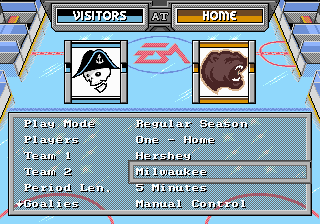
Just to be clear -- though not posted, Hershey, Rockford and Milwaukee were previously done by me for other leagues: I'm keeping the OP updated as to what teams are left so we are not accidentally duplicating efforts
-
Here's an alternative Admirals logo I found and used because the text was too much. I think it looks great And the ice logo (not asking for those here) was the name:


-
I CAN'T BELIVE I MISSED THESE POSTS! I feel so dumb With regards to the text in logos, I agree, I have removed the text myself if I couldn't find a logo without text. Sometimes it's not so bad, like the Ice Hogs I say go for whatever you feel looks good!

-
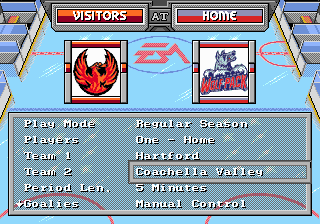
These are looking great even when I knocked off a color:
-
I messed up - the first color is transparent, so also unusable. So it's really 9 colors plus black/white. My bad!
-
This has been wonderful! Thank you @smozomaand @von Ozbourne! I wanted to let you know how much I appreciate your time and efforts so far! This project WILL be completed...I should have some time after this weekend to get out a ROM: