Jlsegafan2001
-
Posts
272 -
Joined
-
Last visited
-
Days Won
2
Jlsegafan2001's Achievements






-
Haven’t heard back yet.
-
Hopefully.
-
Ah, yes, the rather infamous Scott Walker.
-
For number 2, I'll have to wait for a response.
-
😛
-
1) I'm not sure how to do that. 2) I got in touch with a software developer I know of that could maybe add support for those files in their own application, which would then allow me to add new files to the viv files.
-
Huh. That's strange. It didn't work for me.
-
Unfortunately, editing player names doesn't really work as expected.
-
You can tell the post is from 2007 because the original website is dead, and replaced with a completely different one.
-
To see Cheveldae's card, find where it is in DONRUSS.VIV (you might need to extract the game files from the ISO and put them in a new folder to see the file). Then go into the roster editor, and press "D". This is the database editor, where you can assign new picture IDs to players. Photo 1 is the portrait, and Photo 2 is the Donruss card. Type in the ID of his Donruss card in "Photo 2". It should be the same as the number in Photo 1. After that, you make an iso out of that folder, and install the game... ...sike! Even if you do all this, the button allowing you to switch between the card and the photo still won't show up. But if that DID work, these would be the steps to take.
-
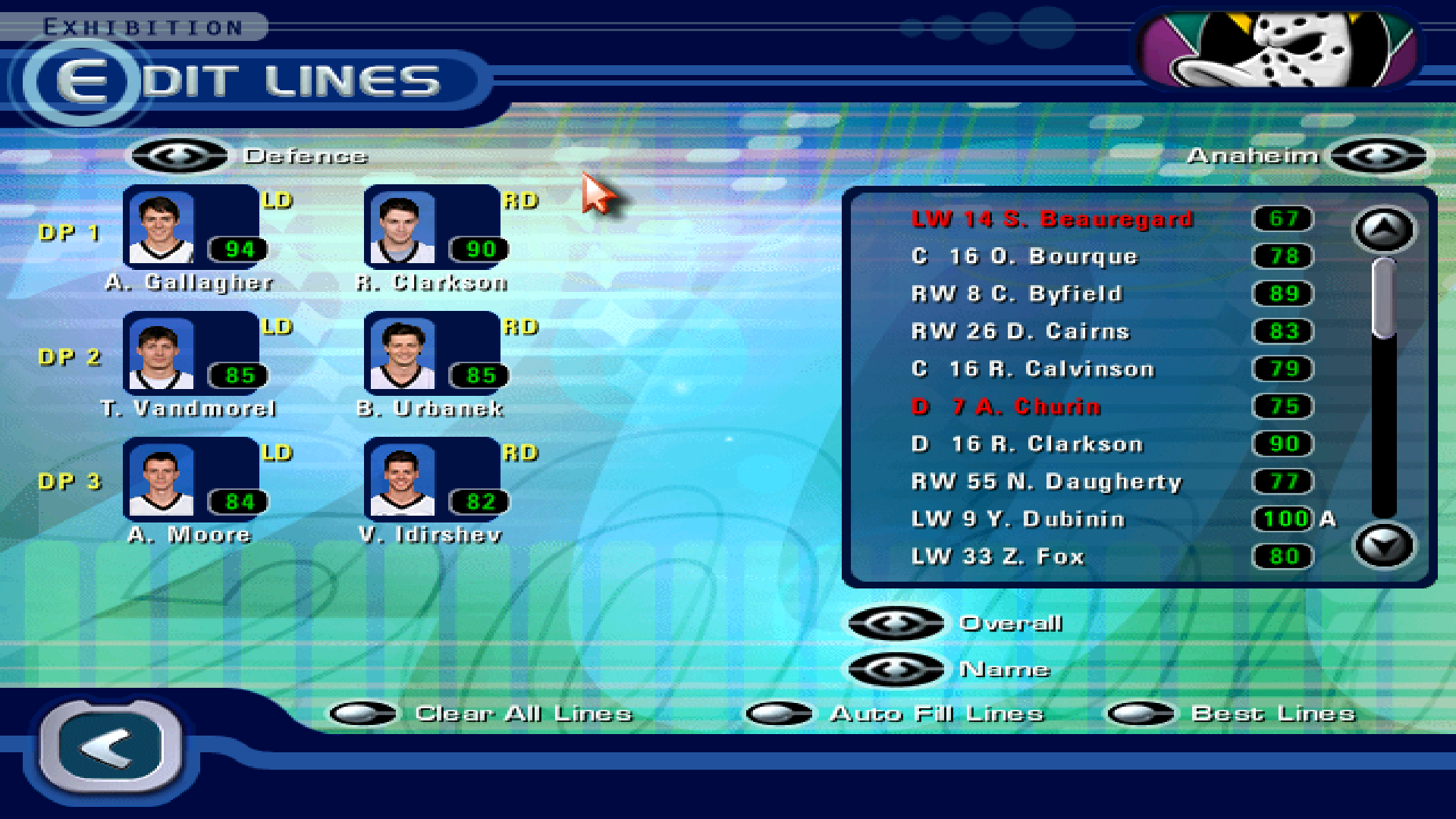
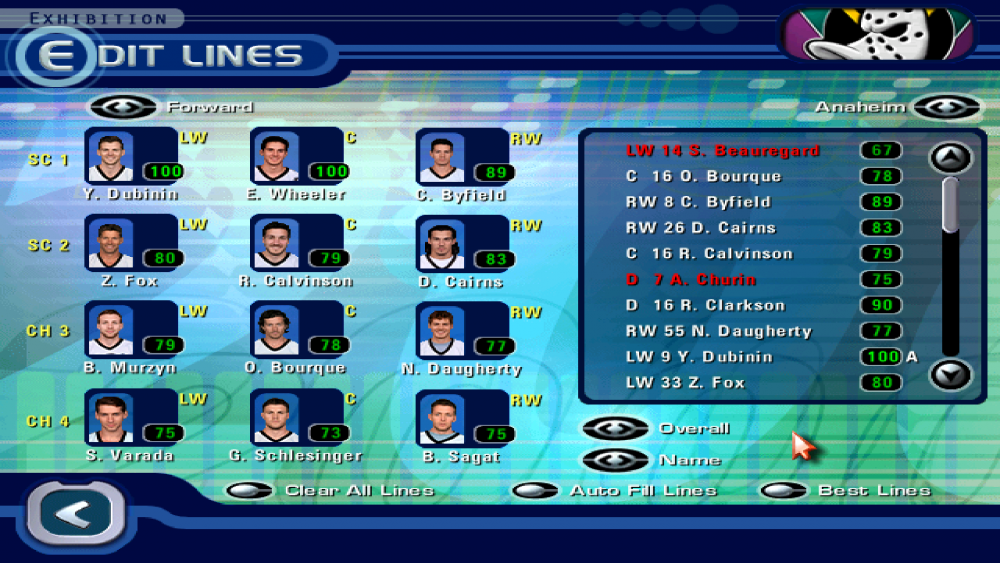
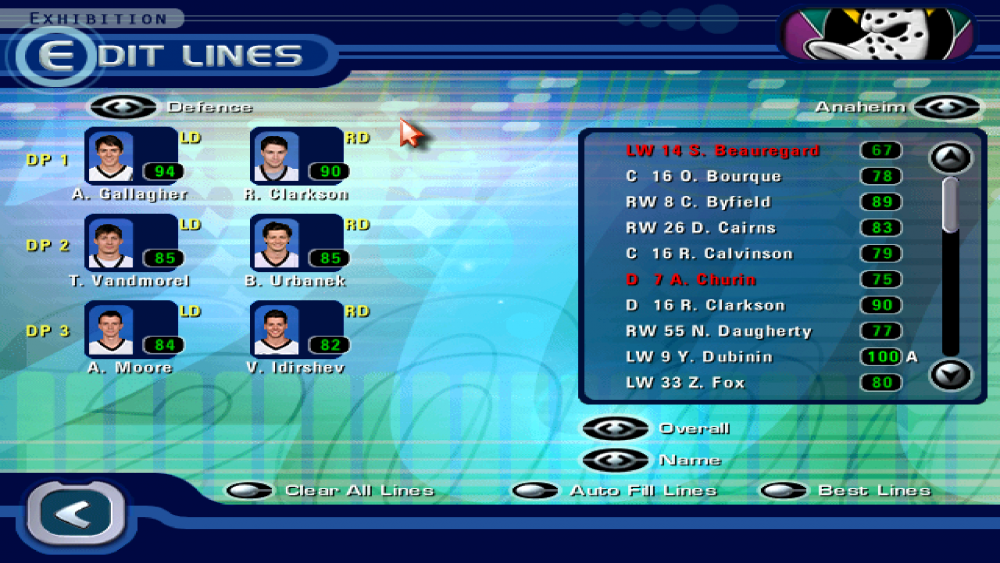
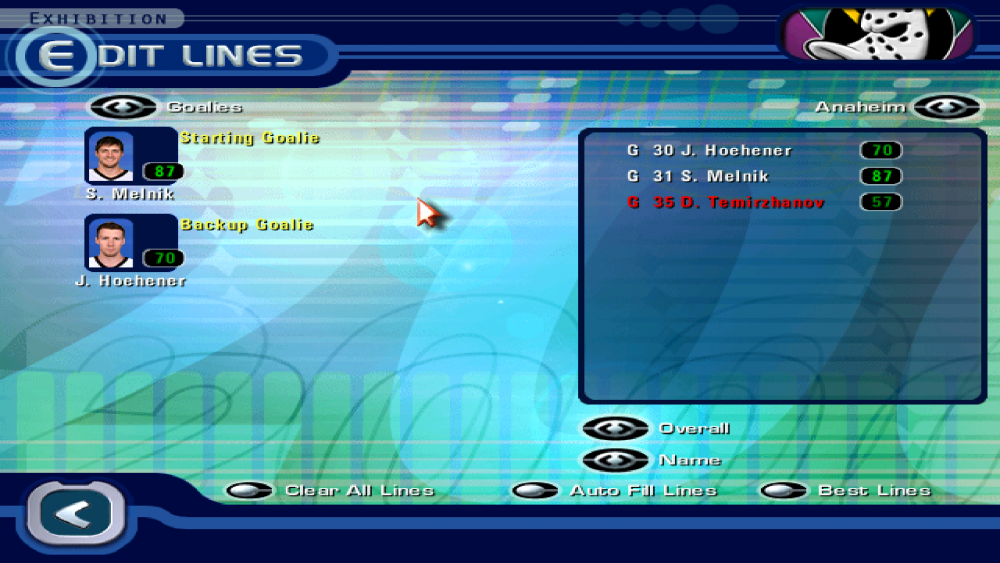
Here's how the Mighty Ducks of Anaheim look in a mod I chose to make of NHL 2000 on PC called "NHL All Stars 2000". The premise is simple: All the teams are still real, but all of the players are fictional. It may take a while to complete, though. 😛
-
HOW TO: Change and View NHL '94 Sound Effects and Music
Jlsegafan2001 replied to swos's topic in How-To & Reference
Sorry for the necroposting, but has anyone figured out how to make new menu music? -
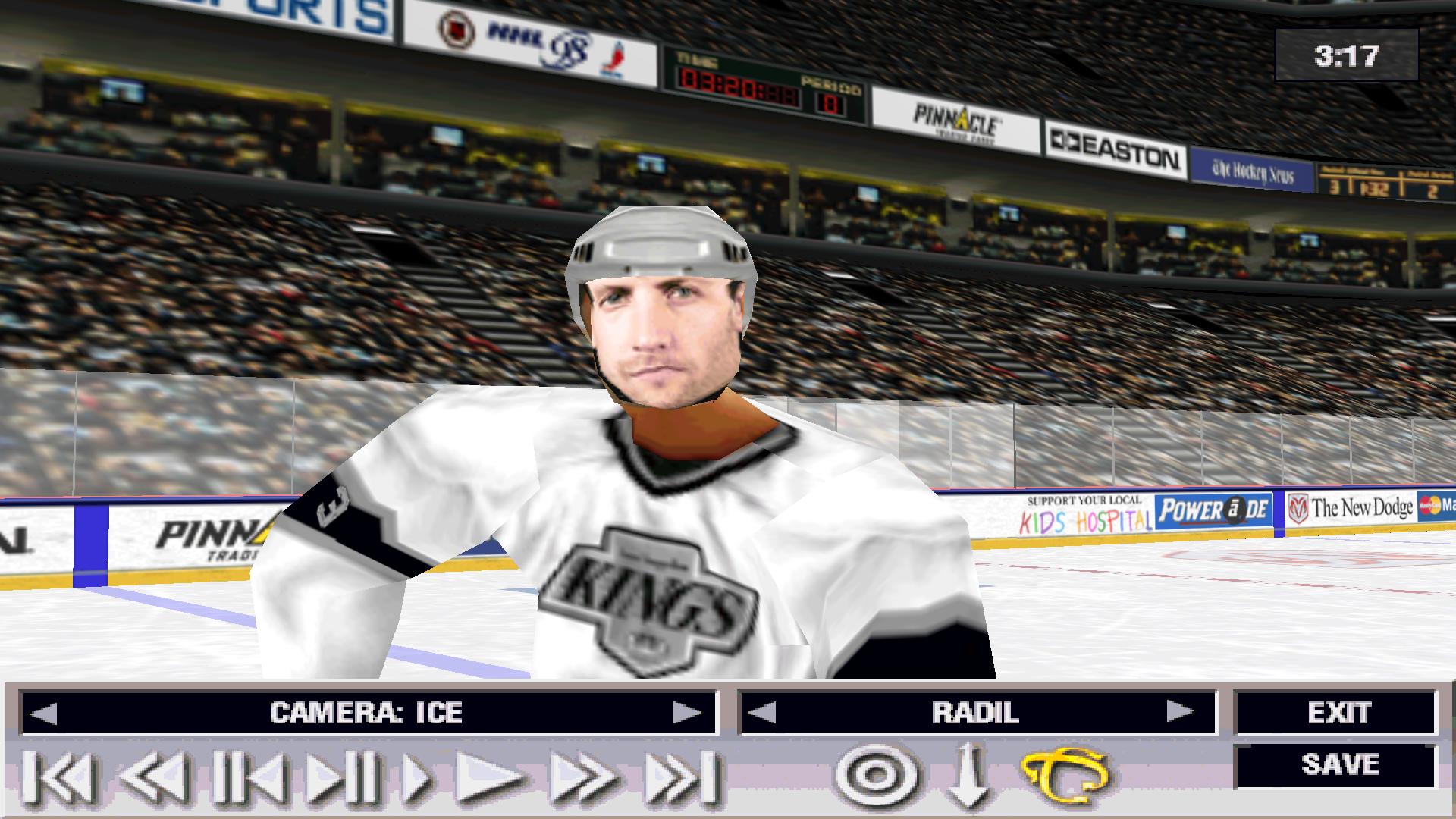
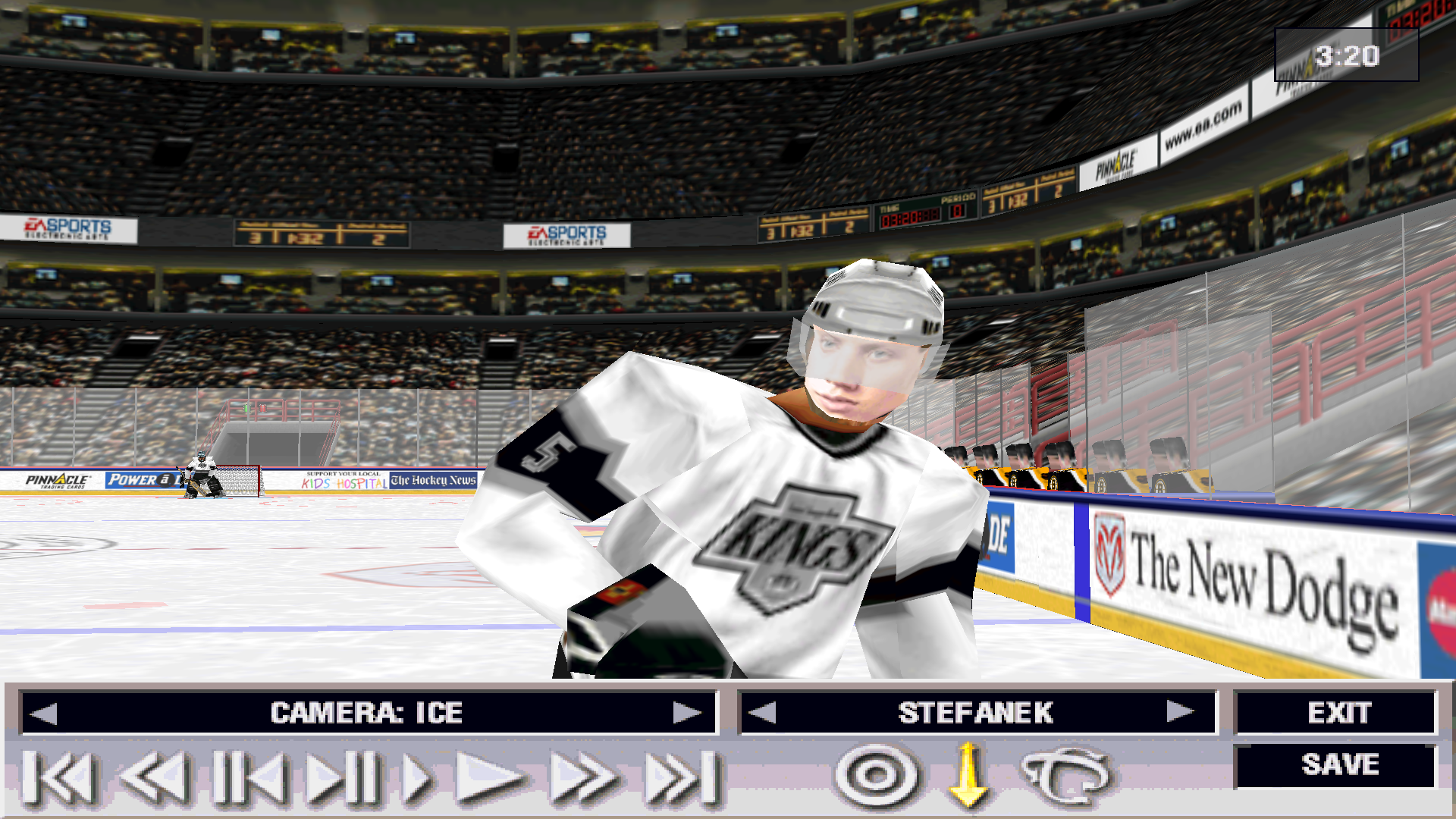
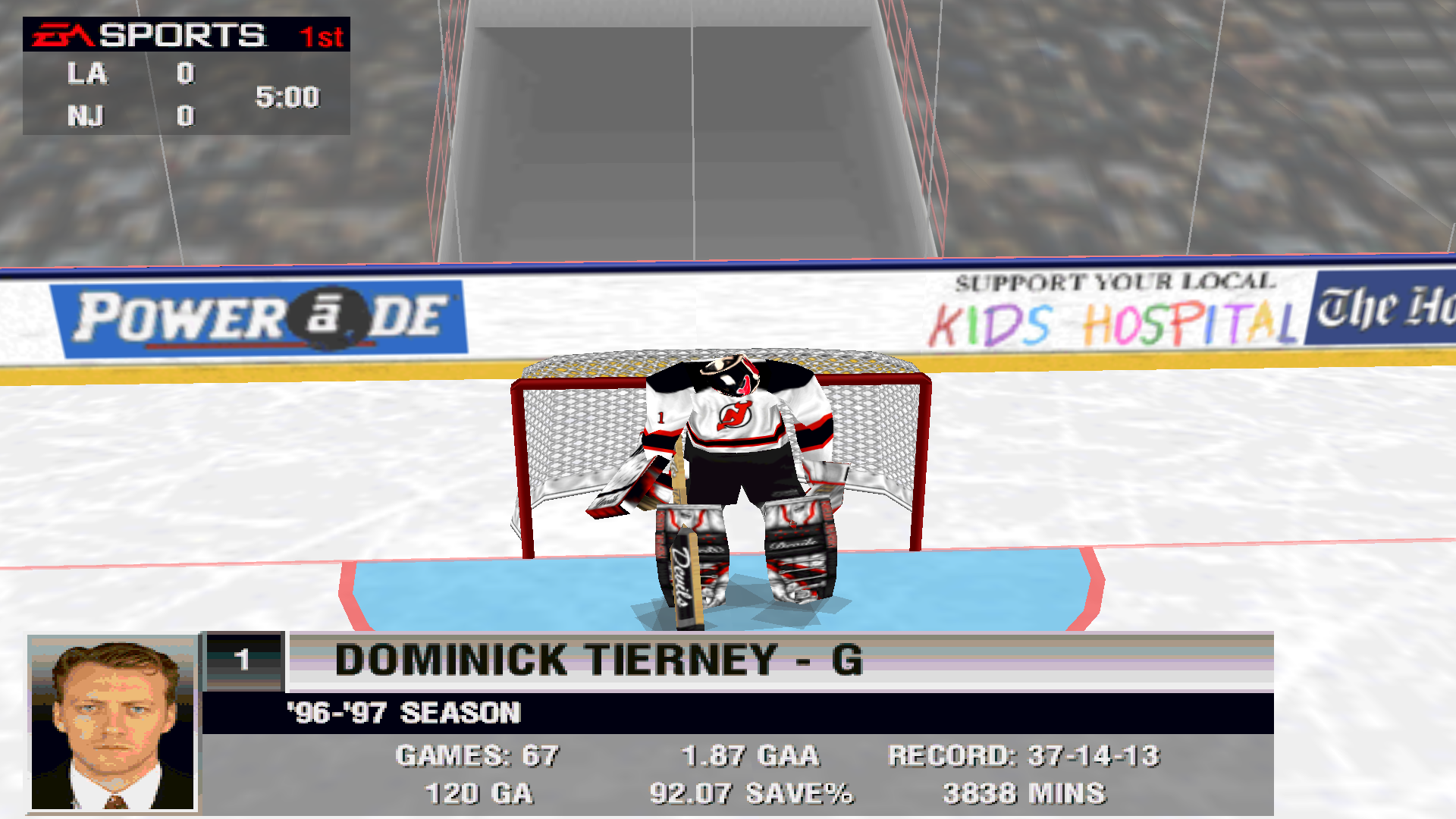
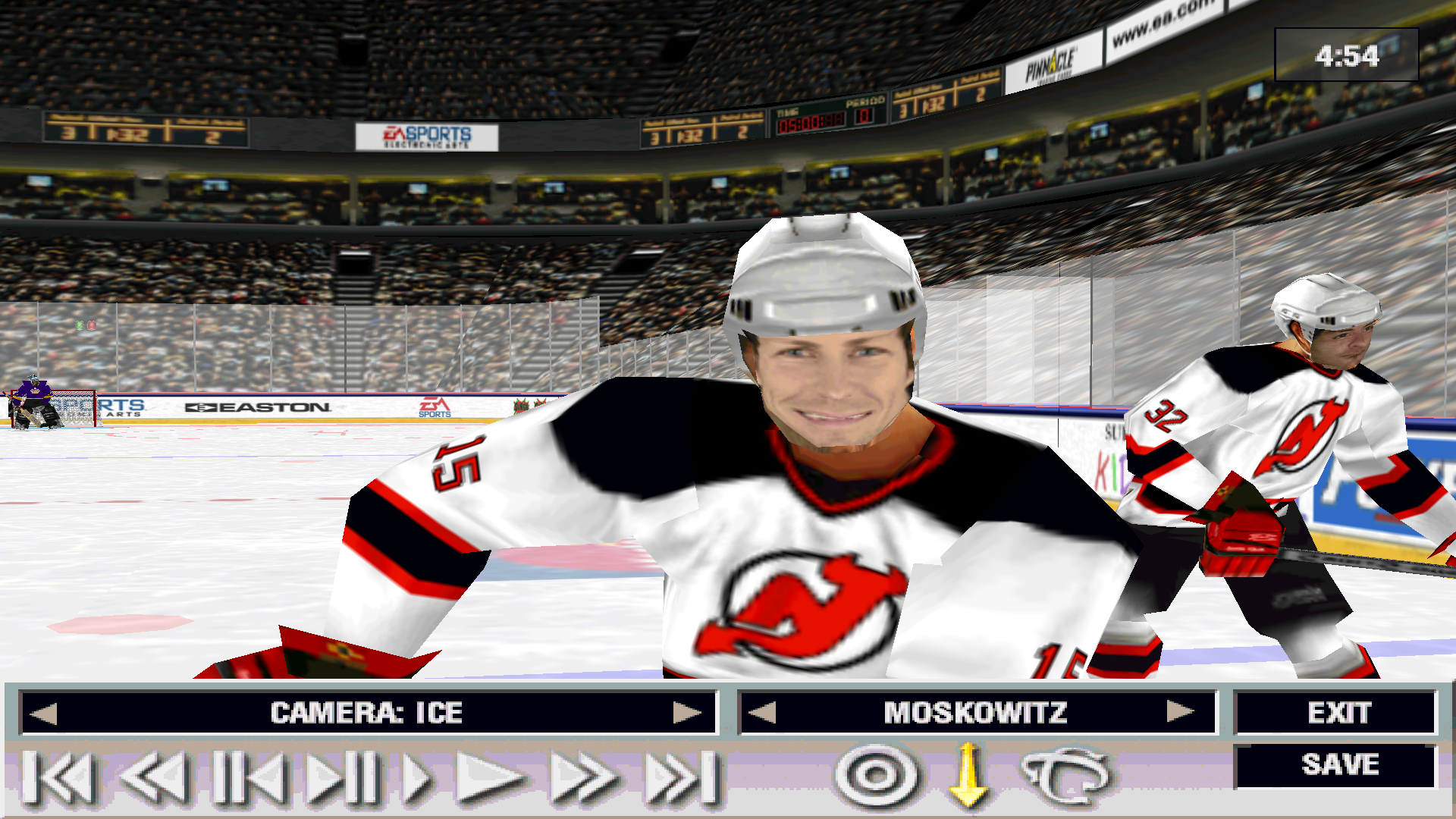
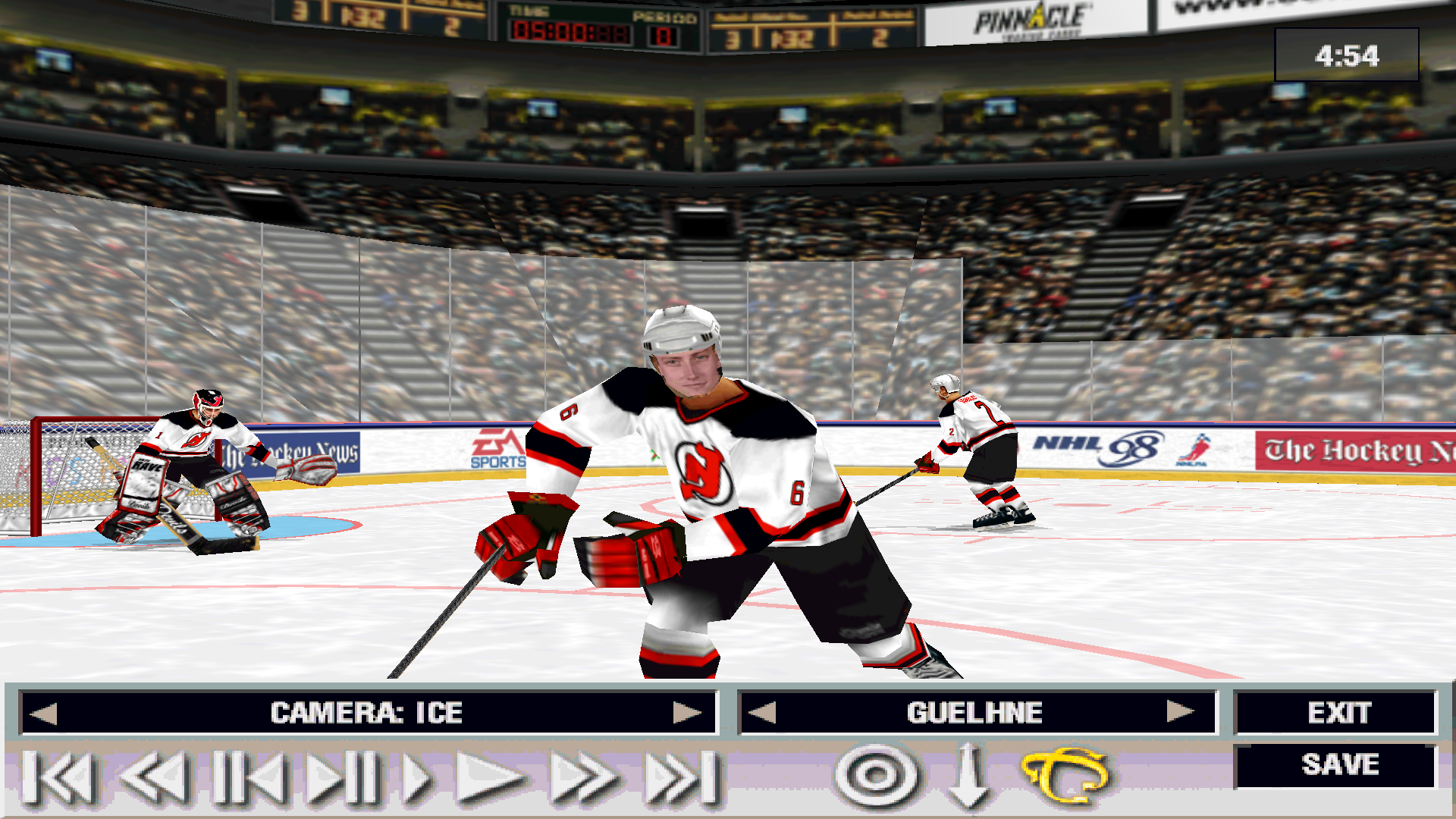
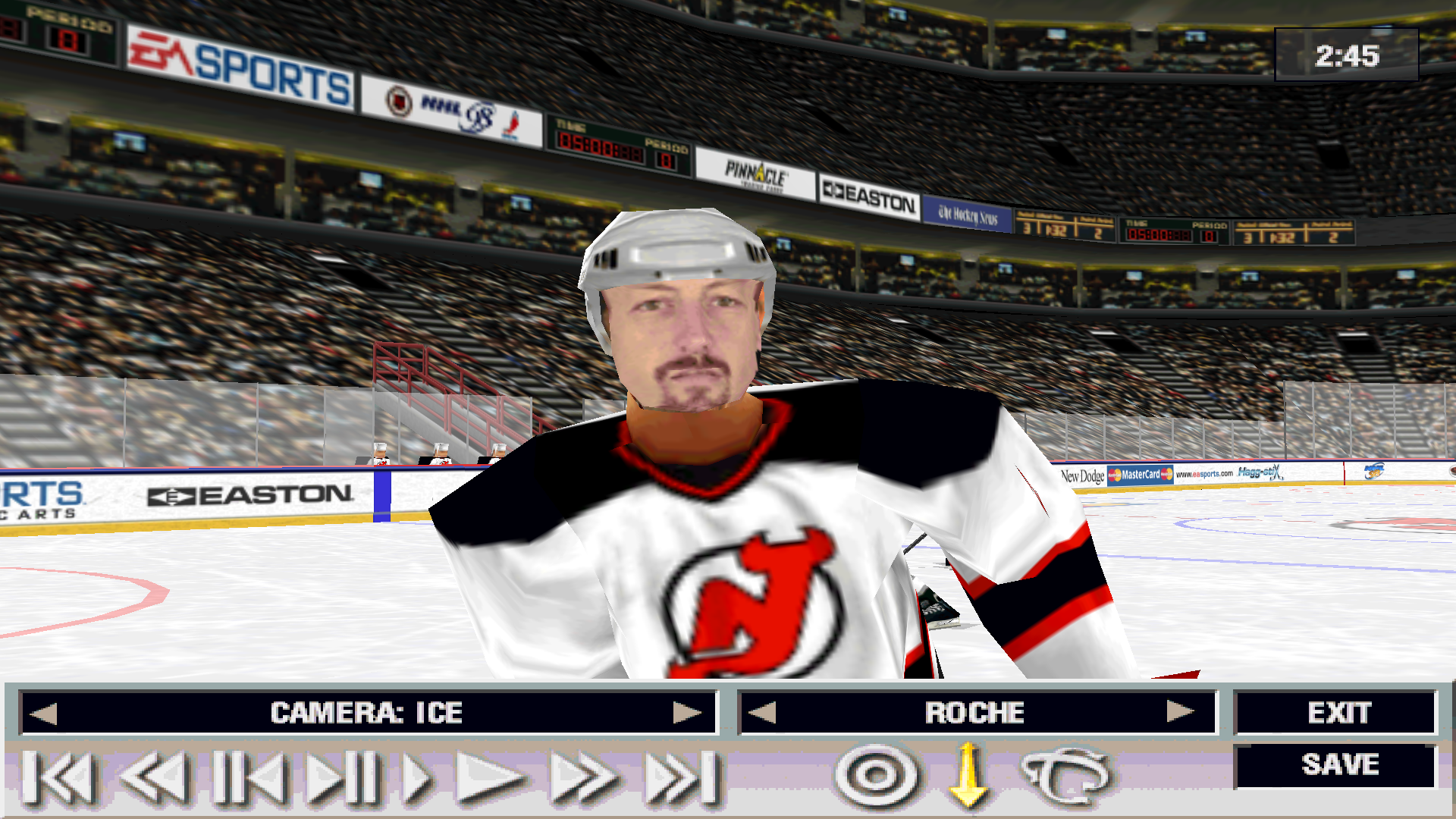
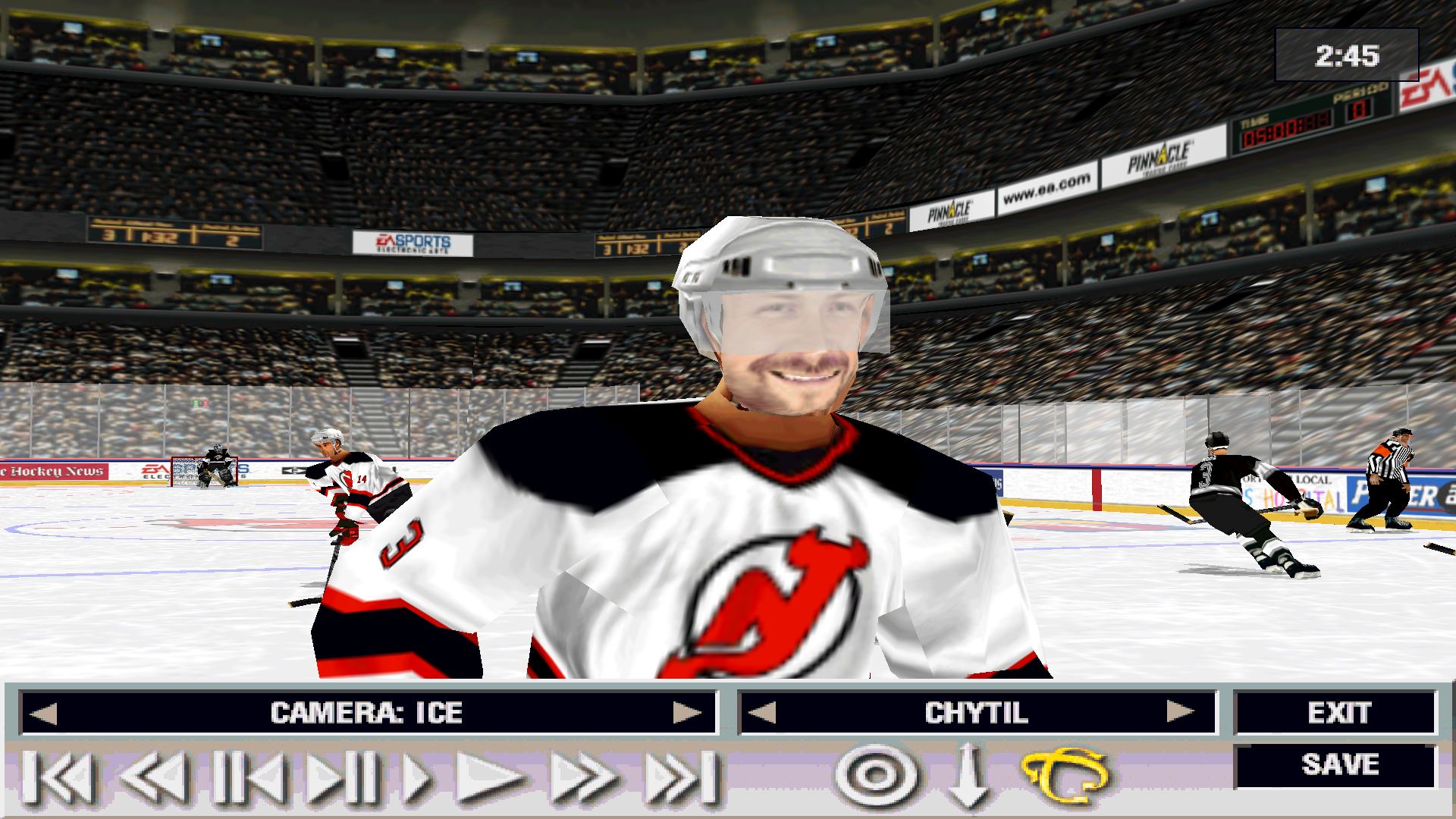
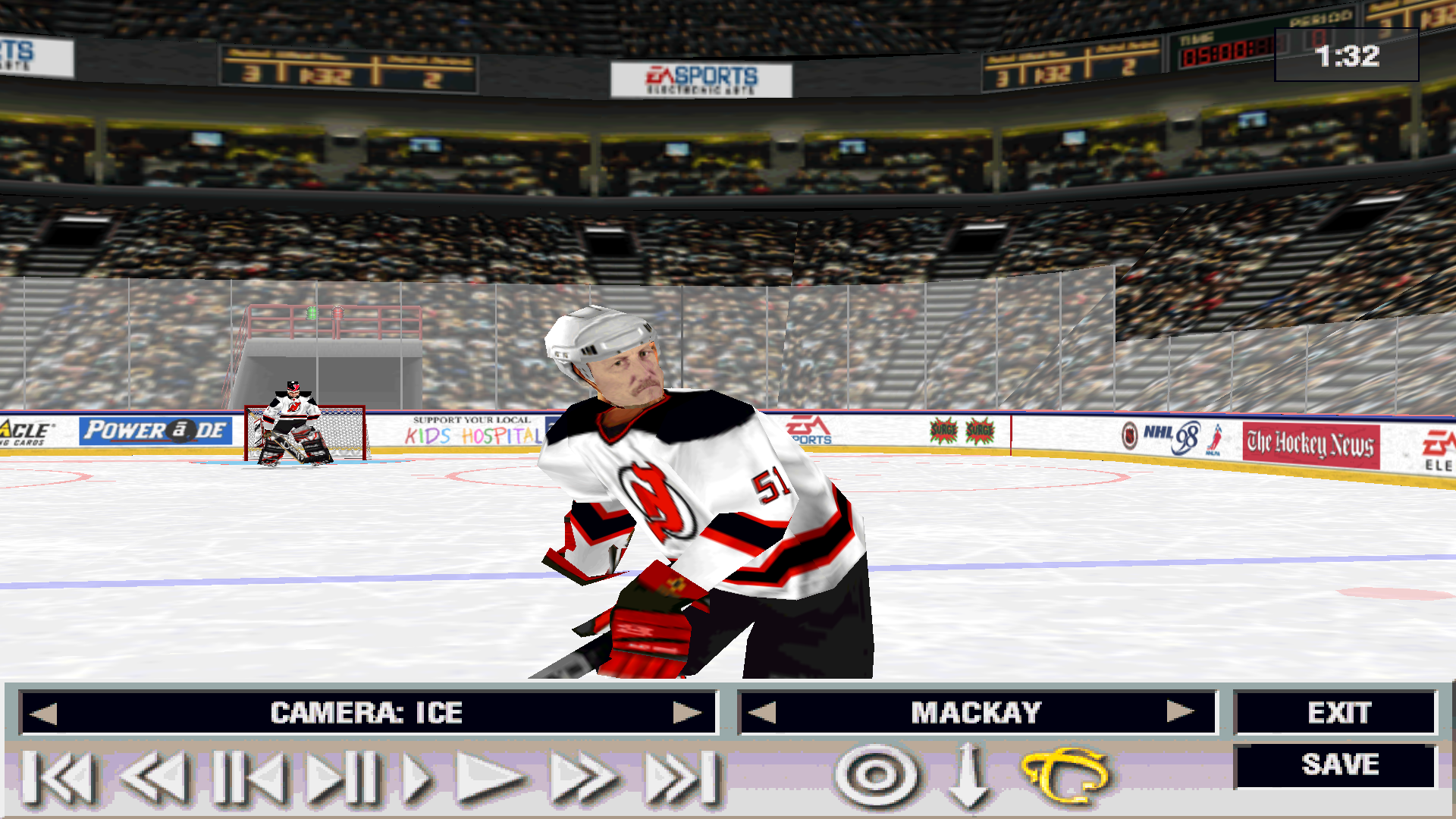
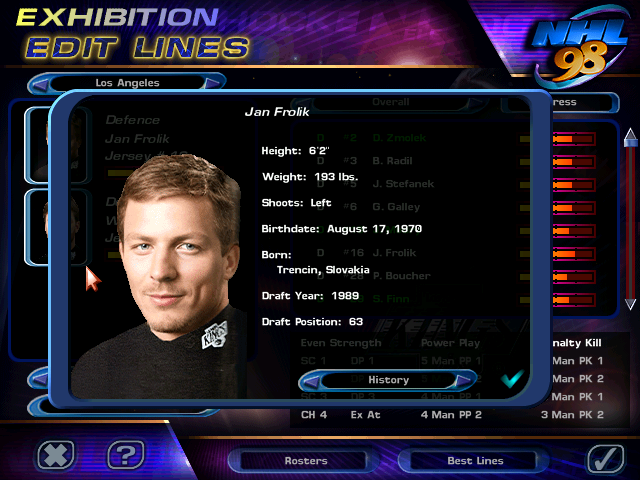
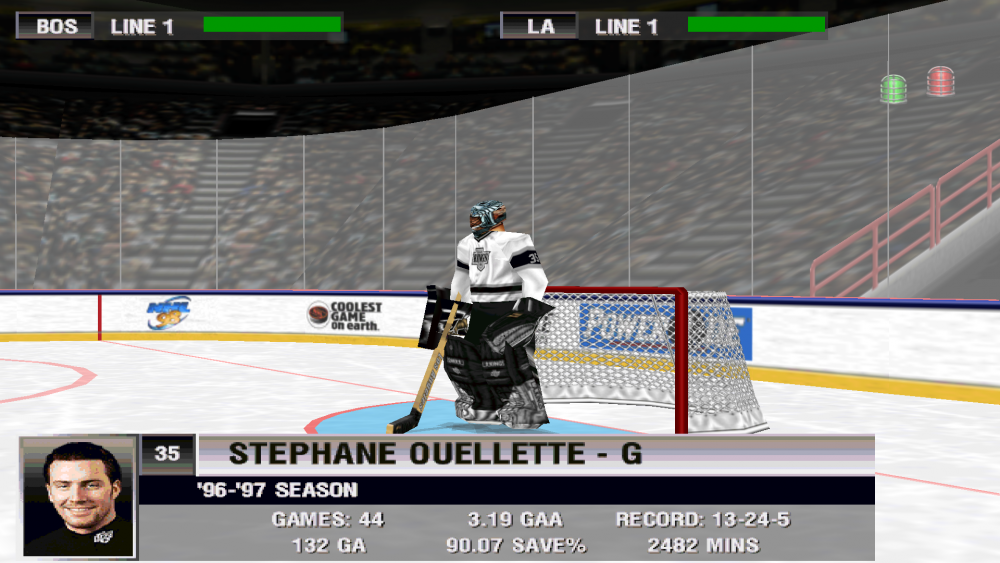
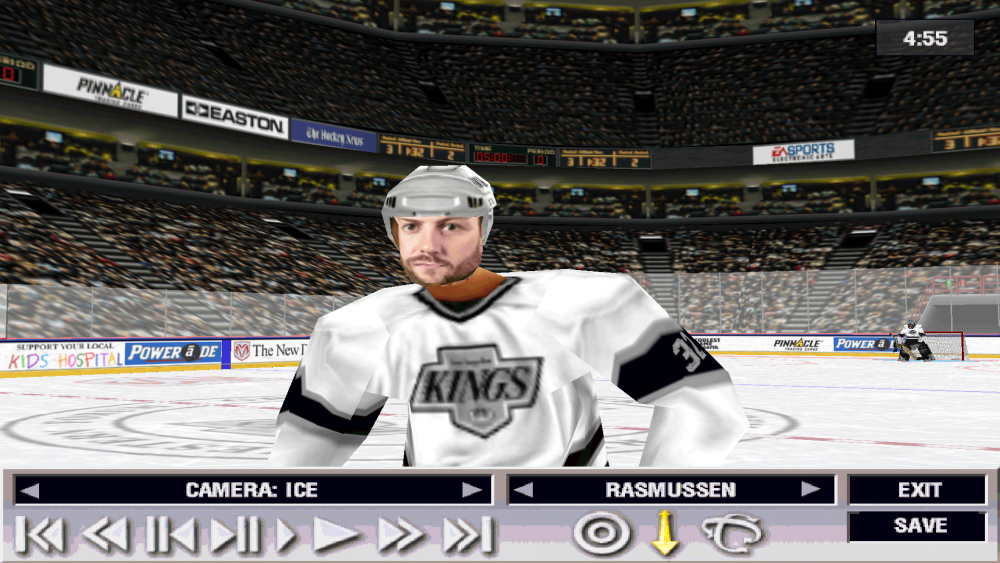
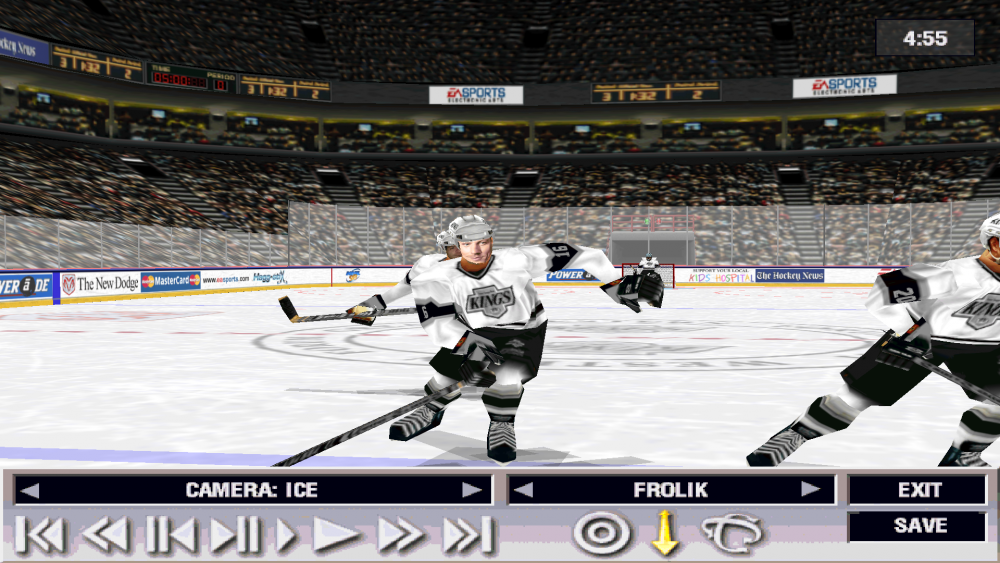
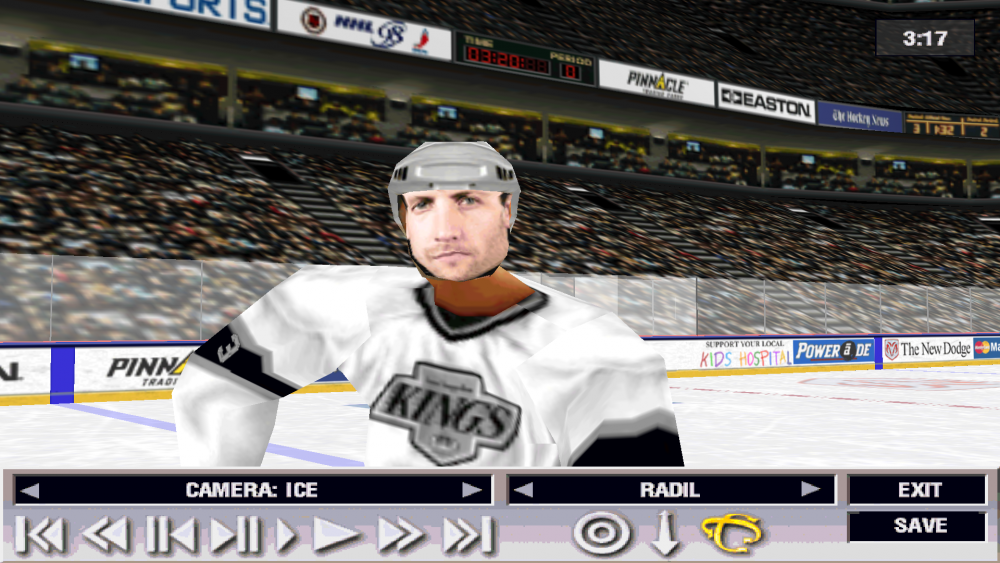
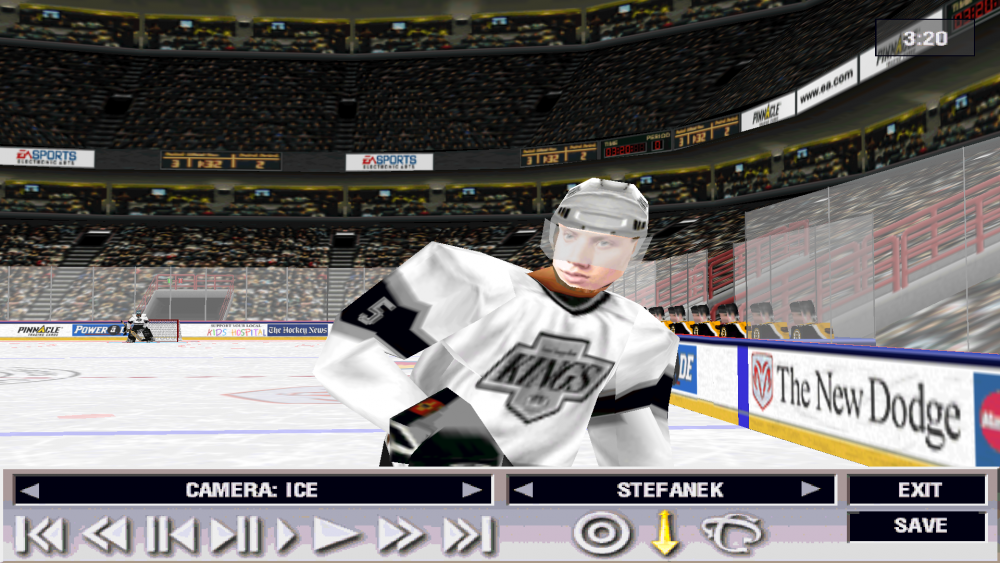
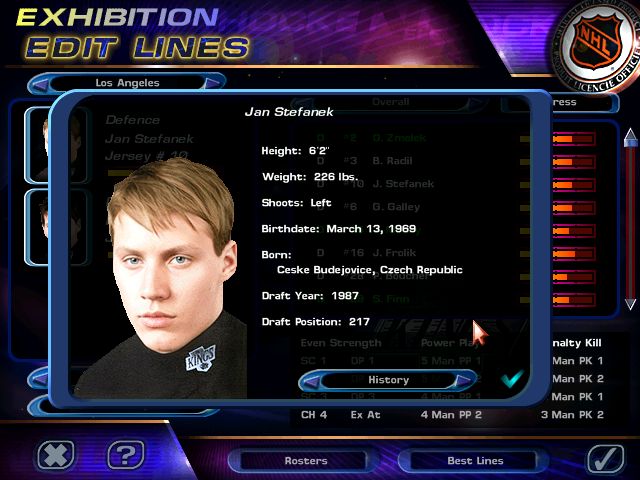
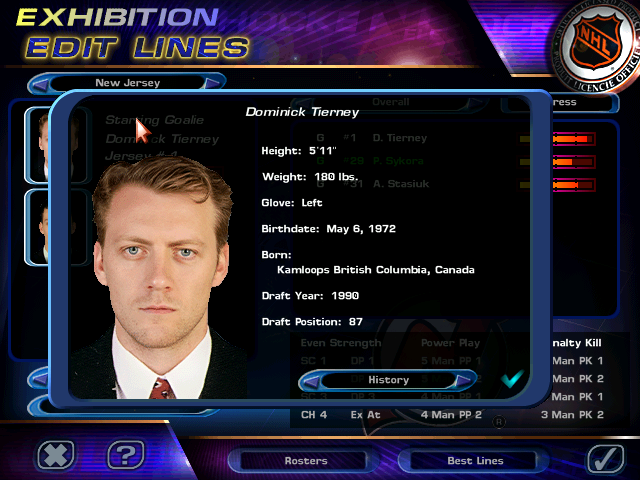
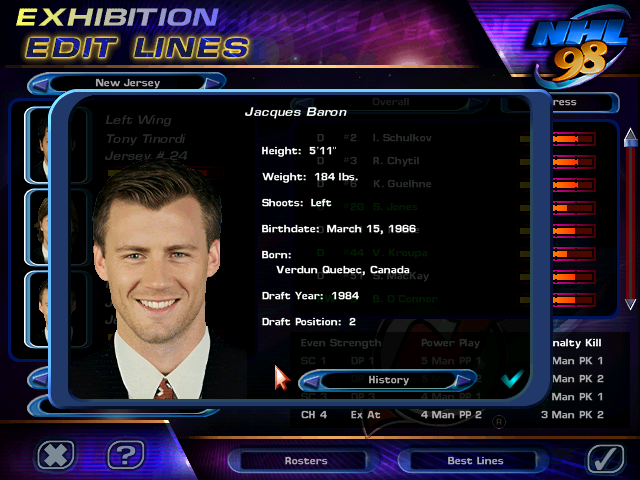
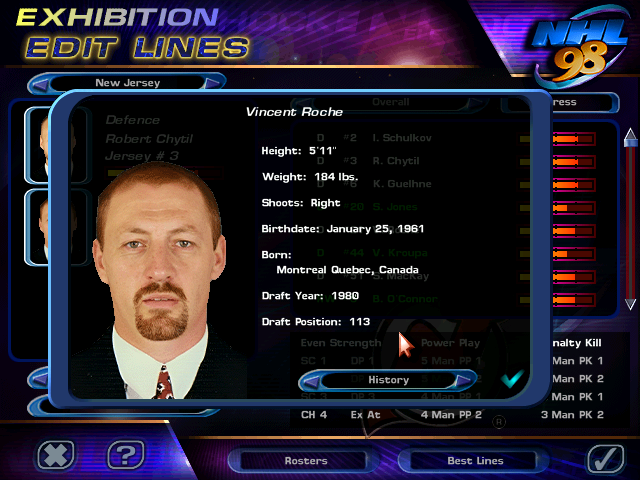
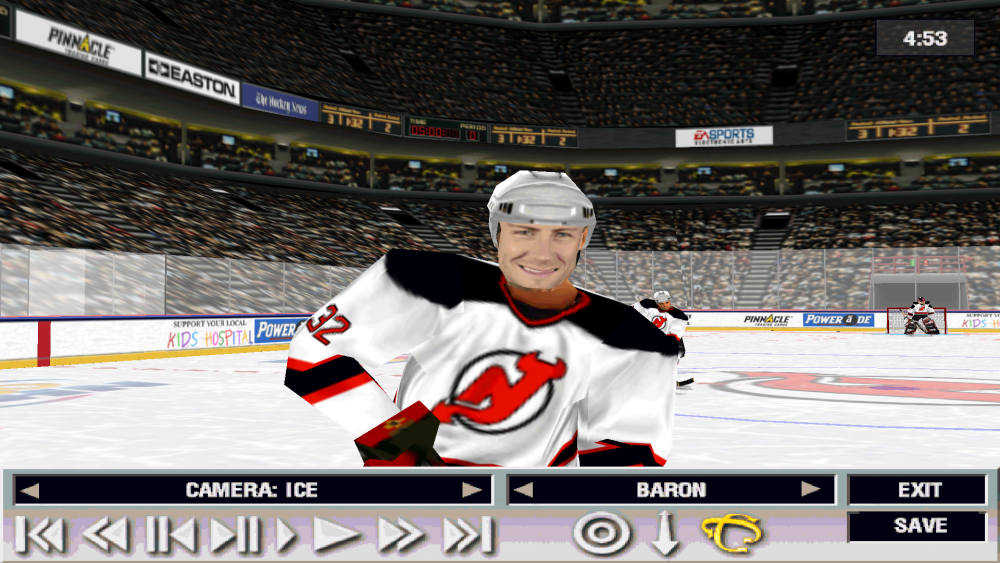
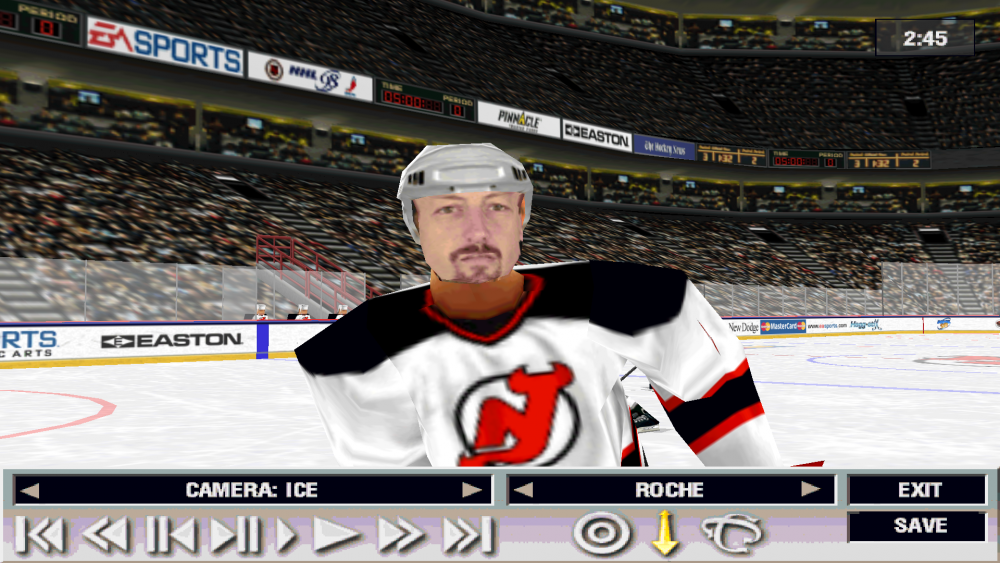
I had the bright idea of making a mod of NHL 98 where all the players are fictional. Here's what I have as of now.






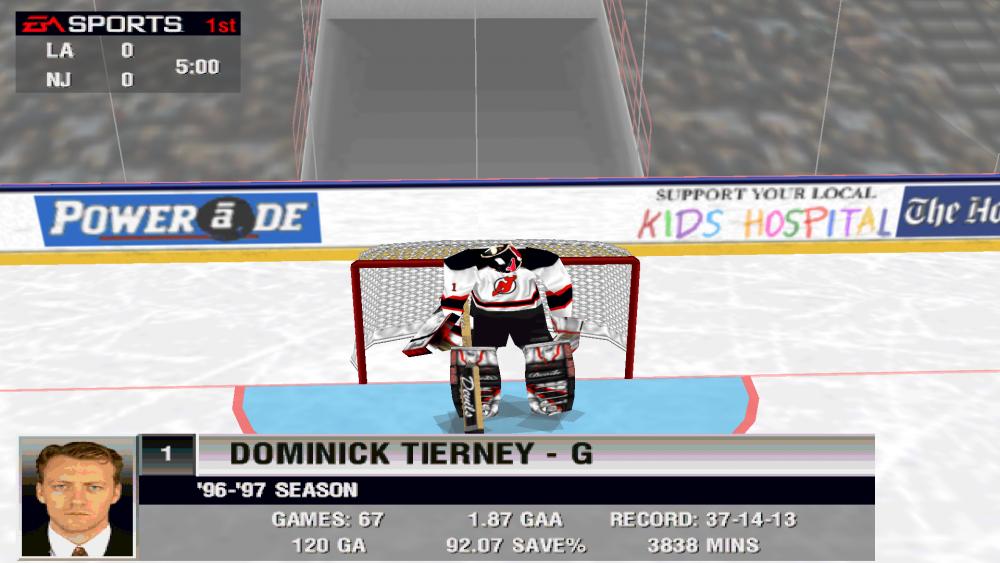
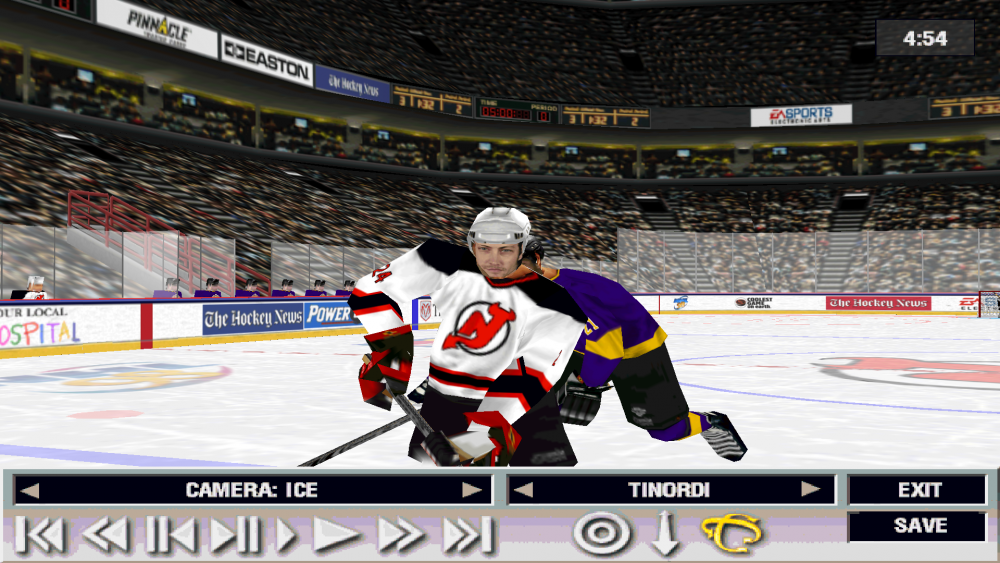
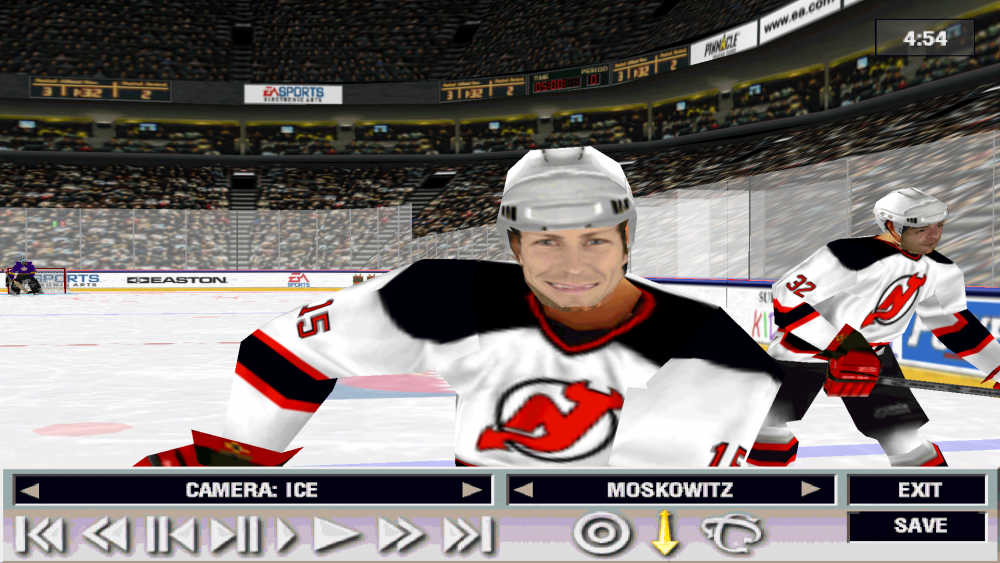
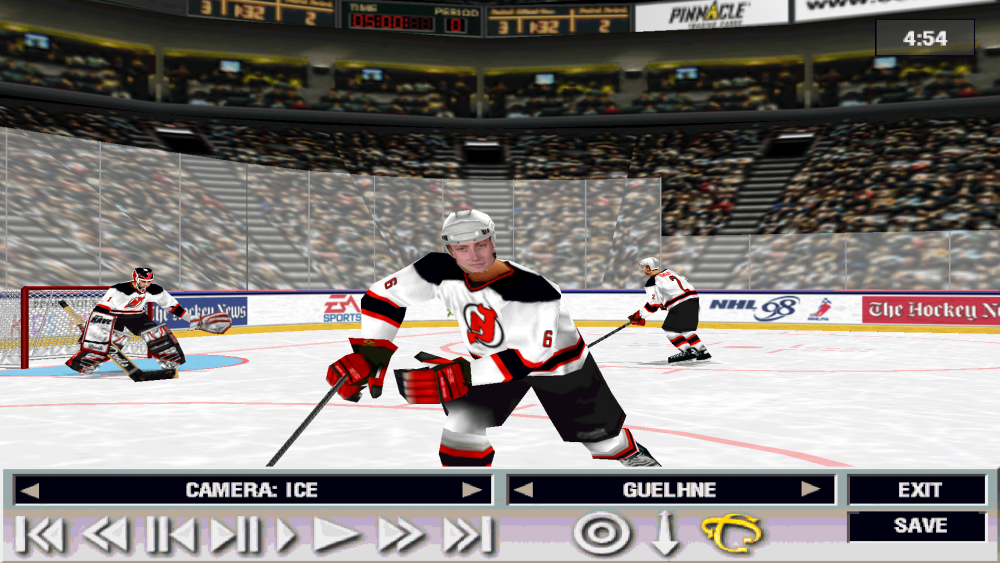





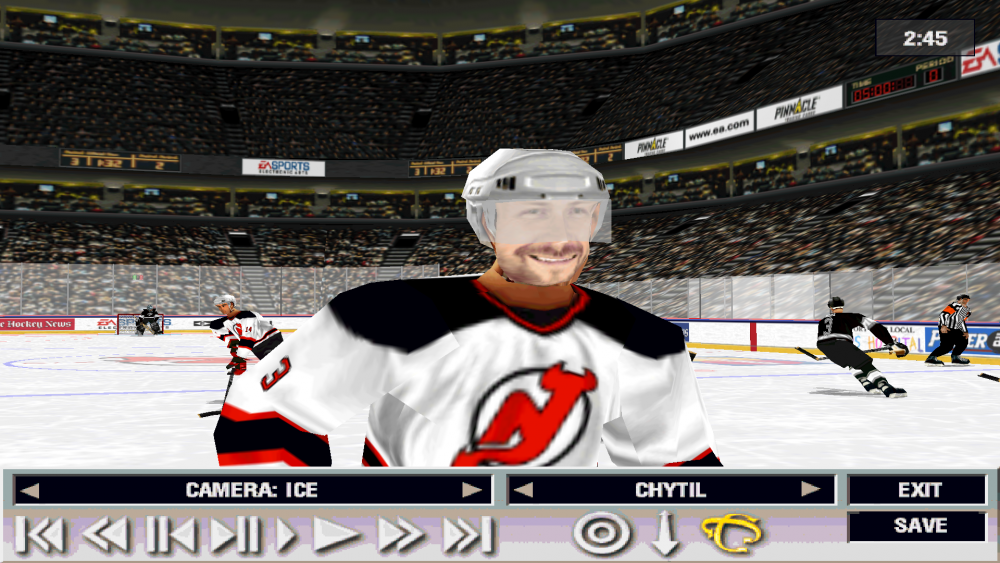
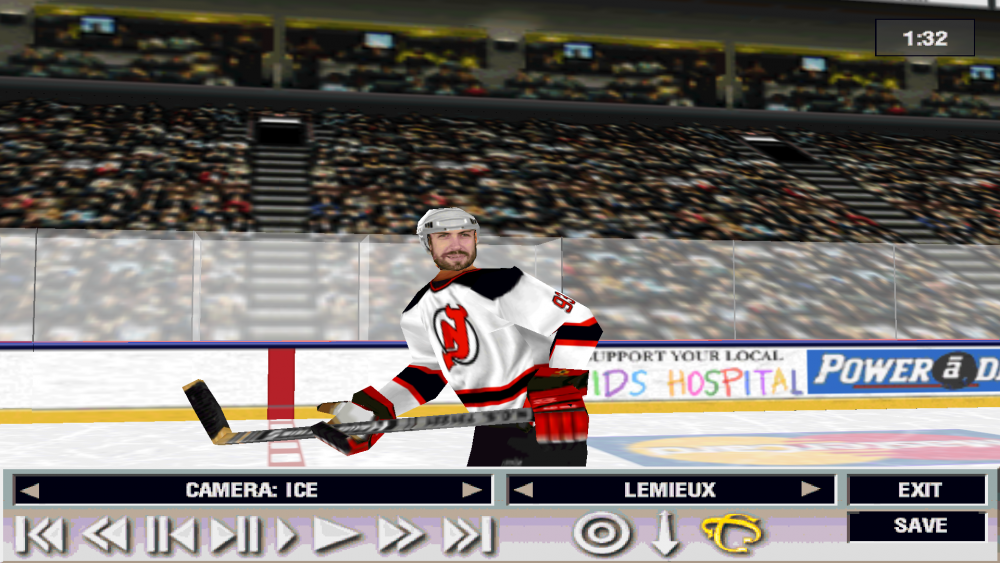
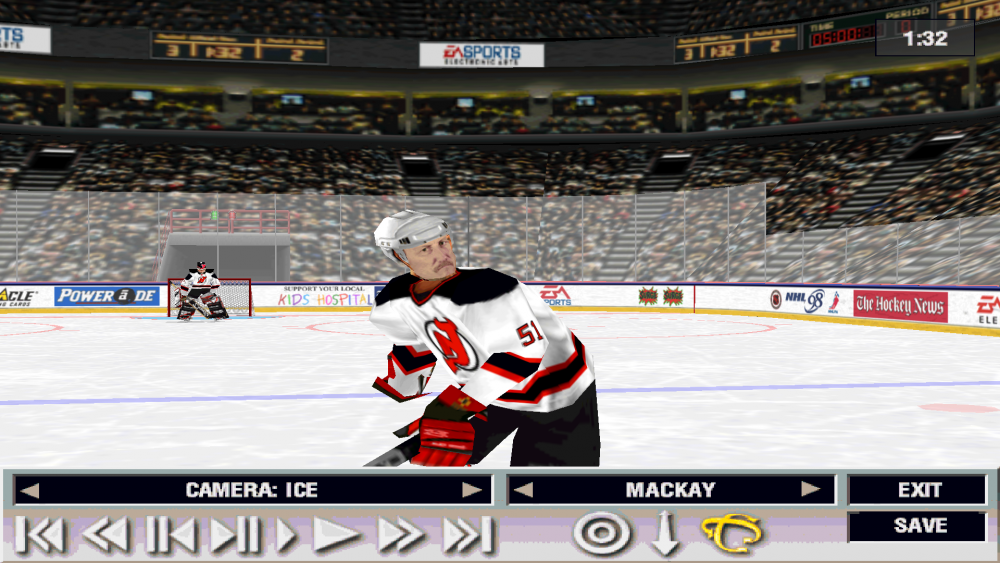

-
Editing music/sounds in NHL '94- a start
Jlsegafan2001 replied to Asher413's topic in General Discussion
I see. Well, take your time. -
NHL Legacy Edition Rebuild (WIP)
Jlsegafan2001 replied to Sean's topic in Post '98 Titles & Other Hockey Titles
That’s okay. We all make mistakes.