
UltraMagnus
-
Posts
663 -
Joined
-
Last visited
-
Days Won
112








Recent Profile Visitors
10,640 profile views



UltraMagnus's Achievements






-
I was planning doing one for 95 with the season schedule as well. But amazing job on the rom and everything about it.
-
Cap Friendly and data source alternatives
UltraMagnus replied to AdamCatalyst's topic in General Questions & Discussion
I use a site for more of the historical nature, and its called SIHR. Im acquiring all the details from every season and every players stats, jersey numbers, etc. I can share this if you like. -
Vintage Roms 1908-Present Date Project!!!! NHL95
UltraMagnus replied to UltraMagnus's topic in Genesis Roms
Well with the wife away all weekend and into next week Ill get more completed. The schedules is trickiest thing. But they are date accurate.- 9 replies
-
- 1
-

-
- nhl95
- custom roms
- (and 5 more)
-
Vintage Roms 1908-Present Date Project!!!! NHL95
UltraMagnus replied to UltraMagnus's topic in Genesis Roms
More to come...Have the next 3 slated for this weekend.- 9 replies
-
- 2
-
-
- nhl95
- custom roms
- (and 5 more)
-
Vintage Roms 1908-Present Date Project!!!! NHL95
UltraMagnus replied to UltraMagnus's topic in Genesis Roms
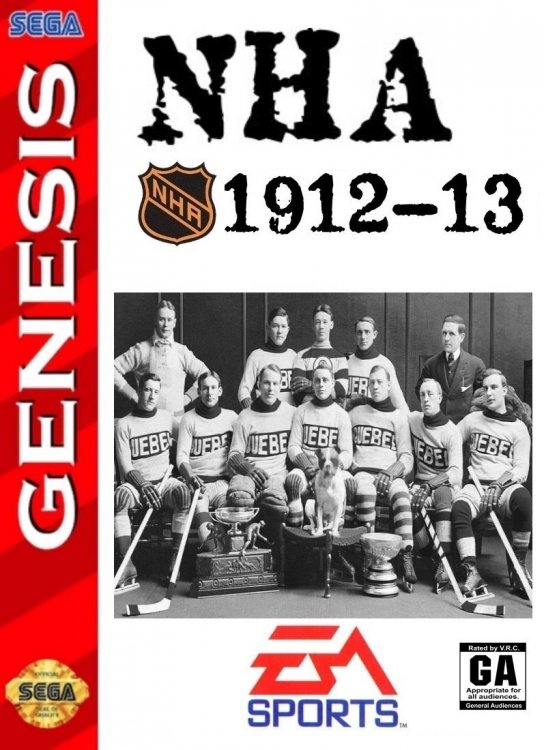
1912-13 and 1913-14 1912-13.bin 1913-14.bin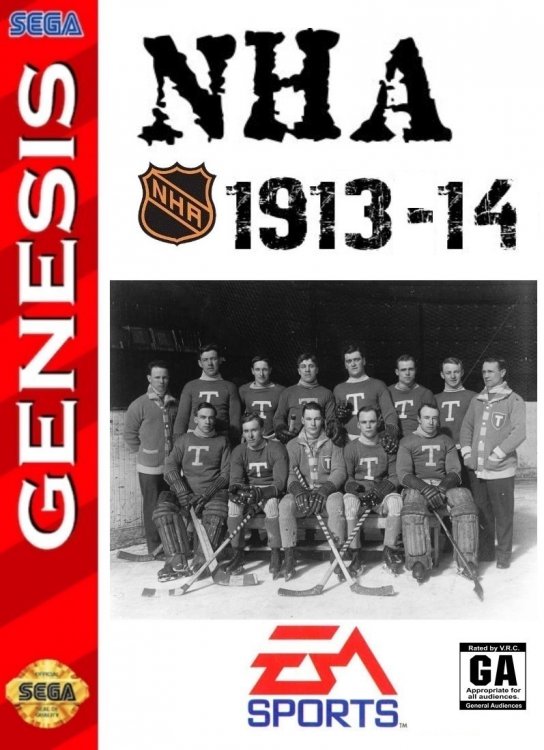
- 9 replies
-
- 4
-
-

-
- nhl95
- custom roms
- (and 5 more)
-
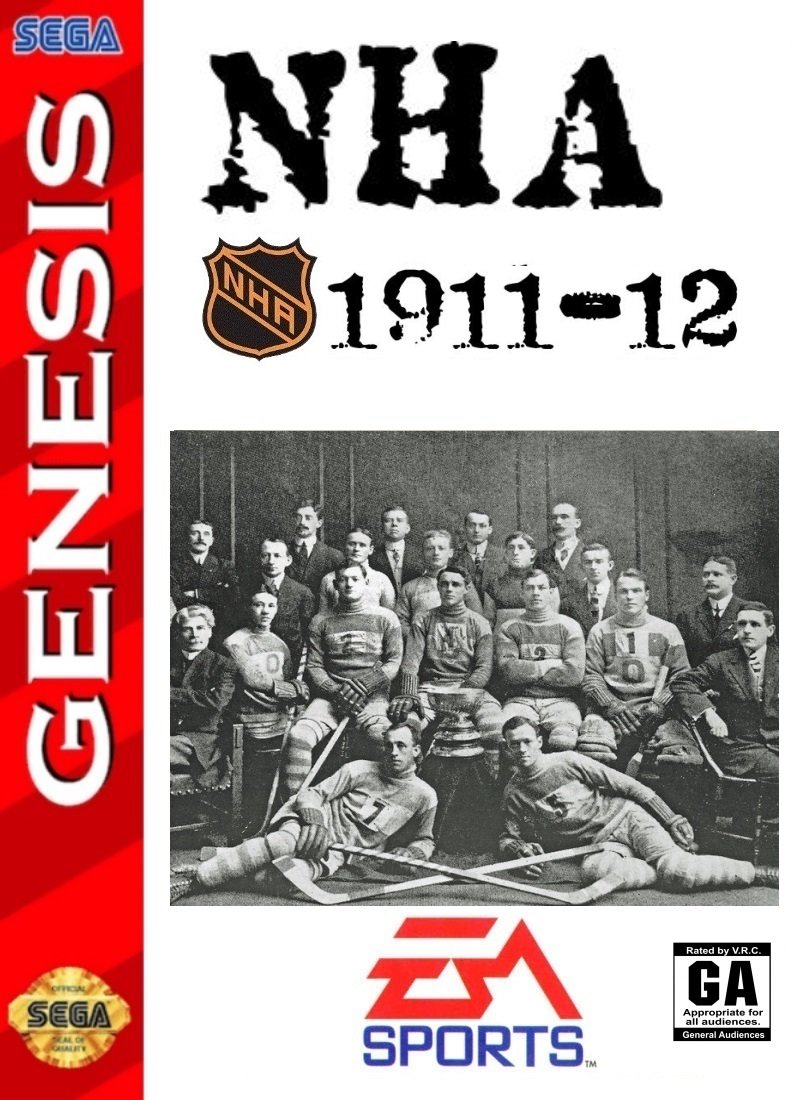
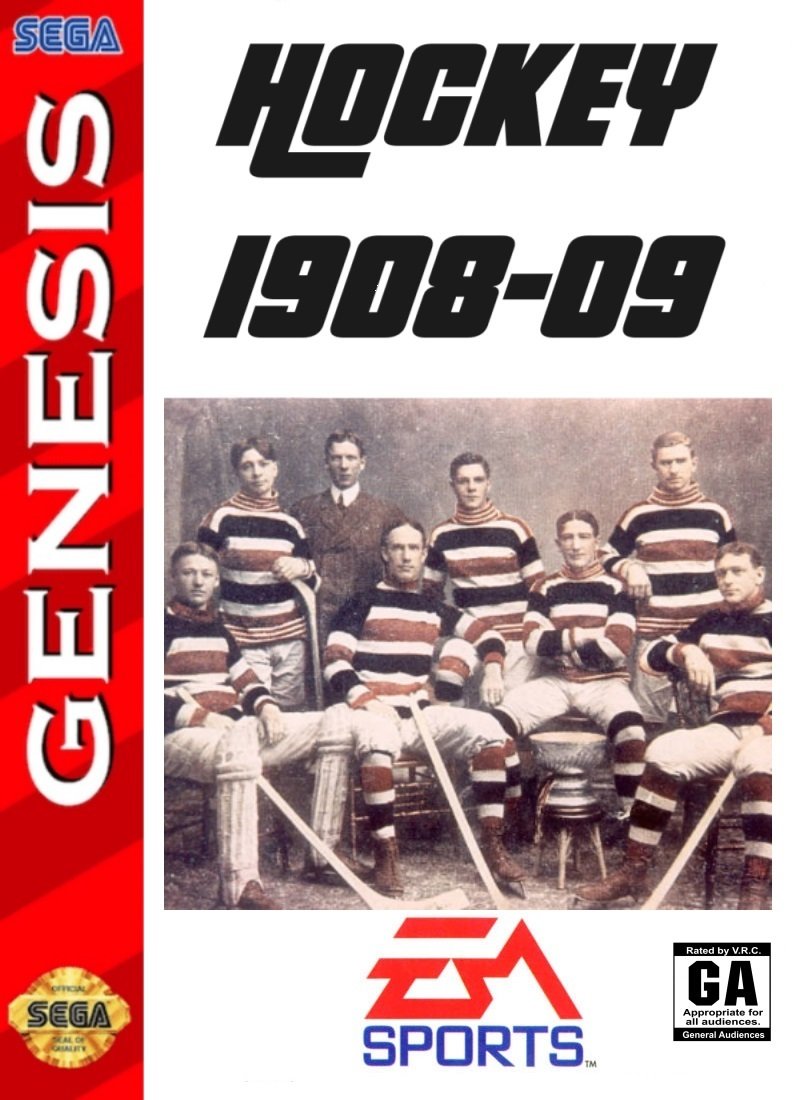
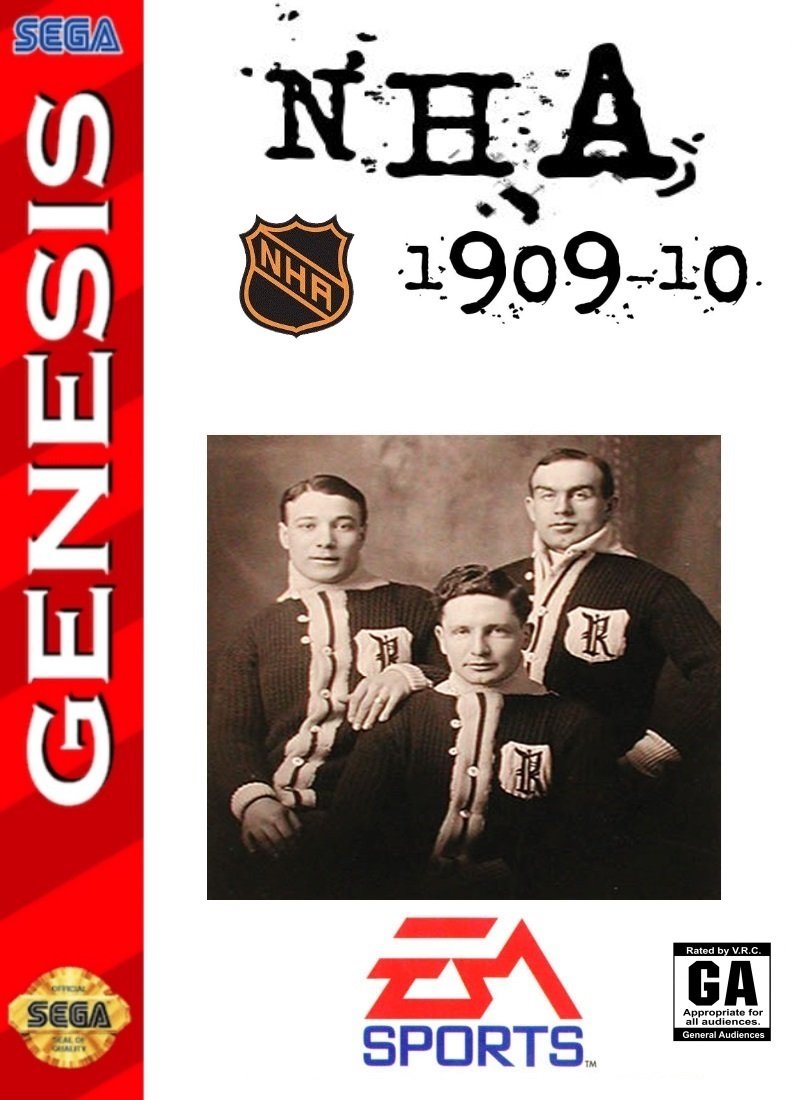
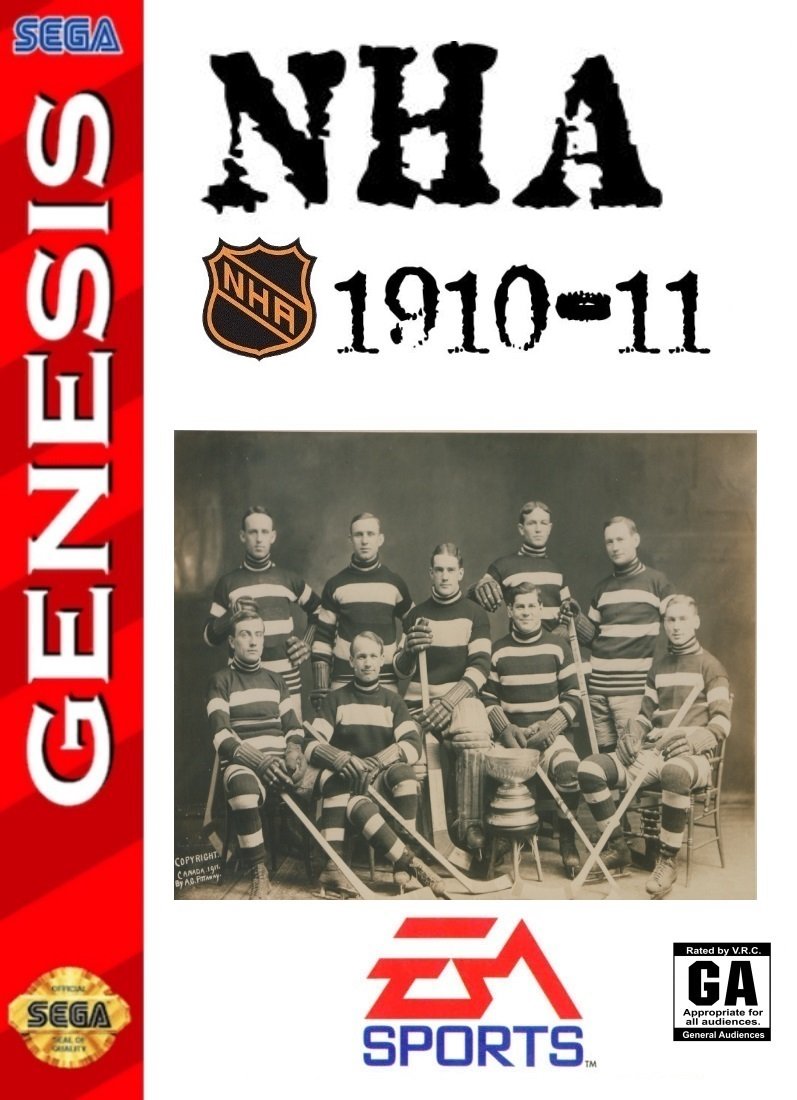
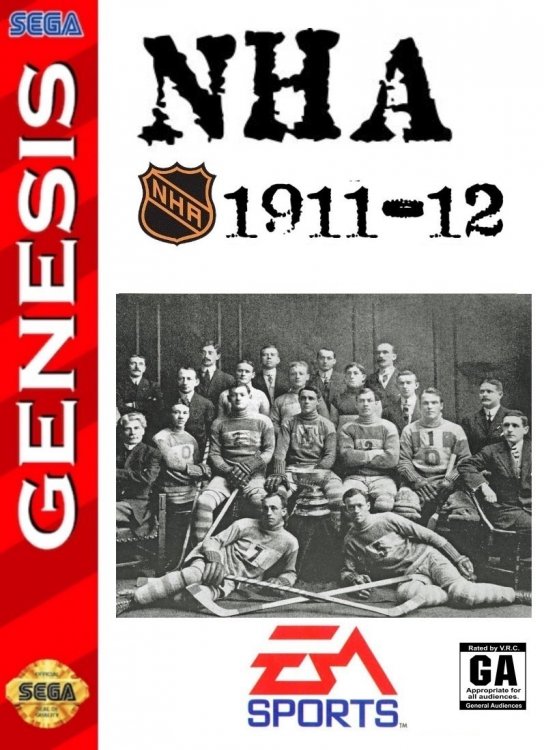
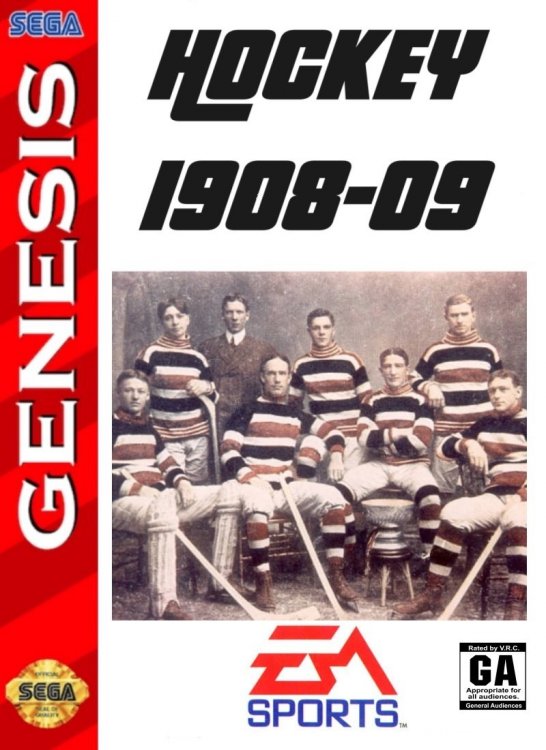
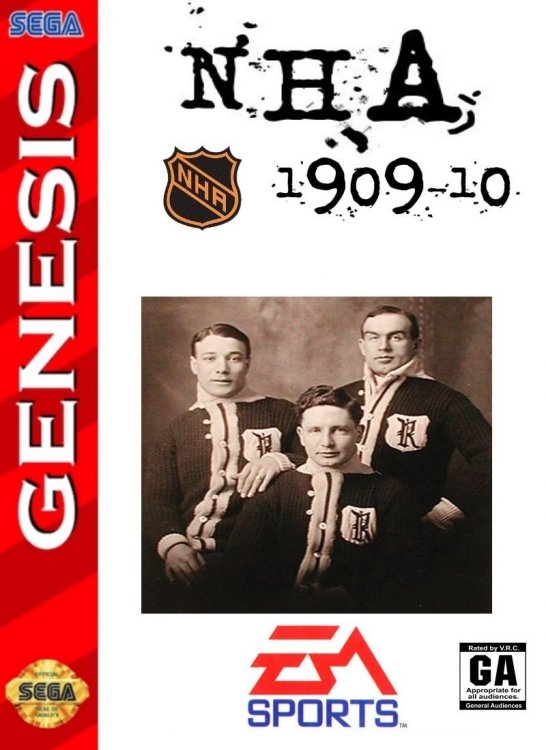
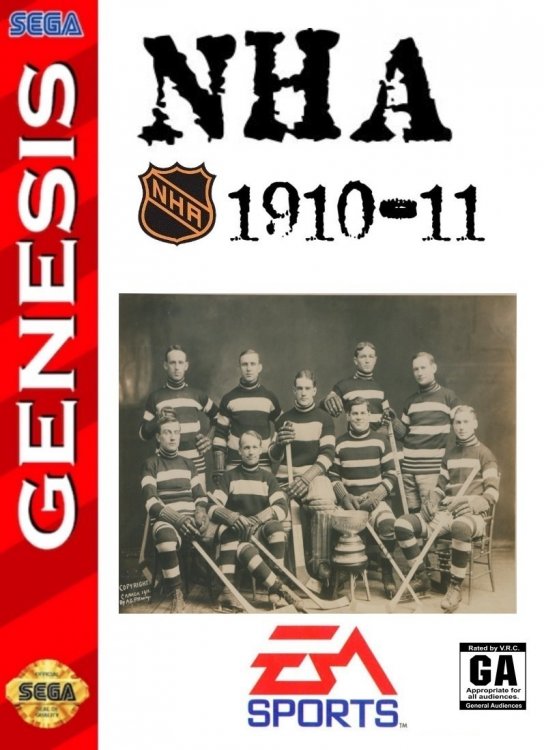
Hello NHL95 Fanatics!!! Im bring you a database of games. A long project but an important one for the history of the NHL, and preNHL leagues as well. Cause that is where the roots lie, in the NHA, ECHA, MPHL, PCHA, WPHL, WHA, IIPHL, and so on. Ive created the beginning of this projected and wanted to share with everyone with time specific rosters, ratings, teams, arenas, rinks, logos, and much more. - The roms will span the history of hockey in North America from 1908-09 to present date. - Teams specific to each season and their actual schedules of that season (side note, when playing season mode, please allow about 10 seconds to allow the mode to start) - Logos, Arenas, Player Cards, Jerseys and even players with no helmets including the goalies. A huge thanks goes out to a few members @von Ozbourne @kingraph and others. 1908-09.bin 1909-10.bin 1910-11.bin 1911-12.bin
- 9 replies
-
- 4
-
-
-
- nhl95
- custom roms
- (and 5 more)
-
Not sure which way emulator your using. I've used some emulators that it works with as well. It's major issue is the battery that caused most of the errors. The biggest work around was retro arch. Might be an issue I have to look into. Sorry I've haven't been able to respond recently. Been swamped with work.
- 19 replies
-
- 1
-
-
- triple play
- updated game
- (and 4 more)
-
00_-_NOSE.zip
-
This is crazy. Not sure how these guys can do it. Especially when they didn't do any of the work. @Smashville
- 13 replies
-
- 1
-
-
- baseball
- basketball
- (and 8 more)
-
https://discord.com/invite/jnv8J2UK
-
Yes
-
How did you turn off ICING? Would it apply to 95 as well?
-
Sure. Also we have an online 95 community for leagues too
-
Well that's why when people ask for mods. Only saying which one they want. Is a little vague. Details and look get you more attention
-
Well I can do that season mode length. As long as someone provides the division breakdown they want.