Superegz
-
Posts
3 -
Joined
-
Last visited
-
Days Won
1
Superegz's Achievements




-
Yes. I've never actually turned line changes off. I think the puck is in possession of the highlighted player. I think the puck was also in possession of a player the other time but he was facing towards the camera so it was more obvious. He just stood there doing nothing.
-
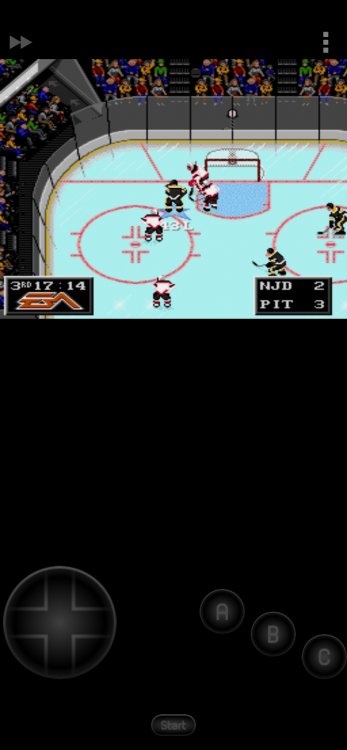
New Jersey and Pittsburgh. I just ran another demo of the two teams (20 minute periods, penalties and line changes on) and it happened again. Here is a screenshot of the situation when they stopped playing. It's different from the 1st time.
-
Great hack! Its awesome well done! I'm sorry but I just came across a weird bug. I was watching a demo game and after a while all the players just sort of stopped playing and were just standing there occasionally moving a couple of steps back and forth. The crowd animations and clock timer continued to tick down. After the period, the next period began normally and the game continued.